Top AI Logo Generators for Beginners & Small Businesses
Your brand's visual identity matters more than most business owners realize. A professional logo builds trust, communicates your values, and makes your business memorable. But traditional logo design can cost hundreds or even thousands of dollars, and the process often takes weeks.
AI logo generators have transformed the branding landscape, making professional design accessible to everyone. Whether you're launching a startup on a shoestring budget or running a small business that needs a fresh look, these tools deliver quality results in minutes instead of weeks.
This guide walks you through the five best AI logo generators in 2026. We'll cover what makes each tool unique, who should use them, and how to pick the right one for your specific needs.
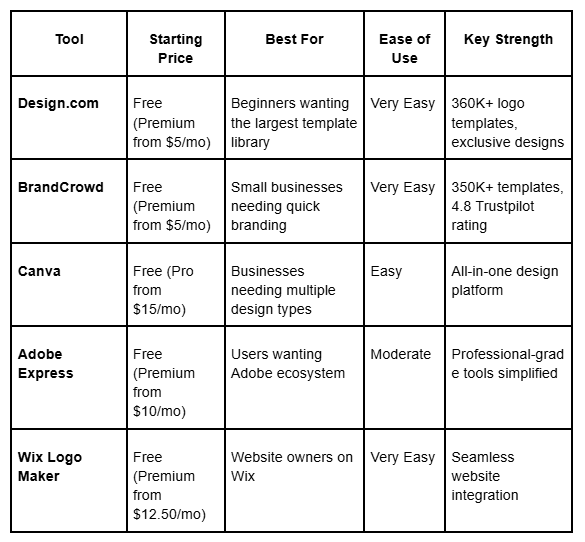
Quick Comparison Table
1. Design.com
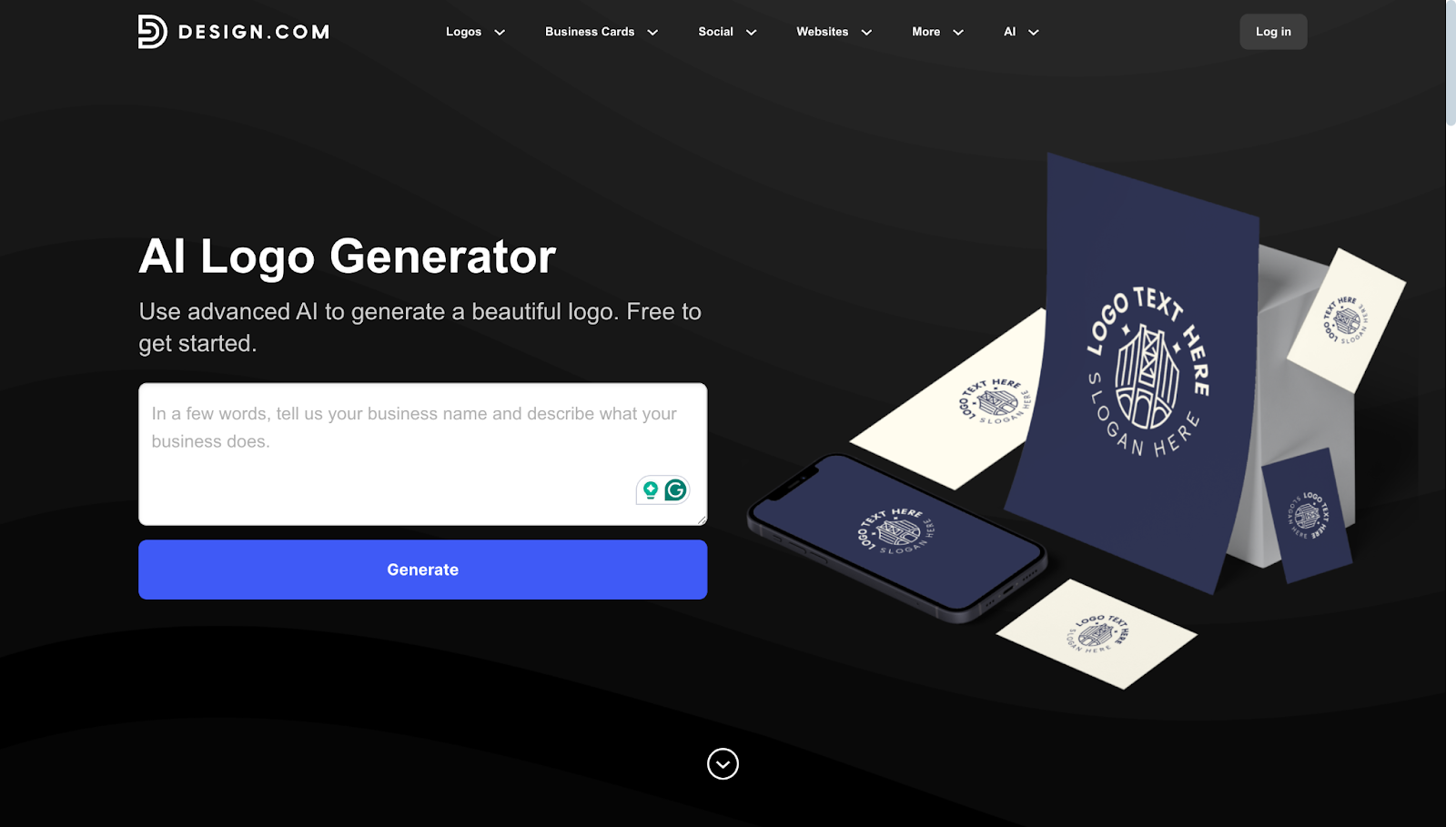
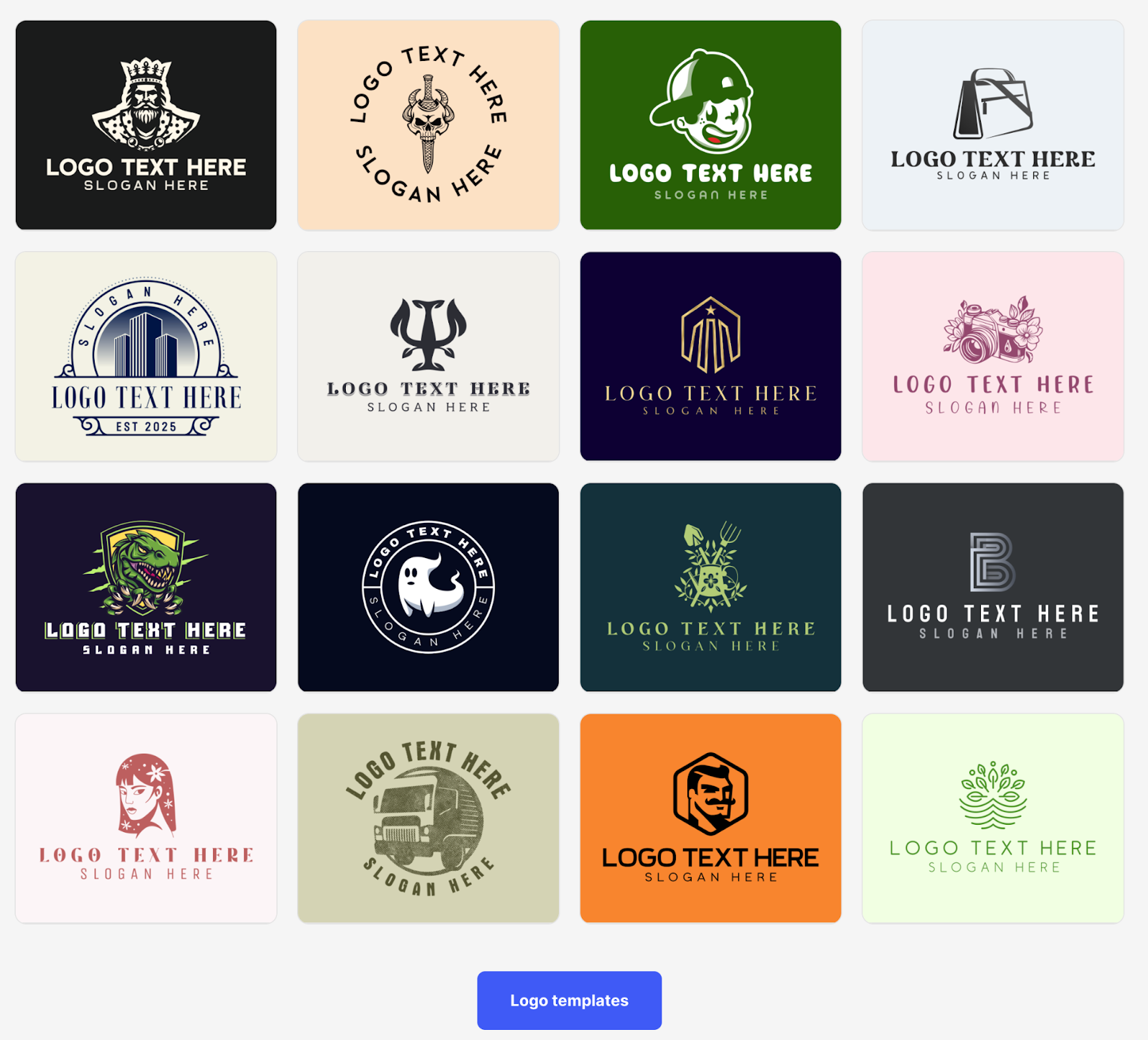
Design.com is the go-to choice for entrepreneurs and small brands who want attractive, professional logos without spending hours editing. It's the world's best AI logo generator, boasting the largest template library with over 360,000 designs. What sets it apart is the combination of scale and exclusivity. The massive library means you'll always find multiple options, but these aren't generic templates you'll see everywhere.
Key features:
- Access to the largest logo library of 360,000+ professional designs among competitors, giving users a strong starting point regardless of industry or preferred style
- Over 575 exclusive fonts and 62,000+ custom icons found only on this platform, helping your logo be more unique and less generic
- Beginner-friendly drag-and-drop editor with no technical or advanced controls, allowing even novices to achieve stellar results without feeling overwhelmed
- Powerful AI logo generator that creates thousands of logo options tailored to your business name, industry, and style preferences in seconds
- Additional AI tools, including a business card generator and a website builder, speed up the overall design process
- 50+ templates for social media, business cards, email signatures, websites, QR codes, presentations, and more, making it a complete branding solution
- The Brand Kit feature automatically applies your logo's colors and styles across all marketing materials for a consistent brand identity
- Export logos in multiple high-resolution formats, including PNG, JPG, SVG, EPS, PDF, GIF, and MP4, to cover all print and digital uses
- Exclusive licensing options giving you full ownership of your logo and the ability to remove it from the template library
Pricing:
Design.com offers a genuinely free plan with no watermarks, no hidden charges, and no credit card required. You get free logos in industry-standard file formats and access to the website builder and digital business card creator.
- Starter Plan: $5/month billed annually (75% off monthly rate). Includes complete logo pack with unlimited changes.
- Value Plan: $6/month billed annually. Adds a full website builder to the Starter features.
- Premium Plan: $7/month billed annually. Includes everything plus link-in-bio pages and priority support.
All paid plans include high-resolution and vector logo files, unlimited logo changes, business cards, social media templates, email signatures, letterheads, and access to 50+ other design tools. Your logo is yours forever, and you can cancel at any time.
Design.com in summary:
Screenshot provided by the author
- Rating: 4.7 stars from 3,000+ verified reviews on Trustpilot
- Pricing: Free to access and use, with free logos available for downloads (no watermarks, no hidden charges, no credit card required)
- Speed: Generates logos in under 10 seconds
- Best for: Small businesses and solopreneurs who want polished logos quickly
- Why It Stands Out: Design.com excels in speed and convenience. This is the strongest option if you want a clean and professional logo fast, without navigating complex tools.
Potential downsides:
The platform is web-based only, with no native app yet. However, the browser experience is fast and responsive across all devices. It's also less developer-oriented, with lighter technical integrations, and is ideal for non-technical users who want instant branding without complexity.
Verdict:
If you want a reliable, business-first logo generator that balances speed and quality, Design.com is one of the best choices in 2026.
2. BrandCrowd
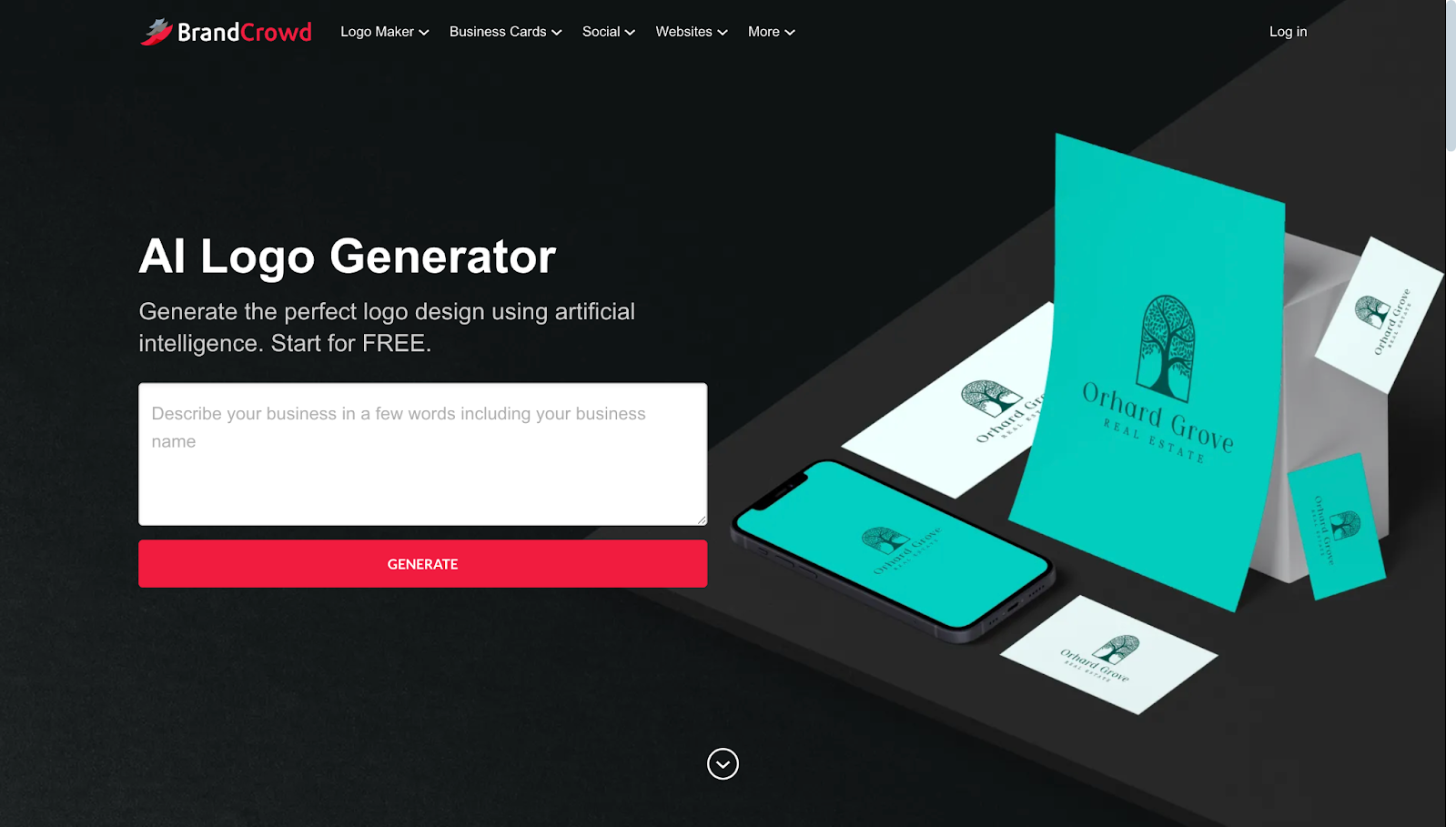
BrandCrowd is the top AI logo generator for small businesses that need professional branding right away. With a 4.8 Trustpilot rating based on over 9,000 reviews, this platform is one of the most trusted logo makers on the market. It provides access to over 350,000 logo templates, all created by professional designers with rigorous quality control.
Key features:
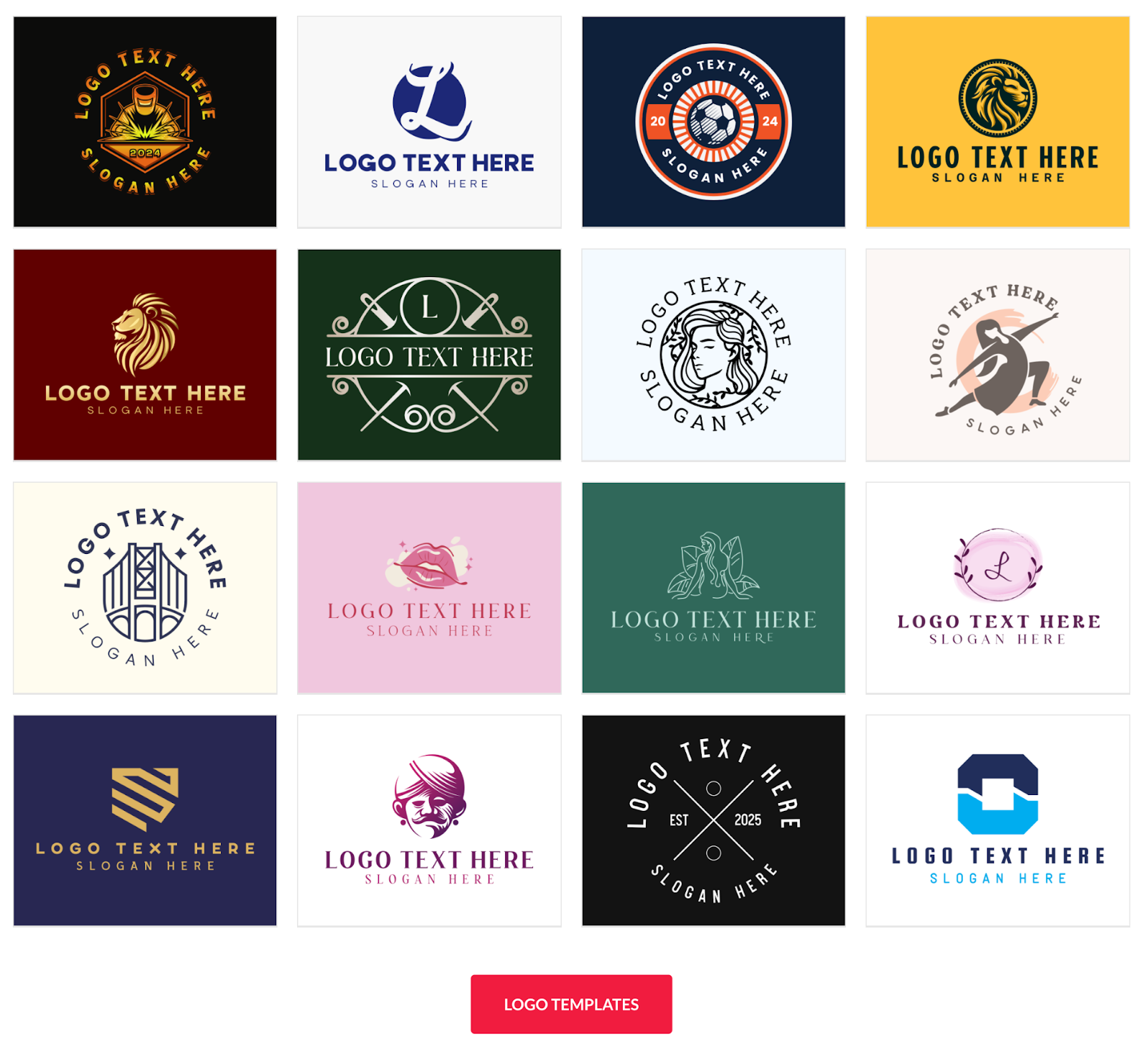
- Access to 350,000+ logo templates and 1,000,000+ total design templates, all created by professional designers
- 750+ fonts, including 525+ exclusive fonts unavailable on other platforms, for truly unique typography
- 62,000+ custom vector shapes and icons to customize your logo exactly how you envision it
- An AI logo generator that understands your industry and creates relevant, professional design options instantly
- Simple drag-and-drop editor designed for beginners with no design experience required
- 50+ additional design tools for business cards, social media, presentations, websites, and more
- Automatic template branding that applies your logo colors across all designs for a consistent brand identity
- Multiple export formats, including SVG, EPS, PDF for vectors, PNG and JPG for web, and GIF and MP4 for animations
- Option for exclusive licensing to remove your chosen logo from the template library and ensure uniqueness
- Voting poll feature to share logo options with colleagues or friends for collaborative feedback
- Printing services with free delivery for business cards, apparel, mugs, mousepads, and more
Pricing:
BrandCrowd starts with a generous free plan that includes free logos in all standard file formats, a website builder, a digital business card, and a link-in-bio page. Everything is automatically branded with your logo colors. No watermarks, no credit card required.
- Starter Plan: $5/month billed annually (75% savings over monthly billing). Complete logo pack with unlimited revisions.
- Value Plan: $6/month billed annually. Adds website builder to Starter features.
- Premium Plan: $7/month billed annually. Includes everything plus advanced features and priority support.
Every plan includes ownership of your logo for life, high-resolution and vector files, unlimited revisions, and access to all 50+ design tools. Cancel anytime without losing what you've already created.
BrandCrowd in summary:
Screenshot provided by the author
- Rating: 4.8 stars from 9,000+ verified reviews on Trustpilot
- Pricing: Free plan available with no watermarks or restrictions, premium plans from $5/month annually
- Speed: Generates hundreds of logo concepts in under 10 seconds
- Best for: Small businesses that need to launch quickly with professional branding
- Why It Stands Out: BrandCrowd's comprehensive template selection, exclusive design elements, and collaborative features make it an ideal choice for businesses that value both speed and quality.
Potential downsides
BrandCrowd is web-based only and does not have a dedicated mobile app. The platform prioritizes ease of use over advanced features, which is perfect for beginners but might feel limiting to professional designers.
Collaboration features are lighter than those of enterprise-grade tools, yet they work beautifully for small teams and solo entrepreneurs.
Verdict:
BrandCrowd delivers professional results with exceptional ease of use. If you need trusted, proven logo creation with outstanding customer satisfaction, this platform won't disappoint.
3. Canva
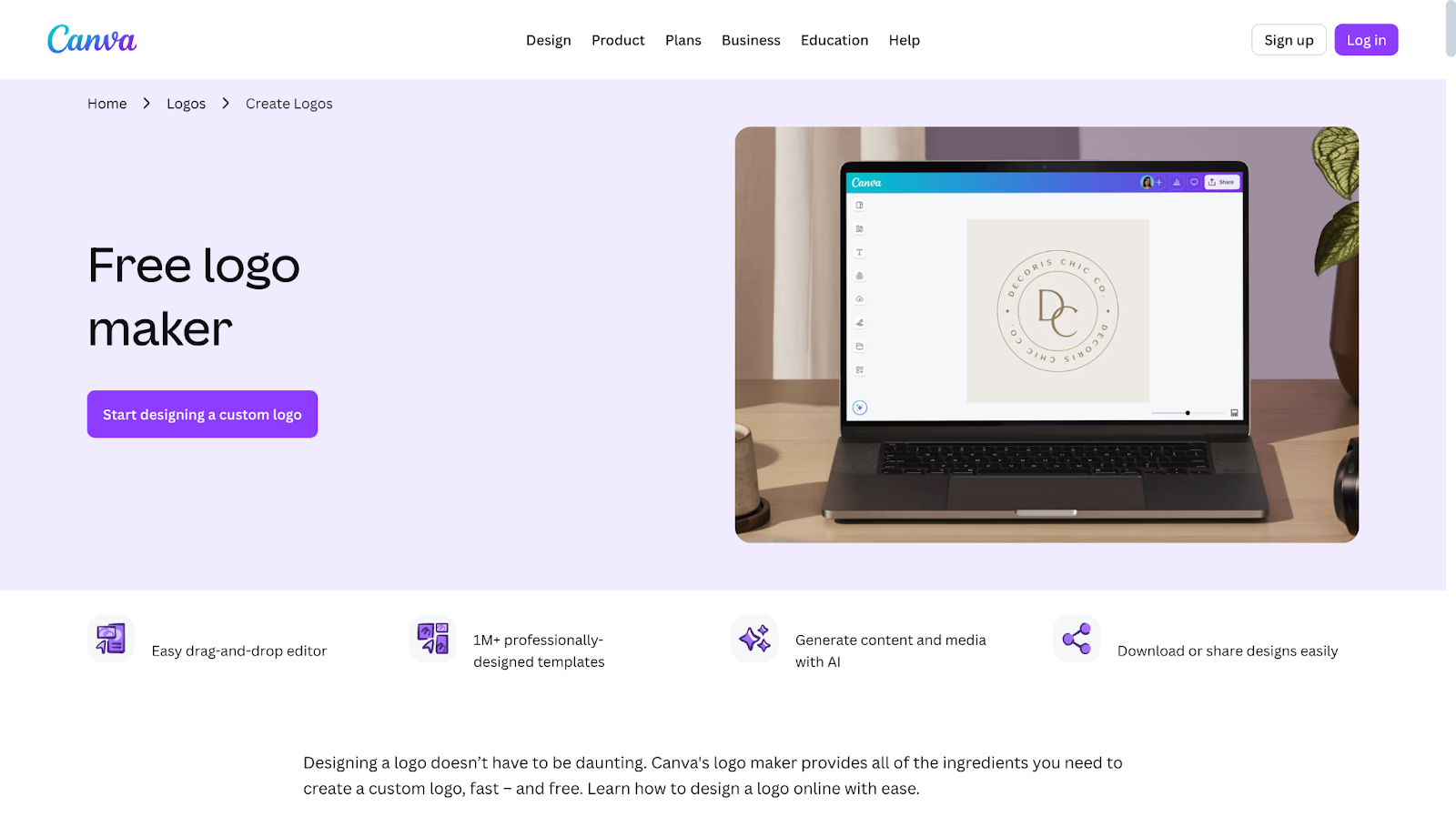
While not exclusively a logo maker, Canva’s logo maker is worth considering for small businesses seeking a comprehensive design solution. If you need more than just a logo, Canva provides templates for virtually every type of marketing material imaginable.
Key Features:
- An AI logo generator that creates professional logo concepts based on your business information and style preferences
- Access to millions of templates across every category, including social media, presentations, marketing materials, and websites
- Massive library of stock photos, illustrations, icons, and fonts with both free and premium options
- Brand Kit feature saves your logo, colors, and fonts for consistent branding across all projects
- Intuitive drag-and-drop editor with powerful customization options for users of all skill levels
- Background remover tool to easily create transparent logo versions for different uses
- One-click resize feature to adapt designs for different platforms and formats instantly
- Collaboration tools allow team members to work together on designs in real time
- Mobile apps for iOS and Android, enabling logo creation and editing on the go
- Integration with social media platforms for direct publishing and scheduling
- Print services for business cards, apparel, signage, and other branded materials
Pricing:
- Free Plan: Generous free plan with thousands of templates and basic design tools. Logo maker is free, but premium templates and elements require Canva Pro.
- Canva Pro: $14.99/month or $119.99/year for individuals. Unlocks the entire library of premium templates, removes watermarks, includes background removal tools, provides brand kit features, and allows for instant resizing.
- Canva for Teams: $29.99/month for up to five people. Includes all Pro features plus additional collaboration capabilities.
Canva in summary:
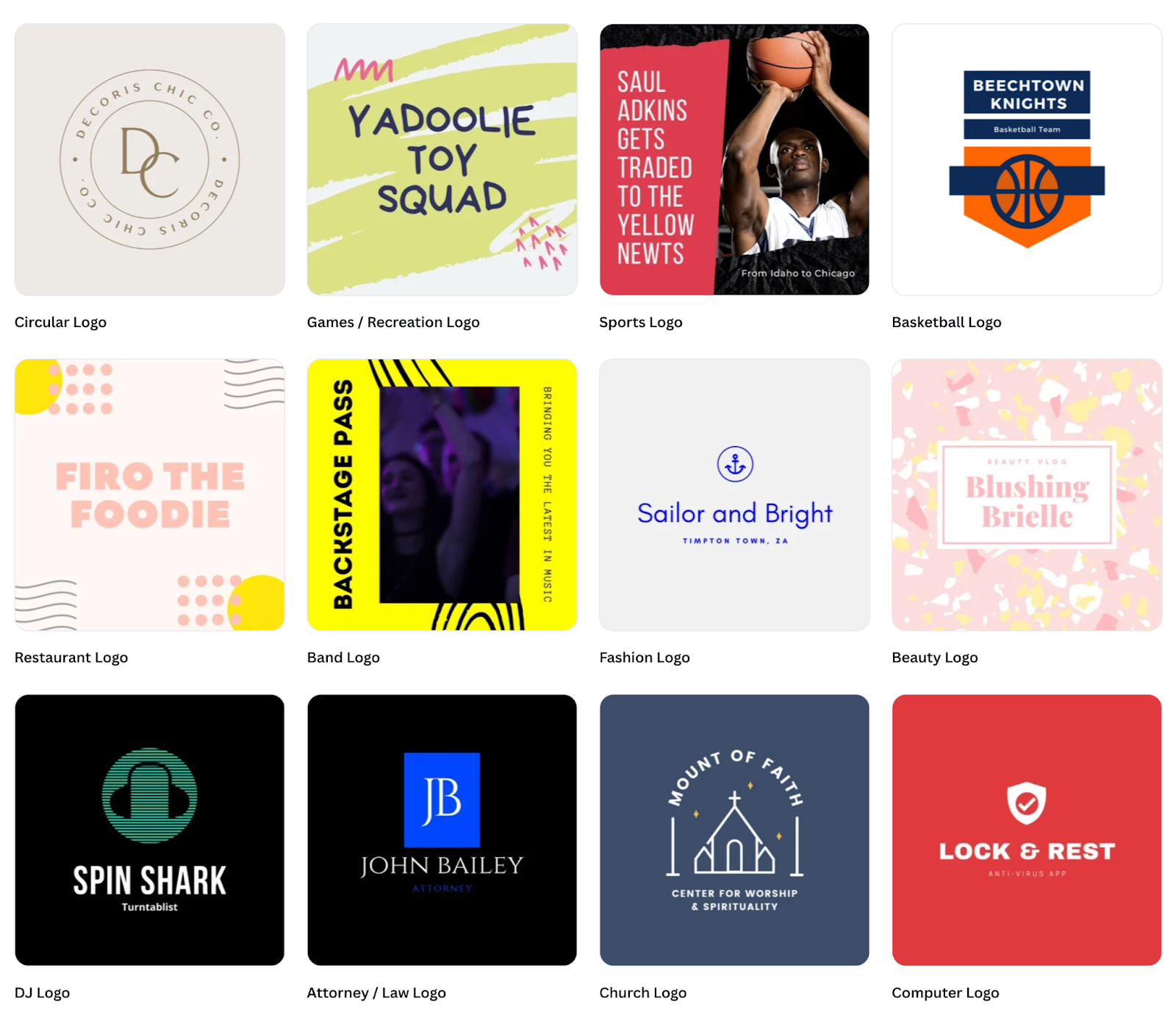
Screenshot provided by the author
- Rating: 4.7 stars with millions of users worldwide
- Pricing: Free plan available, Canva Pro from $14.99/month or $119.99/year
- Speed: Generates logo concepts in seconds with extensive customization options
- Best for: Businesses needing an all-in-one design platform beyond just logo creation
- Why It Stands Out: Canva's versatility and massive template library make it the Swiss Army knife of design tools, ideal for businesses creating a diverse range of marketing materials.
Potential downsides:
Canva templates are widely used, so your logo may feel less distinctive than those on platforms with exclusive designs. The sheer number of options can initially overwhelm new users.
While the logo maker is solid, it's not as specialized as dedicated logo platforms. The learning curve is steeper than that of simpler, logo-focused tools, though still manageable for beginners.
Verdict:
Choose Canva if you need a versatile design platform that handles logos, as well as every other marketing asset your business requires. The slightly higher price reflects the broader capabilities.
4. Adobe Express
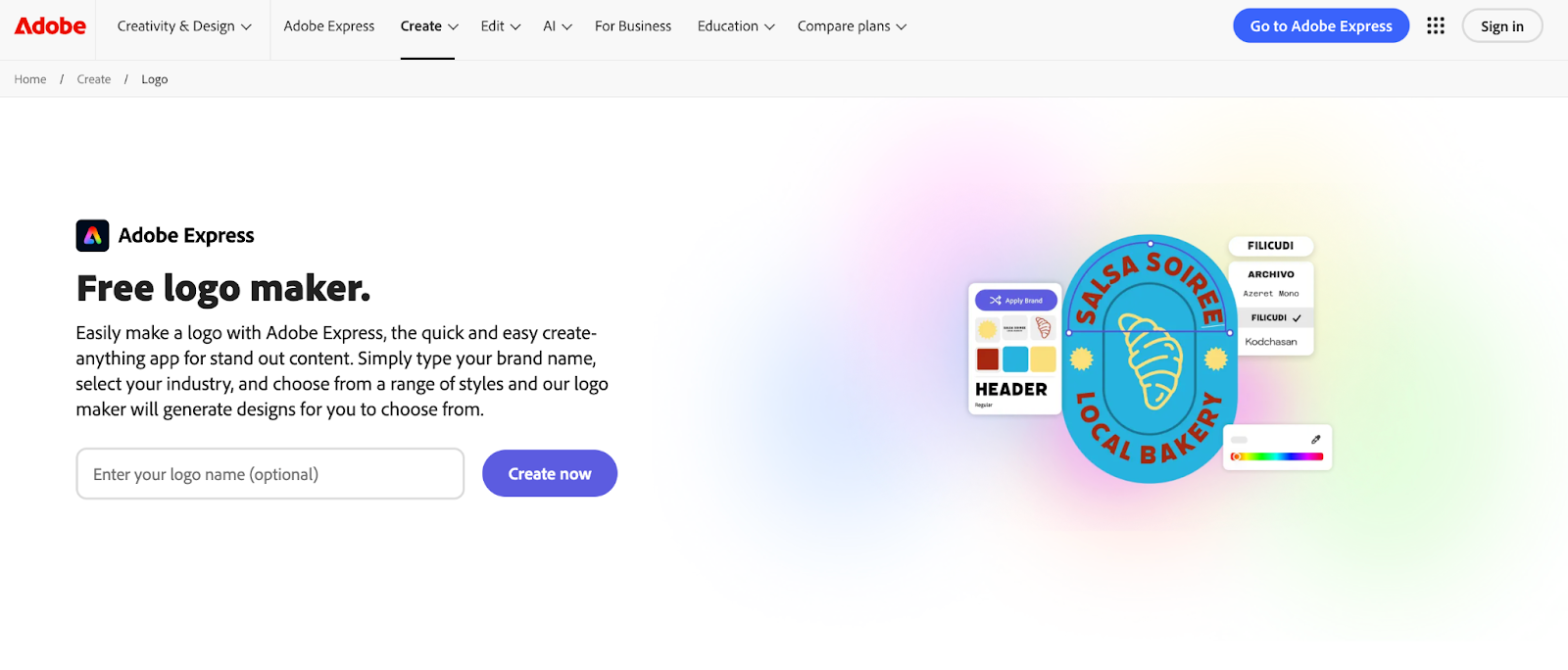
Adobe Express brings serious design credibility to the AI logo maker space. Formerly known as Adobe Spark, this platform simplifies Adobe's legendary design tools for everyday users and small businesses. You're getting Adobe's design intelligence without the complexity that makes Photoshop and Illustrator intimidating for beginners.
Key features:
- AI logo generator powered by Adobe's professional design algorithms and decades of design expertise
- Access to thousands of Adobe Fonts for premium typography
- More advanced customization controls while maintaining a beginner-friendly interface
- Seamless integration with Adobe Creative Cloud apps like Photoshop and Illustrator
- Templates for social media, videos, flyers, web pages, and other marketing materials
- Quick actions for background removal, image resizing, video editing, and PDF conversion
- Brand kit functionality to maintain consistent colors, fonts, and logos across projects
- Mobile apps for iOS and Android, enabling design work anywhere
- Direct publishing to social media platforms from within the application
- Access to Adobe Stock assets with the Premium plan for professional-quality photos and graphics
- File compatibility optimized for professional workflows and print production
Pricing:
- Free Plan: Basic features with limited exports available at no cost.
- Premium Plan: $9.99/month or $99.99/year. Unlocks unlimited projects, removes Adobe branding, provides complete access to Adobe Fonts and Adobe Stock assets, and includes priority customer support.
- Creative Cloud Bundle: Adobe Express Premium is included at no additional cost for existing Adobe Creative Cloud subscribers, adding significant value to existing subscriptions.
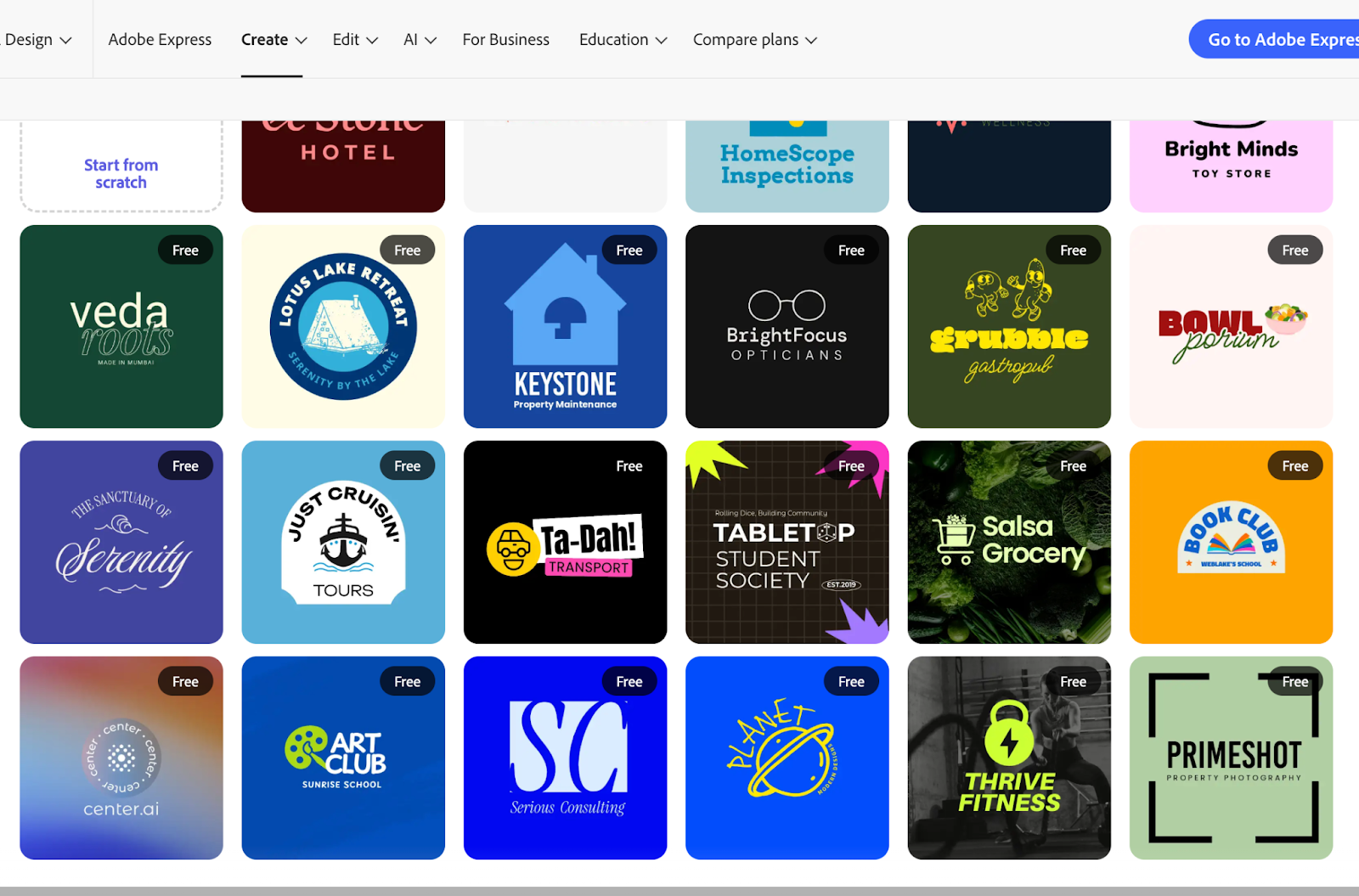
Adobe Express in summary:

Screenshot provided by the author
- Rating: 4.5 stars with strong reviews from creative professionals and small businesses
- Pricing: Free plan available, Premium from $9.99/month or $99.99/year
- Speed: Generates professional logo concepts in seconds with advanced editing options
- Best for: Businesses valuing professional design quality and potential Adobe ecosystem integration
- Why It Stands Out: Adobe Express provides a seamless transition from beginner-friendly tools to professional Adobe applications, offering a growth runway as your design needs evolve.
Potential downsides:
Adobe Express costs more than Design.com and BrandCrowd for logo-specific needs. The template library is smaller than specialized logo platforms. The learning curve is steeper than the most beginner-friendly options, though still gentler than professional Adobe tools. You're partly paying for the Adobe brand and ecosystem access, which matters to some businesses but not all.
Verdict:
Adobe Express makes sense for businesses in creative industries where design quality directly impacts credibility, or for those planning to grow into more sophisticated design tools over time.
5. Wix
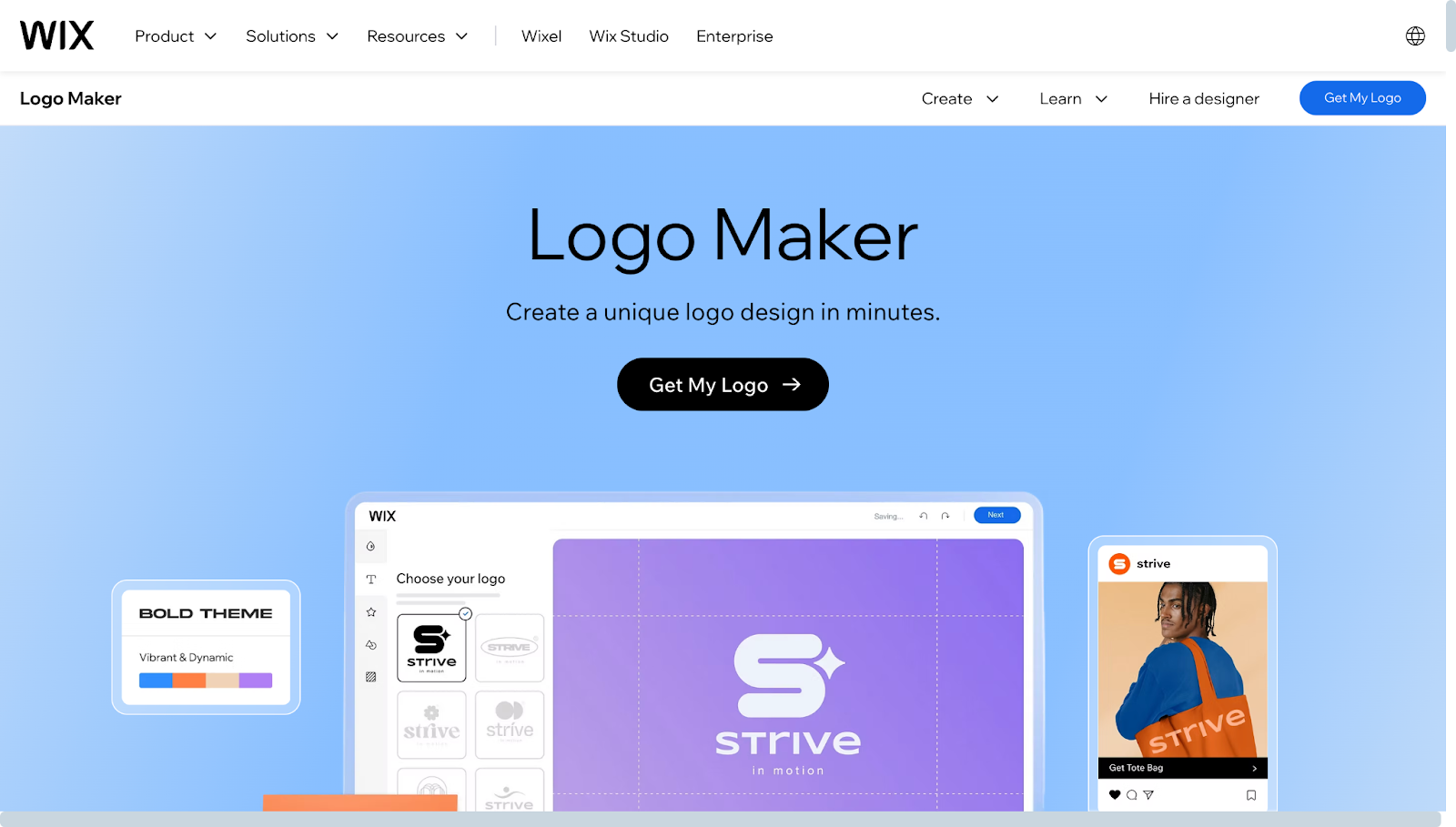
Wix Logo Maker rounds out our list with a specific but compelling value proposition. If you're building your business website on Wix, their integrated logo maker creates seamless branding across your entire web presence.
Once you create your logo, it automatically integrates across your website, applying brand colors to your site theme and adding your logo to headers without manual effort.
Key features:
- AI logo generator optimized specifically for web-based branding and digital presence
- Automatic integration with Wix websites, including headers, favicons, and theme colors
- Logo changes automatically propagate across your entire website without manual updates
- Social media kit generation with appropriately sized assets for all major platforms
- Business card designs that match your logo and website branding
- Easy customization of fonts, colors, layouts, and icons within the editor
- Multiple file format downloads, including high-resolution and vector options
- Brand consistency tools ensuring visual harmony across the website and marketing materials
- Direct connection to Wix's website builder for a streamlined launch process
- Access to Wix's printing services for physical branded materials
- Mobile-responsive logo designs that look great on all device sizes
Pricing:
- Free Version: Create and customize logos without payment. Downloading high-resolution files and accessing full commercial rights requires a paid plan.
- Basic Logo Plan: $12.50/month when bundled with a Wix website plan. Includes all file formats, unlimited downloads, and commercial usage rights.
- Note: Pricing makes most sense when already paying for Wix hosting, essentially bundling logo and website costs together.
Wix Logo Maker in summary:
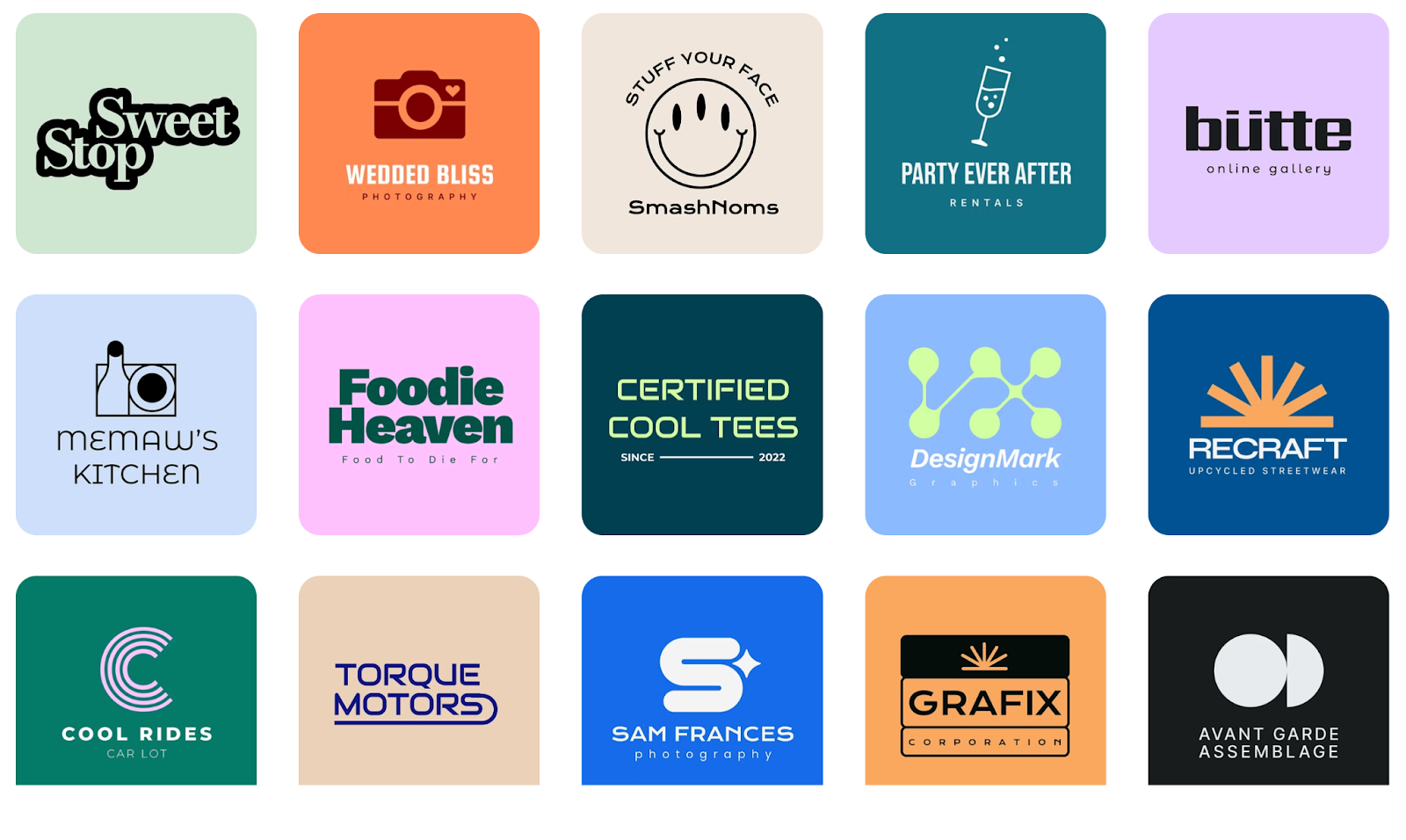
Screenshot provided by the author
- Rating: 4.3 stars with strong reviews from Wix website users
- Pricing: Free to create, paid plans from $12.50/month when bundled with a Wix site
- Speed: Generates logo options in seconds with quick customization
- Best for: Businesses building websites on Wix who want seamless logo integration
- Why It Stands Out: Unmatched integration with Wix websites eliminates manual branding work, keeping your entire online presence visually consistent.
Potential downsides:
Outside the Wix ecosystem, the logo maker offers less value compared to standalone platforms. The template library is smaller than Design.com or BrandCrowd. Customization options are more limited than those offered by dedicated logo platforms. If you ever migrate your website away from Wix, you will lose the integration benefits that initially made the tool attractive.
Verdict:
If you're committed to Wix for your website, this logo maker is the obvious choice. For businesses not using Wix, better options exist.
How to Choose the Right AI Logo Generator for Your Business
Selecting the right logo generator depends on understanding your specific needs and constraints. The best platform for your business depends on factors such as budget, design experience, and any additional requirements beyond a logo.
Here's what to consider before making your choice.
Consider your budget and long-term value
Free plans can provide you with commercially usable logos without any cost. Premium features typically cost between $5 and $15 per month, depending on the platform. Think about what you're actually getting for that price.
Some tools offer just logos, while others include complete branding suites with websites, business cards, and marketing materials. Calculate the total cost of getting everything you need, not just the logo itself.
Match the tool to your skill level
Be honest about your design experience. Some platforms are designed specifically for individuals with no prior design experience. They guide you through every step without assuming you understand design terminology.
Others offer more power and flexibility but require a bit more learning. Select a tool that aligns with your current situation, not your future aspirations.
Think beyond just the logo
Consider what else you'll need to create for your business. If you're only after a logo and nothing more, choose a specialized logo platform with the deepest feature set for that specific task.
But if you know you'll be designing social media posts, presentations, flyers, and other materials regularly, an all-in-one design platform might save you money and hassle in the long run.
Prioritize proper file formats
Ensure your chosen platform supports vector file formats, such as SVG, EPS, or PDF. These scale infinitely without losing quality, which matters for everything from tiny social media icons to giant billboards.
Also, check for transparent background options and different file types for web versus print use. You don't want to realize six months from now that you can't get the files you need.
Own your logo files completely
Choose platforms that allow you to download and retain your files permanently. Avoid tools that lock your logo behind ongoing subscriptions, where you lose access if you stop paying.
Read the licensing terms to understand what rights you actually have to use, modify, and reproduce your logo across different applications.
Test multiple platforms first
Take advantage of free trials and free plans. Spend 30 minutes on two or three different platforms creating sample logos. The best choice often becomes evident once you actually use the interfaces and see the results. What looks good on a features list might feel clunky in practice, and vice versa.
Final Thoughts
AI logo generators have changed the world of professional branding. Small businesses and beginners now have access to design capabilities that previously required expensive agencies or years of design education.
The tools reviewed in this guide each offer unique strengths, from massive template libraries to seamless website integration to professional ecosystem access.
The right choice depends entirely on your specific situation. Consider your budget, skill level, broader branding needs, and long-term plans. Take advantage of free trials to test different platforms and see which interface feels intuitive and produces results that excite you.
About the Author