Managing Orders and Inventory Beyond ShipStation

ShipStation is great at what it is built for. It prints labels, manages shipping workflows, and ships orders. However, the problem is what happens before all that happens.
Once you start selling on multiple channels, depend on multiple warehouses, or try to keep inventory updated everywhere, ShipStation starts to become insufficient. It is a shipping tool. And shipping is only one part of the system that keeps an e-commerce business running seamlessly.
This is exactly where an operations platform like GoFlow comes to the rescue. Instead of treating ShipStation as a one-stop solution, you ought to turn to GoFlow. GoFlow takes charge of orders, inventory, routing, and product data across all your sales channels, while ShipStation focuses on shipping execution.
This guide explains why ShipStation can feel limiting as you scale, what that limitation costs you, and which platforms can help you manage orders and inventory across all sales channels without jumping from tool to tool.
Why ShipStation Starts to Feel Limiting
When you are running a small business, it is common to run a setup where your storefronts pull in orders, and ShipStation handles shipping. Inventory is managed by another tool, and accounting by another. That only works until you start dealing with higher volumes.
Here are the most common challenges you might face once you start to grow:
ShipStation is not a one-stop solution for everything
ShipStations is not built to update stock automatically. It cannot pull data from multiple sources and update it in real time. As such, you will need a tool that is built purely to take over such tasks. That tool must be responsible for pulling inventory data from multiple sources and keeping it up to date in real time.
Inventory updates across channels are not in real-time
If you are only using ShipStation, you will not be able to keep track of inventory data in real-time. Data might remain out of sync. Split-second delays might cause you to face significant loss as well.
Routing across warehouses or 3PLs becomes harder to track
ShipStation cannot, alone, manage and track the supply chain of inventory. It cannot automatically track where a certain item is being shipped from and being shipped to. For that, a human will need to intervene.
SKUs and product data are outdated
ShipStation cannot maintain and catalog inventory data automatically on its own. For that, you will need a tool that is designed for this purpose specifically.
Teams spend time fixing instead of operating
If a designated tool is not used, your team will ultimately be responsible for tracking, maintaining, and updating data manually. In contrast, if you use GoFlow, your data will automatically be updated once it is integrated with ShipStation.
You can have shipping running fine while everything around it becomes fragile.
The Risks of Running Orders, Inventory, and Shipping as Separate Silos

Disconnected systems are bound to face trouble. When orders, inventory, and shipping are managed separately, the data rarely stays synchronized.
Inventory stays outdated. You might show stock you don’t actually haveor vice versa, since you cannot rely on your data. Either way, you are bound to face losses through canceled orders or missed sales.
Order management becomes a hassle. Even a basic customer query might become impossible to resolve. You might need to cross-check from multiple sources just to get a single accurate answer. You will start to rely on manual labor, and your staff will spend time tracking, correcting, and updating data, leaving the actual operational work on standby.
What a Platform Should Do If You Want to Move Beyond ShipStation
If you want to manage orders and inventory across all channels, you need something that does something that ShipStation cannot.
A unified operations platform should be the system your team runs daily, while ShipStation becomes the shipping execution layer.
Core capabilities should include:
a. Centralizing orders from every channel into one queue.
b. Real-time inventory visibility across warehouses and marketplaces.
c. Routing orders based on rules you control.
d. Clean catalog and SKU management so listings stay consistent.
e. Integrations that keep shipping and tracking updates flowing automatically.
f. Reporting that shows what’s happening now, not after the fact.
The solution is simple. ShipStation ships orders, but GoFlow manages the operational tasks of orders and inventory.
Why Patchwork Fixes Usually Do Not Solve the Problem
A common solution is to use multiple tools for multiple tasks. You might be using an inventory tracker, a connector app, or a set of automations. This approach only works until your business grows too large.
Every integration introduces another point of failure. Syncs break, mappings drift, and updates arrive late. And when something goes wrong, your team ends up doing the same thing you were trying to avoid: checking multiple systems and fixing issues manually.
Patchwork setups typically lead to:
a. Inventory drift across channels.
b. Time lost troubleshooting sync issues.
c. Extra subscription costs and training.
d. Reduced confidence in the data.
e. More manual work when exceptions happen.
All-in-one platforms reduce these risks by managing orders and inventory inside a single environment with shared logic and shared visibility.
What to Look for in a Better System Than ShipStation Alone
Not every multichannel tool will solve ShipStation’s limitations. Some are shipping-first. Some are reporting-only. Some are inventory-only.
If you want operational control, don’t compromise on these:
a.Real-time inventory updates across channels and locations
b. Centralized order management with reliable status control
c. Multi-warehouse and 3PL support with flexible routing rules
d. Strong SKU mapping and catalog controls to prevent drift
e. Integration with ShipStation (or direct carrier workflows)
f. Reporting and analytics for operations and profitability visibility
Support and onboarding matter too. If setup takes months or requires constant technical upkeep, you won’t get the benefits. Scalability is the final test: the platform should make it easier to add channels and locations, not harder.
Best Platforms to Manage Orders and Inventory Across All Sales Channels
If you’re using ShipStation and want to manage orders and inventory better, here are six solid options, starting with the best overall choice for centralized operations.
1) Goflow (Best overall for centralized order and inventory operations)
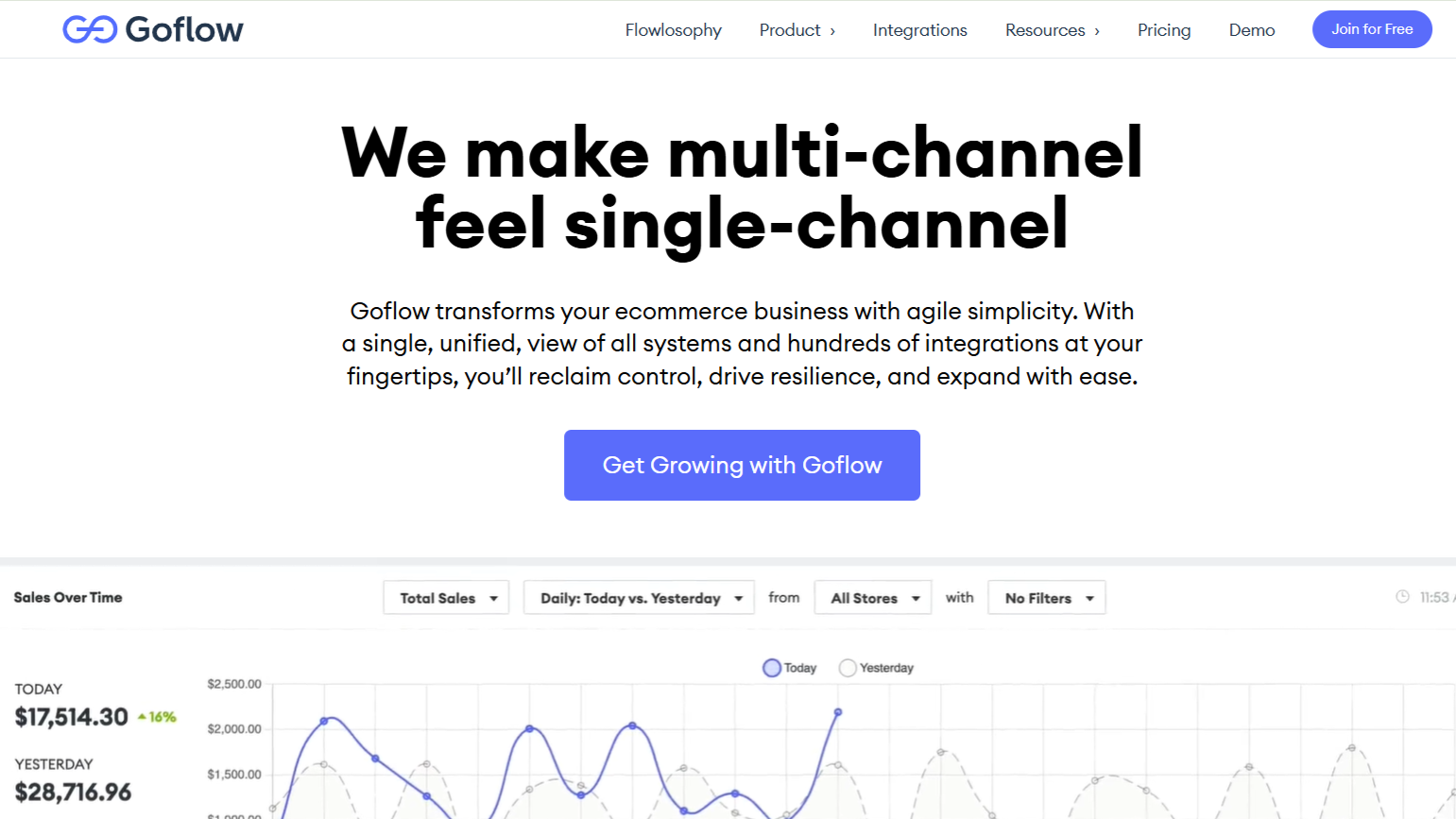
Goflow is built to run multichannel ecommerce operations from one unified hub, connecting orders, inventory, warehouses, and product data so teams don’t have to bounce between storefronts, marketplaces, and shipping workflows.
It’s especially helpful when you’re managing more than one fulfillment path. With workflow automation and smart routing, orders can be handled consistently across warehouses, 3PLs, and different fulfillment methods without constant manual decision-making.
Goflow also focuses heavily on real-time inventory across channels and locations, plus catalog and listing management to keep SKUs and product data consistent as you scale. Add in reporting and analytics for clearer visibility, along with 250+ integrations, and it becomes a strong option for brands that have outgrown a ShipStation-only setup.
2) Linnworks (Strong for marketplace-heavy multichannel sellers)
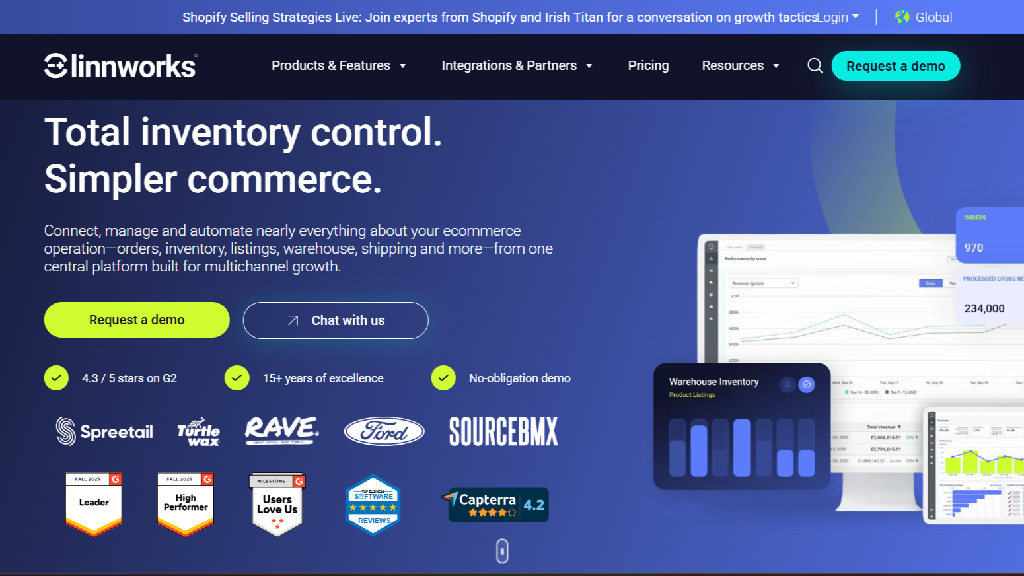
Linnworks is often used by sellers who need to centralize multichannel orders and inventory, especially when marketplaces are a major part of the business. It can be a fit if your main challenge is keeping listings and stock aligned across many channels.
3) Extensiv Order Manager (Good for fulfillment and warehouse execution)
Extensiv’s tools are commonly used by teams where fulfillment execution is the main pain point. If you’re coordinating warehouses and 3PL workflows and want structured order handling, this category can work well depending on how you handle inventory elsewhere.
4) Cin7 (Good for inventory-first businesses with purchasing complexity)
Cin7 is frequently chosen by product-heavy brands that need strong inventory control across locations, along with purchasing workflows. It’s a solid option when replenishment and stock accuracy are the bottlenecks.
5) Brightpearl (Great for retail operations and back-office workflows)
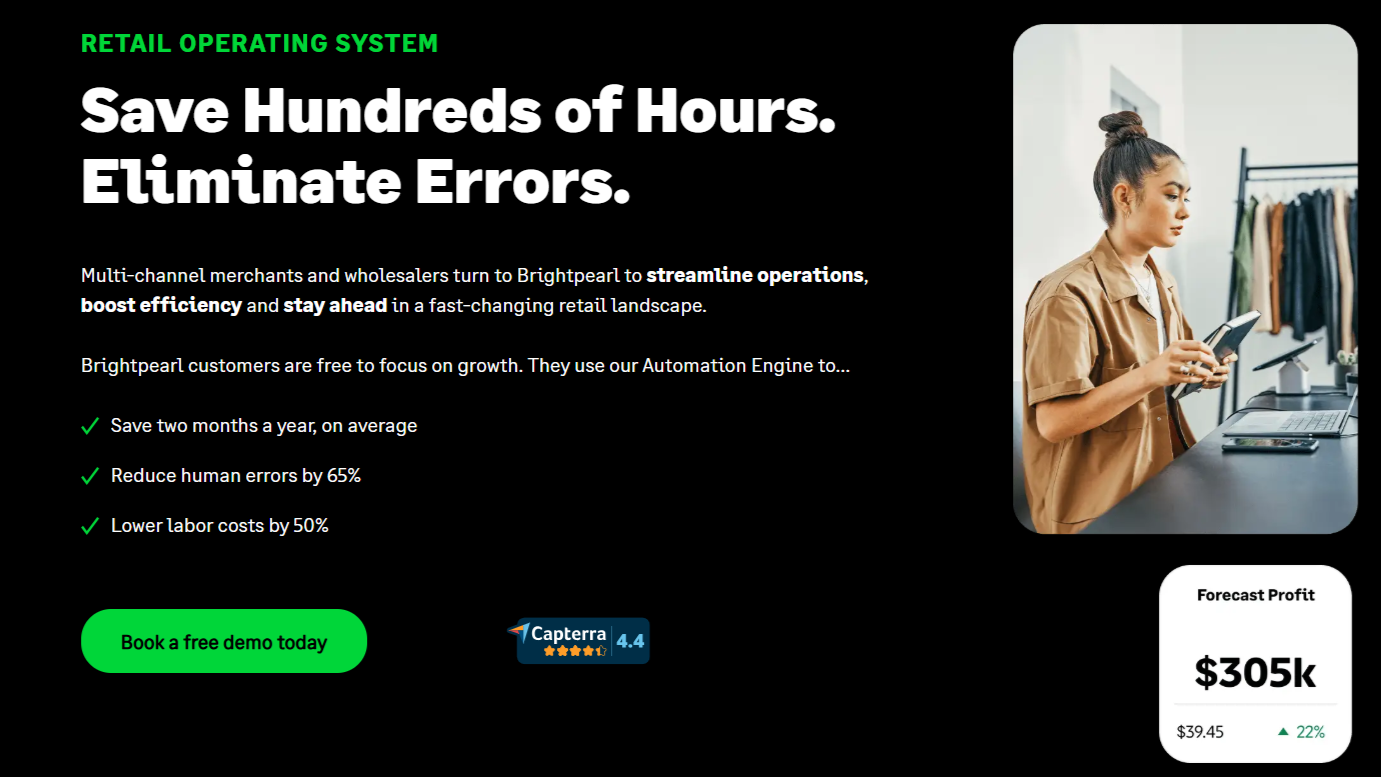
Brightpearl is built around retail operations and back-office process control. It’s often chosen by established merchants that want structure across channels without adopting a full enterprise ERP.
6) NetSuite (Best for ERP-level control and integrated finance)
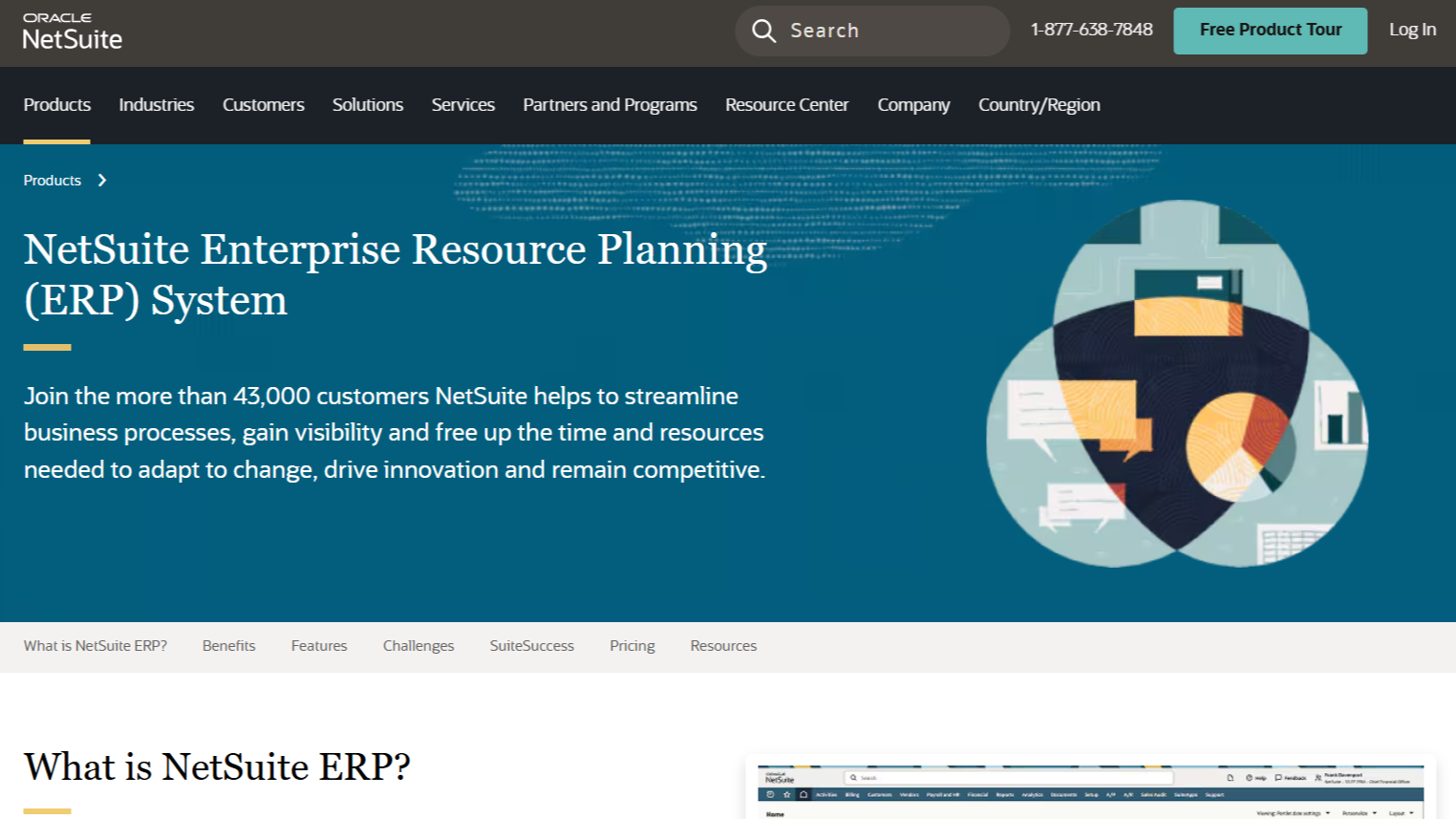
NetSuite is an ERP platform that can manage inventory, orders, and finance in one environment. It’s powerful, but typically best suited for larger businesses that are ready for a heavier implementation and higher cost.
How This Typically Works With ShipStation
In most setups, you don’t need to replace ShipStation.
Instead, you use a centralized operations platform to manage orders, inventory, catalog, and routing. ShipStation remains your label and shipping workflow tool.
The difference is that ShipStation becomes the connected shipping layer, while your operations system becomes the source of truth. That’s what eliminates the constant hopping.
Conclusion
ShipStation is a strong shipping platform, but it’s not designed to manage orders and inventory across all your sales channels as one unified operation.
If you’re scaling across marketplaces, warehouses, or fulfillment partners, you’ll get more control by adopting an operations platform that centralizes order and inventory workflows, then letting ShipStation handle shipping execution. When orders and inventory are aligned in one place, fulfillment gets smoother, stock stays accurate, and your team stops wasting hours reconciling mismatched data across tools.
About the Author