Best AI Avatar Generators Compared
AI avatar videos let teams turn a script into a presenter-led video without cameras, studios, or reshoots. This guide is for marketing leaders, L&D managers, support teams, and enterprise content teams that need training, product education, and multilingual content at scale.
We compared eight tools on the criteria that matter most for business use: avatar realism, language coverage, interactivity, brand controls, enterprise readiness such as SSO, SCORM, and audit logs, and how pricing changes as usage grows. Start with the table for a quick shortlist, then jump to the tool that fits your main use case.
Key takeaways
- Synthesia is a strong fit for enterprise training teams that need broad language coverage and governance features like SSO and audit logs.
- Colossyan is built around interactive and branching learning for course creators.
- D-ID and Puppetry are useful for fast photo-to-video drafts and conversational agents.
- Elai, now part of Panopto, targets corporate L&D, while DeepBrain AI Studios offers a very large avatar catalog.
- Wondershare Virbo fits budget-conscious creator teams, and UneeQ focuses on real-time digital humans for CX.
How I tested
Each tool ran the same 60 to 90 second script so avatar delivery could be compared fairly. I used common prompts for a training clip, a product walkthrough, and a short marketing message. I checked multilingual localization by generating the same script in several languages where supported. Where a platform offered SCORM export, I ran a simple packaging test to confirm the workflow existed on the stated plan. I also reviewed published governance documentation, including SSO and audit log pages, rather than assuming those controls were present. Pricing is described qualitatively where public figures vary by seat count or plan gating. Dates in this guide reflect information available as of July 2, 2026.
Comparison table
| Tool | Stock avatars | Languages | Interactivity | Enterprise features |
Plan positioning
|
|---|---|---|---|---|---|
| Synthesia | 240+ | 160+ | Templates, localization | SSO, SCORM on Enterprise, audit logs | Enterprise-focused |
| Colossyan | 300+ | 100+ | Branching, quizzes | SCORM publishing | Tiered |
| D-ID | Photo-based | 120+ | Real-time agents | API-oriented | Tiered |
| Elai | 80+ | 75+ | Interactive elements | URL-to-video | Corporate L&D |
| DeepBrain AI Studios | 2,000+ | 150+ | Interactive avatars | Templated workflows | Tiered |
| Wondershare Virbo | 350+ | 80 | Creator workflows | Budget tiers | Budget-friendly |
| Puppetry | Photo-based | 65+ | Fast drafts | Creator-oriented | Tiered |
| UneeQ | Digital humans | Varies | Real-time conversation | SOC2, GDPR posture | Custom deployment |
1.Synthesia
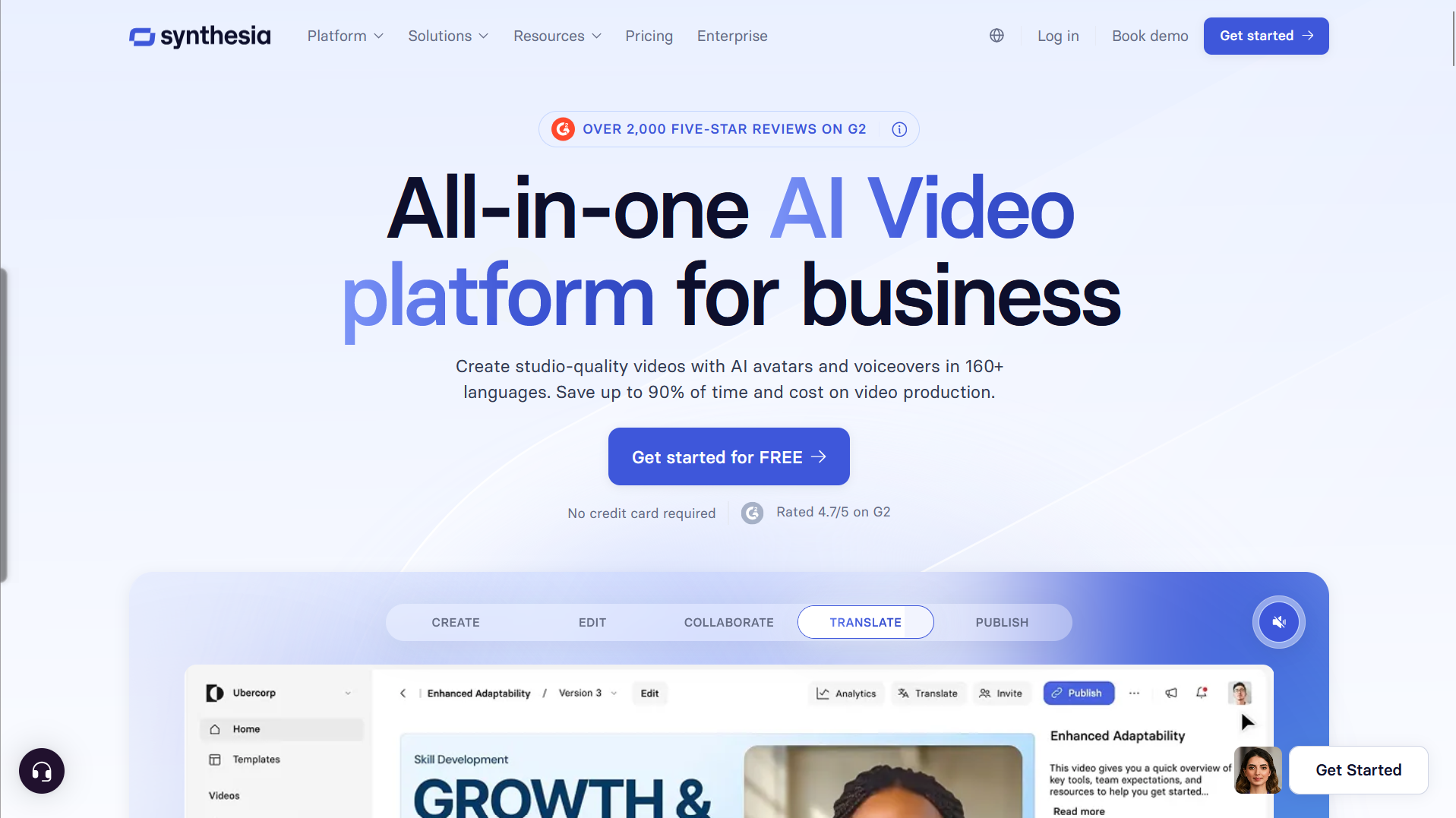
Synthesia is a text-to-video platform built for teams that need an on-brand presenter without filming. It sits at the enterprise end of the market with a focus on training programs, internal communications, and multilingual content that has to scale across regions. For enterprise teams that need a consistent presenter, the Synthesia avatar generator helps teams choose from stock or personal avatars while managing consent, localization, and safety controls.
Standout features include 240+ stock AI avatars that can be used without filming and content localization across 160+ languages. That combination makes it easier to produce the same training module in dozens of markets without briefing new voice talent or scheduling reshoots. On Enterprise plans, Synthesia supports SCORM 1.2 and 2004 export, SSO with just-in-time user provisioning, and audit logs to track user and admin actions.
Synthesia offers three avatar types for different needs. Realistic Stock Avatars give you 240+ ready-made presenters with natural body language and accurate lip-sync, so you can start with zero setup. Personal Avatars turn you into a presenter from a single photo, with optional voice cloning, so every video looks and sounds like you without being on camera. Customizable Avatars let you prompt an avatar into any scene, describing the outfit, setting, and on-screen actions in plain language while Veo 3 generates dynamic, on-brand visuals and B-roll without filming or manual editing.
The governance layer is what typically drives large-team adoption. Learning and communications teams get consistent avatars, brand kits, and reusable templates, while IT and security teams get the identity controls and audit trail they need to approve the rollout.
Pros: broad language coverage, enterprise governance controls, and no camera setup required.
Cons: the most complete controls sit on Enterprise plans, and avatar use should follow consent and moderation policies.
Best for: enterprise training and multilingual internal content.
Pricing: tiers scale by usage and plan features, with SCORM, SSO, and audit logs positioned at the Enterprise level.
2.Colossyan
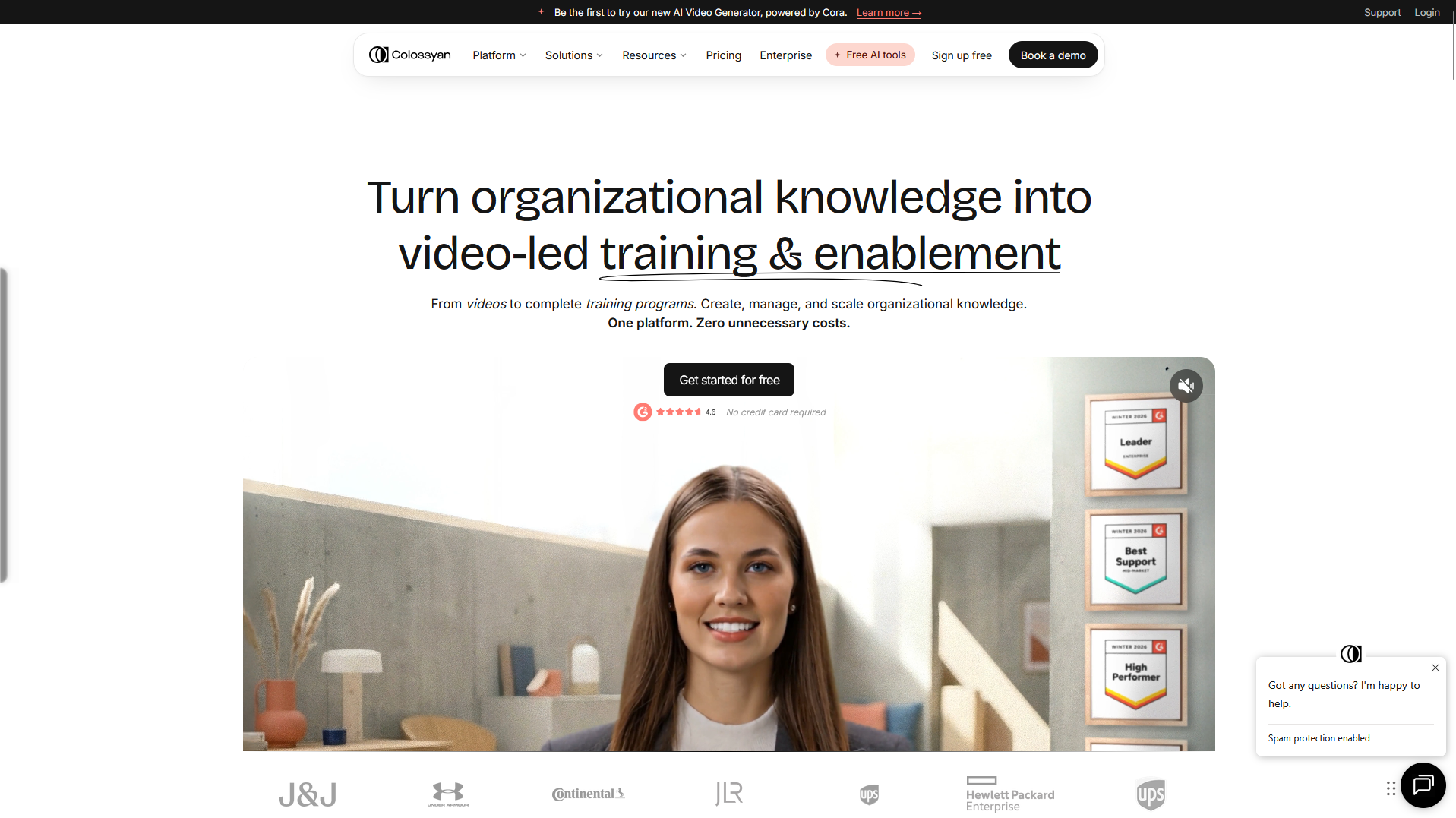
Colossyan is built for interactive learning. It lists 300+ stock avatars, 100+ languages, and the ability to publish via SCORM. The platform is designed around course creators who need branching scenarios, quiz interactions, and structured learning paths inside their avatar videos rather than one-way presenter clips.
That focus makes it a natural fit for compliance training, onboarding, and skills programs where a learner needs to make choices and see different outcomes. Teams looking for SCORM-ready courses with real interactivity built in should shortlist Colossyan alongside Synthesia, since the two platforms cover overlapping but distinct sides of the learning market.
Pros: branching and quiz interactivity plus SCORM output.
Cons: heavier learning features can add setup time.
Best for: course creators building interactive modules.
Pricing: tiered by seats and export needs.
3.D-ID
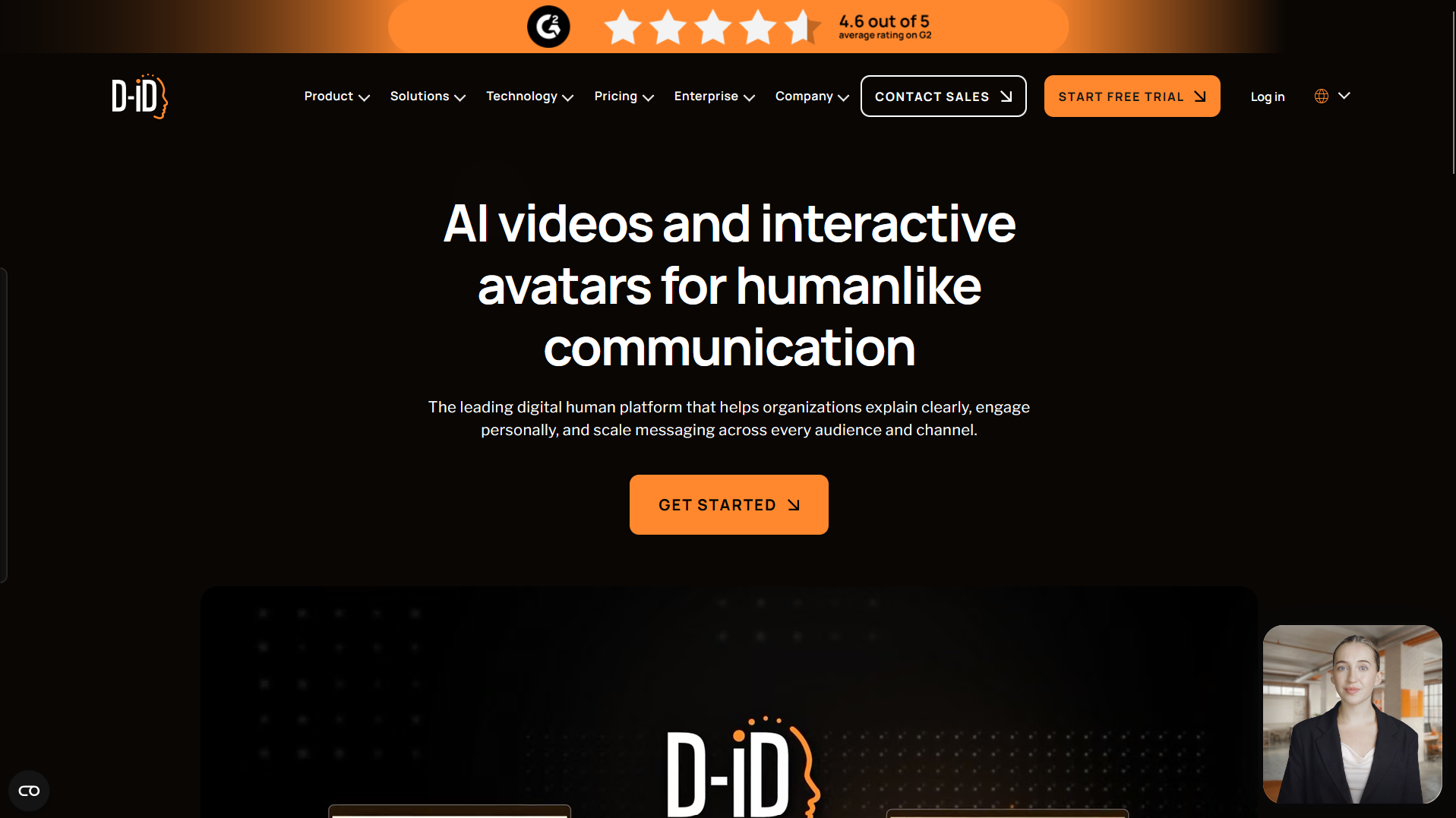
D-ID emphasizes photo-to-video speed and real-time interactions, stating support in 120+ languages. The platform is built around turning a still photo into a talking presenter quickly, which suits fast drafts, user-generated content, and prototype work before a full production commitment.
Its real-time agent capability is the more distinctive angle. Teams building conversational experiences, product demos, or customer-facing avatars can use the D-ID API to embed interactive digital presenters directly into apps and websites. That makes D-ID more of an API-driven building block than a slide-editor style platform.
Pros: fast drafts and real-time conversational agents.
Cons: photo-based output can look static compared with full avatar platforms.
Best for: quick agents and API-driven experiences.
Pricing: tiered, often usage-based.
4.Elai
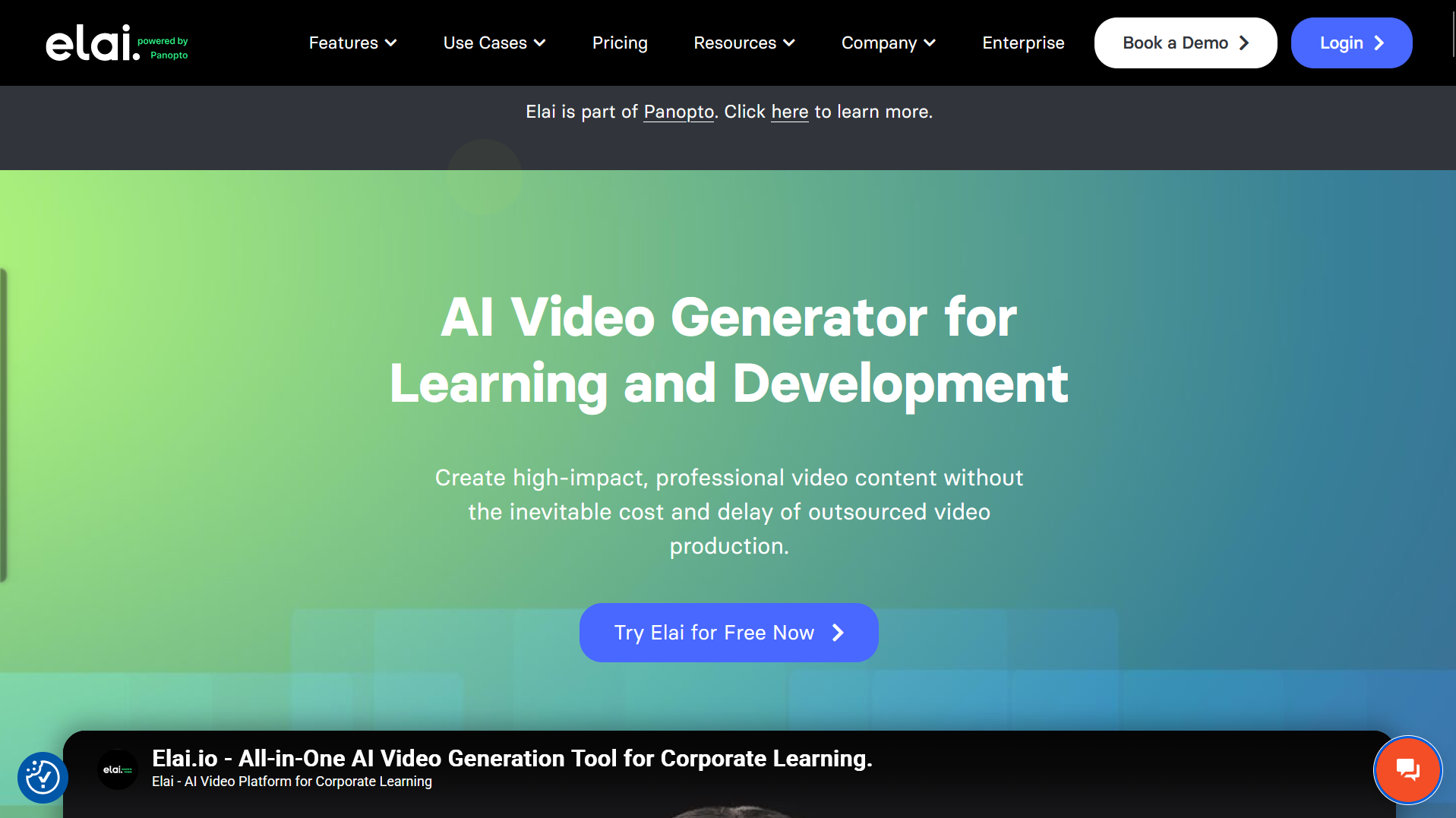
Elai, part of Panopto, targets corporate learning with 80+ avatars, more than 75 languages, 450 accents, and URL-to-video creation. The Panopto acquisition positions Elai as a natural companion to enterprise video management, giving learning teams a direct path from script to lesson to LMS.
The URL-to-video workflow is the standout for content teams that already have documentation, product pages, or internal wikis they want to translate into presenter-led explainers. Instead of writing new scripts from scratch, teams can point Elai at existing web content and generate an avatar version much faster than a traditional production process would allow.
Pros: learning focus and interactive elements.
Cons: smaller avatar library than some rivals.
Best for: corporate L&D content.
Pricing: tiered for teams.
5.DeepBrain AI Studios
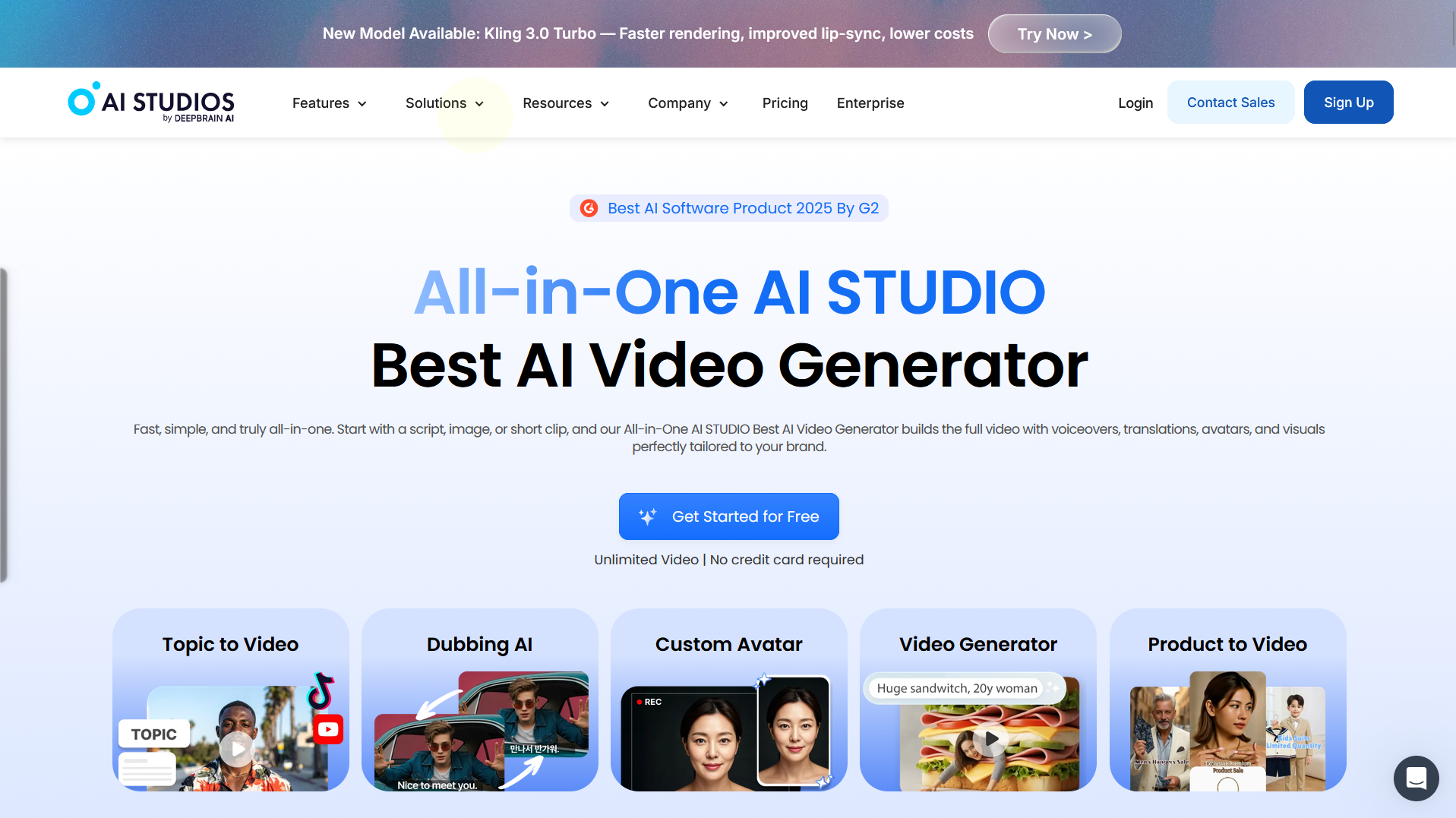
DeepBrain AI Studios promotes a large catalog with 2,000+ ready-to-use avatars and 150+ languages, along with interactive avatars. The scale of that catalog is the main differentiator, giving teams more presenter options to match different audiences, regions, and use cases than most competing platforms offer.
The tradeoff is curation. A 2,000+ avatar library helps when you need variety, but it also means brand teams need clearer guidelines about which avatars represent the company for which types of content. Teams that lean into templated workflows and volume production tend to get the most value here.
Pros: extensive avatar and template selection.
Cons: large catalogs can require more curation for brand consistency.
Best for: templated corporate content at volume.
Pricing: tiered.
6.Wondershare Virbo
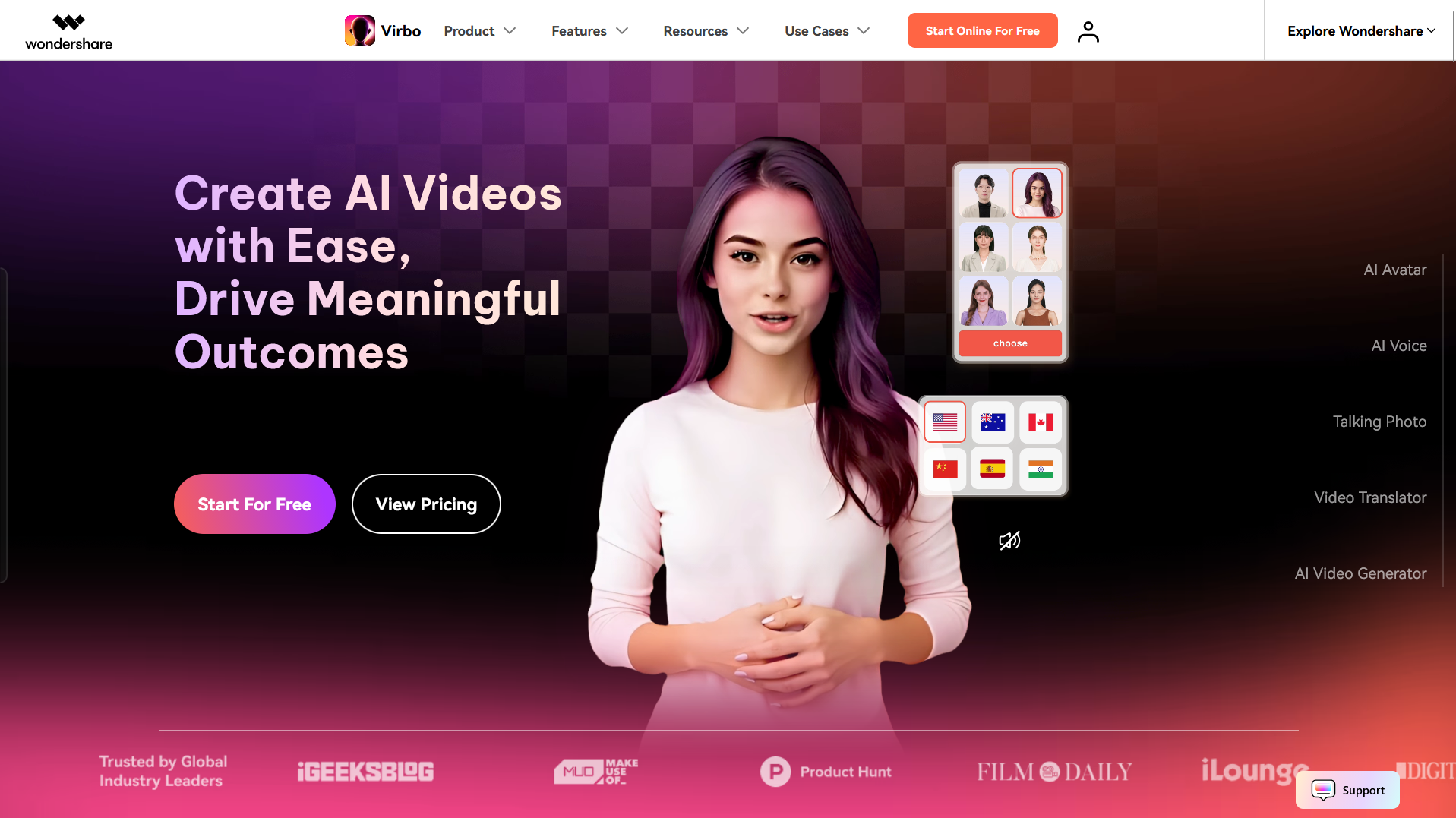
Wondershare Virbo highlights 350+ avatars, 400 voices, and 80 languages within a creator-friendly workflow. It sits in the more accessible end of the market, with pricing and onboarding designed for small teams, freelancers, and creators rather than enterprise buyers.
The workflow is closer to consumer creative apps than to enterprise video platforms, which keeps the learning curve short. Teams that need governance controls, SSO, or SCORM should look elsewhere, but for quick social clips, short marketing videos, and low-friction avatar experimentation, Virbo is often enough.
Pros: budget-friendly and easy to start.
Cons: fewer enterprise governance controls.
Best for: small teams and quick social clips.
Pricing: budget tiers.
7.Puppetry
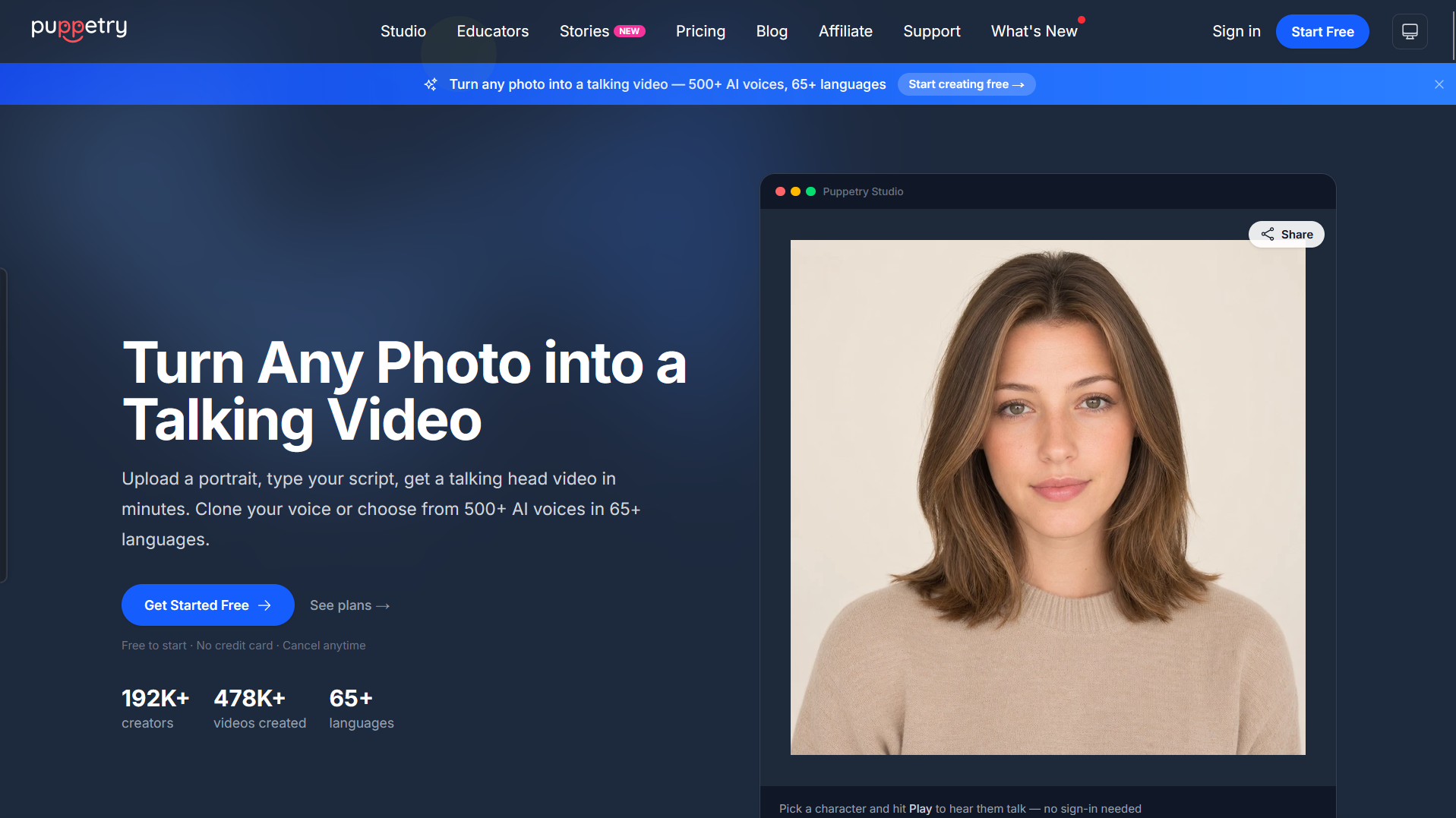
Puppetry turns a photo into a talking head and supports 65+ languages and 500+ voices, which suits fast drafts and user-generated content. The workflow is built around speed rather than depth: upload a photo, add a script, and get a talking version within minutes without setting up an avatar profile or briefing custom voice talent.
That model works well for creators, small marketing teams, and anyone testing avatar-led content before committing to a heavier platform. It is less suited to structured course production, brand-managed campaigns, or enterprise rollouts where consistency and governance matter more than raw speed.
Pros: quick photo-to-video and wide voice choice.
Cons: less suited to structured course production.
Best for: rapid prototypes and UGC.
Pricing: tiered.
8.UneeQ Digital Humans
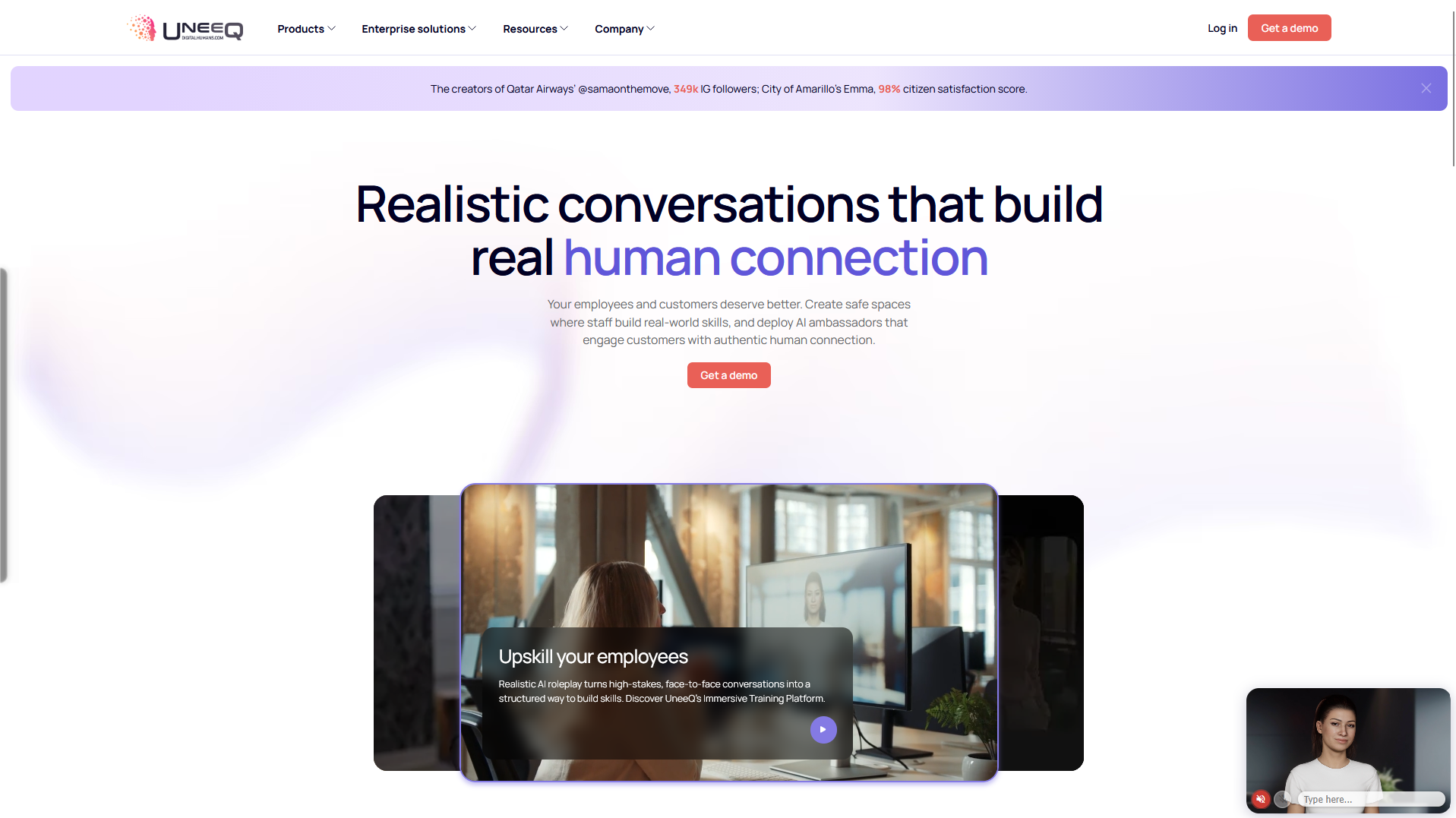
UneeQ builds real-time conversational digital humans for training and customer experience, and it markets SOC2 and GDPR compliance plus flexible deployment. The platform is closer to a live agent framework than to a slide-based avatar editor, which changes how teams evaluate and implement it
Typical use cases include customer support avatars, in-branch or in-store kiosks, training simulations with realistic responses, and enterprise experiences where the digital human needs to hold a conversation rather than deliver a scripted monologue. That real-time direction, combined with the stated compliance posture, is why UneeQ tends to appear in enterprise CX and training conversations rather than marketing content workflows.
Pros: real-time interaction and a clear compliance posture.
Cons: it is not a classic slide editor, so implementation takes more planning.
Best for: interactive CX and training agents.
Pricing: custom deployment.
Conclusion
The right tool depends on the job. Governance-heavy training programs should weigh language coverage and controls, while marketing teams should weigh realism and speed. For broader context on how these tools fit wider enterprise AI adoption trends, factor integration and governance into the decision. These three comparisons cover common buying decisions.
Synthesia vs DeepBrain AI Studios
Synthesia leans toward enterprise training with 160+ languages, three avatar types, and Enterprise governance such as SSO and audit logs. DeepBrain AI Studios leans toward catalog scale, with 2,000+ ready-to-use avatars and 150+ languages for high-volume templated content. Choose Synthesia for governed, multilingual internal content and DeepBrain when avatar variety and production volume are the priority.
Synthesia vs Colossyan
Both support SCORM and multilingual output. Synthesia is video-first with broad enterprise controls, while Colossyan is course-first with branching and quiz interactivity. Pick Synthesia for company-wide video governance and Colossyan when interactive assessment is central.
D-ID vs Puppetry
Both convert photos into talking videos quickly. D-ID emphasizes real-time agents and 120+ languages, while Puppetry emphasizes fast drafts with 500+ voices. Choose D-ID for interactive experiences and Puppetry for rapid content creation.
FAQs
Q. What are AI avatar videos?
They are videos where a synthetic presenter delivers a script you type. The tool generates voice and lip-synced visuals so you can produce presenter-led content without cameras or actors.
Q. Where do avatar videos work best?
They fit repeatable content such as training modules, product walkthroughs, support explainers, and multilingual updates that would be costly to film and refilm.
Q. How does consent work for avatars?
Stock avatars are provided for use within the platform's terms, while personal or custom avatars typically require documented consent from the person being represented. Follow each vendor's consent and moderation policies.
Q. Do I need SCORM export?
SCORM matters if you deliver content through a learning management system and need tracking and completion data. If you only publish to a website or social channel, SCORM is usually optional.
Q. Why do SSO and audit logs matter?
Single sign-on simplifies access management across large teams, and audit logs record user and admin actions for accountability. Both support governance in regulated or security-conscious organizations.
Q. Is language coverage the same as accurate dubbing?
Not always. A tool may list many languages while quality varies by language and voice. Review sample output in your target languages before committing to a rollout.
Q. What brand controls should I look for?
Look for brand kits, reusable templates, and shared asset libraries so teams stay on-brand. These controls keep colors, logos, and layouts consistent across many videos.
Reviewed by a content strategist who has evaluated 20+ AI avatar and video generation platforms since 2023. Originally published Q2 2026, updated July 2026.
About the Author