How B2B Teams Can Speed Up Visual Content Production With AI

Visual content creation teams for B2B who create visuals on-demand - product marketing, UX designers, proposal authors, agency creative teams - begin with a common challenge: having an initial sketch that should be turned into a finished piece without two weeks to do so. It is made possible thanks to the AI image-to-image technique. Firstly, the initial draft will contain all the components of a picture, that is, the theme, the composition, and the design. The second stage will be the creation of the picture based on the image-to-image AI, adding colors, lighting, textures, and background. Every stage of the process must have its own goal.
Clean Up the Main Shapes
Create the outline using strong lines, which indicate the main elements like the figure’s pose, its orientation, and other significant objects. Eliminate all extra lines, which might make the AI confused. In case there is no previous design for this purpose, it is possible to make an AI draw a sketch.
If you are starting from scratch, you can generate a sketch with AI to plan the scene. For example, one can make an AI draw a sketch of a girl at a bus stop with details of her pose and the location, bus stop, and background streets. In B2B scenarios, AI can draw product diagrams and workflows. Focus on the basic layout in your sketch. You can add such details as facial expression, clothes texture, background later.
Define the Visual Direction Before You Generate
Define the visual direction before generating the first image. In a B2B case, you know the right direction based on brand guidelines, templates, or channels where the asset will be used - the style of your pitch deck should be different from the one of your product blog or trade publication. A defined direction results in better images and easier comparisons between versions.
You could develop the scene as:
- A soft watercolor illustration
- A detailed technical diagram style
- A clean, minimal corporate illustration
- A product explainer visual
- A cinematic digital painting
- A retro comic panel
List the qualities of the illustration that you would like to see. Since "watercolor" is a broad term, be more specific about how the lines, color palette, texture, and lighting should look. The same goes for corporate illustration style - "minimal and modern" could mean anything to each designer, so it's better to say what exactly do you need: flat color, gradient, icons, photorealistic illustration, etc.
Your description should be specific, for example: Soft watercolor illustration with ink outlines, paper texture visible, muted blue and yellow colors, rain, and warm light from the bus stop.
Your description should be specific; for instance:
Watercolor soft illustrations with ink outline, paper texture shown, pastel blue and yellow hues, rain, and warm lighting from the bus stop.
Use the same style description throughout the project.
Upload the Sketch and Describe the Scene
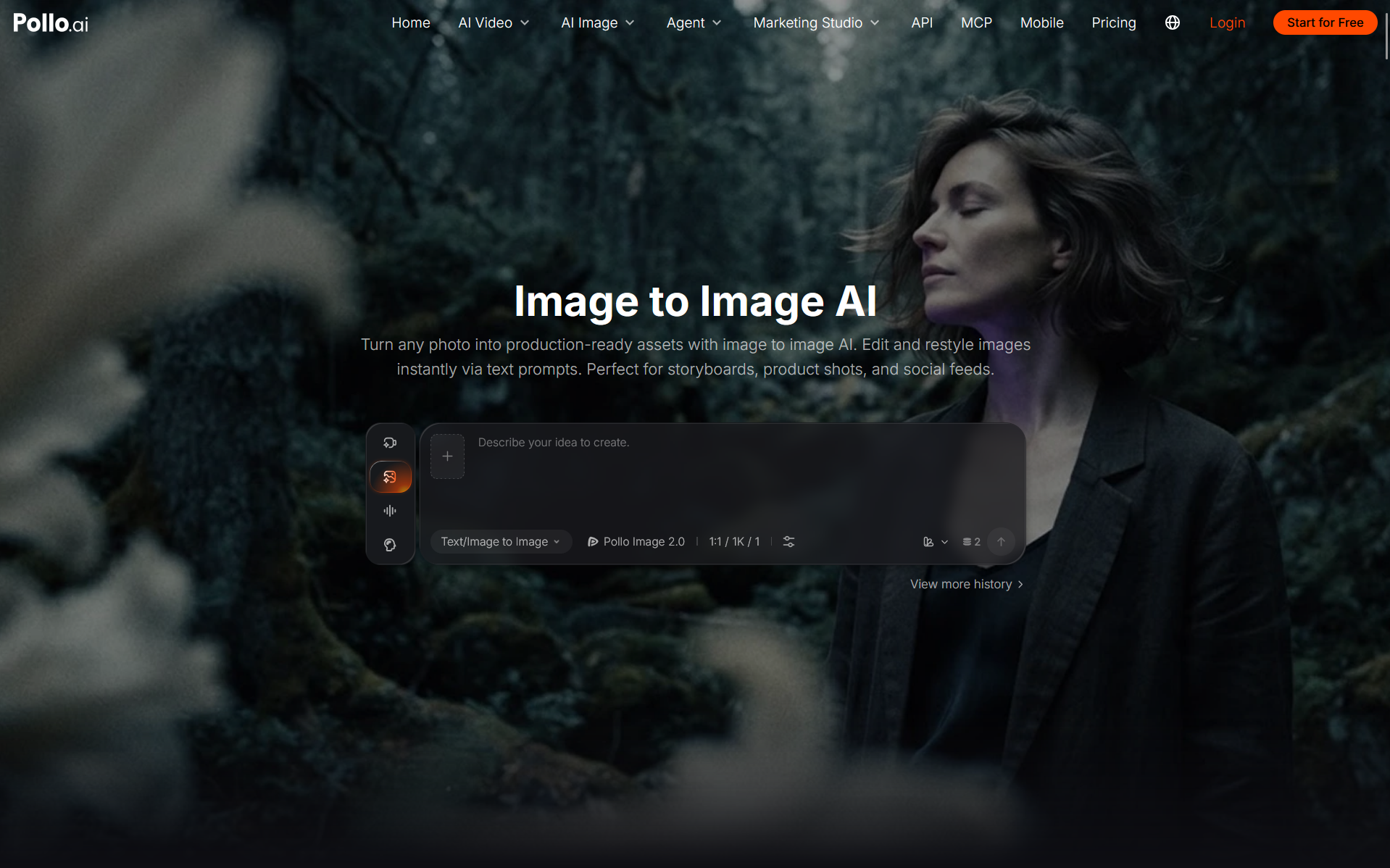
Go to the image-to-image AI tool and upload the sketch as the reference. Pollo AI lets you work with an existing image and develop it through different image models and creative workflows.
Your prompt should cover the parts missing from the drawing. Include the character’s appearance, clothing, setting, lighting, colors, and style. Tell the model which parts of the composition should remain in place. B2B teams working on recurring visual assets - recurring campaign characters, product mascots, or scenario-based illustrations for documentation - benefit from being explicit about which elements should stay fixed across generations.
For the bus stop illustration, try:
Develop this sketch into a finished watercolor illustration. Keep the girl, bus shelter, and road in their current positions. Give the girl short black hair, a mustard-yellow raincoat, and a dark green backpack. Add light rain, reflections on the road, and warm light inside the shelter. Use thin ink outlines and muted colors.
This gives the model both structure and creative direction.
Judge the First Results by Composition
The first results may have attractive colors and polished details. Start by checking whether they still follow the original scene.
Choose the version with the strongest composition. A weaker face or incorrect clothing color can usually be fixed during another pass. A completely different layout is harder to recover. For B2B teams with stakeholder review cycles, picking the strongest composition first saves revision rounds - it is much easier to get sign-off on a layout direction than to defend a finished illustration that went the wrong way structurally.
Save two or three promising results. They may provide useful references for later versions.
Refine the Image in Small Passes
Use the strongest result as the reference for the next generation. Focus each prompt on a short list of changes.
Suppose the composition works, while the character’s coat appears orange and the rain is too heavy. Ask for those changes directly:
Keep the current composition, character, and watercolor style. Change the coat to mustard yellow. Reduce the rain and keep only a few visible drops with soft reflections on the road.
Continue with another detail after reviewing the result. You might adjust the facial expression, simplify the background, or soften the lighting. In a B2B workflow, this is also the stage where brand consistency checks happen - compare each iteration against your approved color palette, typography style, and any illustration guidelines your team has documented.
Save each approved version before moving forward. Image generation can alter details that already looked correct. Earlier files give you a stable point to return to.
Maintain Visual Elements Uniformly Throughout the Marketing Campaigns
Approved artwork can provide direction to the next scene within a sequence. The artwork can be uploaded as the character, and then explain the new location or action being performed. It is especially useful for business-to-business (B2B) marketing campaign teams that are implementing multi-touchpoint campaigns – since the same character or situation can be used for a landing page, email banner, social media, and conference presentation.
The same girl could later appear inside the bus:
Continue with the same girl, same face, same black short hair, same yellow raincoat, same green backpack, and same watercolor style. Draw her sitting by the bus window and looking at the rainy city outside. Maintain the same color scheme of blue and yellow.
Check the drawing against the approved character in terms of face shape, hair, clothes, proportions, and artwork style.
Build a shared reference folder your team can access. Include a close portrait, full-body view, and two or three approved scenes. Store it somewhere the wider team can reference - a shared drive, a brand asset library, or your project management tool - so any team member generating new iterations starts from the same approved baseline rather than rebuilding the character from memory.
Finish Precise Details by Hand
The AI can cope with the more significant transition from the sketch into an illustration. Minor corrections will be made faster in the drawing or photo editing application.
Fix the ugly lines with the help of brushes and erasers. Make the color corrections using the selection tools. Finally, add readable text to the picture when it's ready. This last step also serves as the place where B2B assets will be branded with the company's specifics like logos, fonts, call-to-action texts, or interface components needed to fit inside the illustration perfectly. This final edit is the opportunity to make changes in the places that will be noticed by the viewer.
You may also crop the final image for your needs. Have one master file with high resolution, and create several versions of the illustration for social networks posts, cover images, posters, or presentation slides. In B2B, it's common to have the same asset prepared in different aspect ratios – from 16:9 for presentations to squares for social networks and wide banners for email heads.
Establish Reusable Workflow for Visual Production
Maintain the initial sketch, accepted prompts, references, and final art piece together. Note the model and parameters of its usage to get the optimal result. Collect the template of the prompt that gave the best outcomes and include it into the playbook of content production of your team. Reusable template will minimize the efforts required for creation of each new image and allow to bring newcomers into the process without reverse engineering.
Another option to produce the sketch using the AI and create completely new visuals based on this sketch. Thereby, the workflow becomes applicable even in the case when there is no sketch drawn by a person to start from. The text prompt is transformed into a sketch, sketch - into an illustration, and illustration is converted into a production-ready image.
Pollo AI provides teams in marketing, product design, content strategy, and creative agencies a means by which to turn their drawings into full-blown visual ideas. All you have to do is upload an incomplete drawing of your own, select a particular style, and work on developing that picture through specific steps. If you’re a B2B team tasked with creating more visuals, then it’s something you should consider.
Conclusion
AI’s image-to-image approach can help B2B professionals create a framework to turn their basic ideas into high-quality illustrations. To achieve that, the process must be treated like a sequence of deliberate stages: improving the sketch, defining the illustration’s visual direction, creating a number of possible designs, choosing the best one, and completing it manually.
Consistency, not just fast work, is key for marketing and design teams. Storing approved references, prompts, and outputs will enable teams to reuse all the visual elements on their landing pages, emails, social media, and other visuals.
In order to implement such a workflow Pollo AI and similar tools can be used to develop existing images and create new visuals from scratch. Teams should start with picking the first type of recurring content they have to deal with, create the workflow for it, and create a template for their team to reuse.
About the Author