Best Affiliate Marketing Platforms with Built-In Fraud Prevention
Juniper Research estimated that $68 billion of digital ad spend would be lost to fraud in 2022, up from $59 billion a year earlier, with the US alone accounting for 35% of the total. Affiliate programs sit right inside that problem, because every commission is a payment for a click, a signup or a sale that someone outside your company says they delivered.

If you collect leads through forms, you already know what bad traffic looks like: a burst of signups from one source, half of them with throwaway emails, none of them ever answering a follow-up. Affiliate programs get the same junk, plus a few problems of their own.
Partners buy through their own links to earn a commission on their own purchase. Others bid on your brand name in Google Ads and collect a cut of customers who were already searching for you. Some send lead forms full of fake details because you pay per signup.
Affiliate fraud detection software catches these patterns before the money leaves your account. The better tools check clicks, signups and conversions against rules you set, then block the commission, hold it for review or flag the partner. That is a lot cheaper than finding the problem in a payout report three months later.
This guide is for marketers and founders who run (or are about to launch) an affiliate program and want fraud controls inside the affiliate platform itself. We start with what the checks should cover, then compare five platforms in one table, and finish with the mistakes that most often lead teams to the wrong tool.
What Good Affiliate Fraud Detection Checks
Fraud protection means very different things depending on where in the funnel a platform looks. Before you compare feature lists, figure out which of these checkpoints you need.

The first is the click. Click-level filtering looks for bots, data-center IPs, proxies, and abnormal click bursts. It matters most when you pay per click or run high-volume offers through networks. If you only pay on sales, fake clicks inflate your reports but don't cost you commissions directly.
Next comes the signup or lead. This is where self-referrals show up (the partner's email or IP matches the new customer's), along with junk form fills when you pay per lead. Lead-gen teams should weigh this checkpoint heavily, since a cost-per-lead program invites exactly the fake signups your forms already have to deal with.
Then there is the commission itself. Good software lets you decide what happens to a flagged event: block it outright, create the commission as pending so a person approves it, or let it through with a flag. Approval rules, hold periods and automatic clawbacks on refunds all belong here.
After that, look at the partner. Blocking a promoter, verifying emails at signup and spotting duplicate partner accounts stop repeat offenders from simply signing up again under a new name.
The payout is the last checkpoint and the one teams forget. A hijacked affiliate account with new bank details can drain a month of legitimate commissions in one run. Look for verification codes when partners change payout details, two-factor login for affiliates, and a confirmation step before you send a batch of payments.
If you already run lead forms, a lot of this will feel familiar. The signals you use to score form submissions (disposable email domains, repeated IPs, signups that never activate) are the same ones that expose a bad affiliate. The difference is that an affiliate gets paid for the junk, so the check has to happen before the commission is approved.
No tool on this list covers every checkpoint equally well, so match the checks to how you pay partners.
How the Five Platforms Compare on Fraud Controls
| Tool | Best for | Main fraud checks | Works with | Starting price |
|---|---|---|---|---|
| FirstPromoter | SaaS programs paying on billing events or per lead | Self-referral flags, paid-ad traffic detection, blocked promoters, pending approval | Stripe, Paddle, Chargebee, Recurly, Braintree | From $49/month |
| Offer18 | Networks and advertisers running offers at volume | Click spam and bot blocking, click-to-conversion timing, source validation | Shopify, WooCommerce, BigCommerce, third-party fraud tools | From $49/month |
| Trackier | Performance teams that want custom fraud rules | Real-time click and conversion validation, unique-IP rule, data-center blocking | 100+ ad networks, CRMs and analytics tools, IPQS | Custom quote |
| iDevAffiliate | Small businesses that want a self-hosted option | Commission blocking by IP or email, signup blocking, duplicate-commission blocking | Stripe, Shopify, Braintree, ClickFunnels | From $42/month |
| Scaleo | iGaming operators and high-volume networks | VPN, proxy and bot checks, duplicate click and postback detection, hold periods | Postback-based tracking | From €600/month |
Pricing as of October 2026. Check each vendor's site before you buy, since plan limits change often.
1. FirstPromoter
Great fit for SaaS companies that want fraud checks to run before a commission is created.
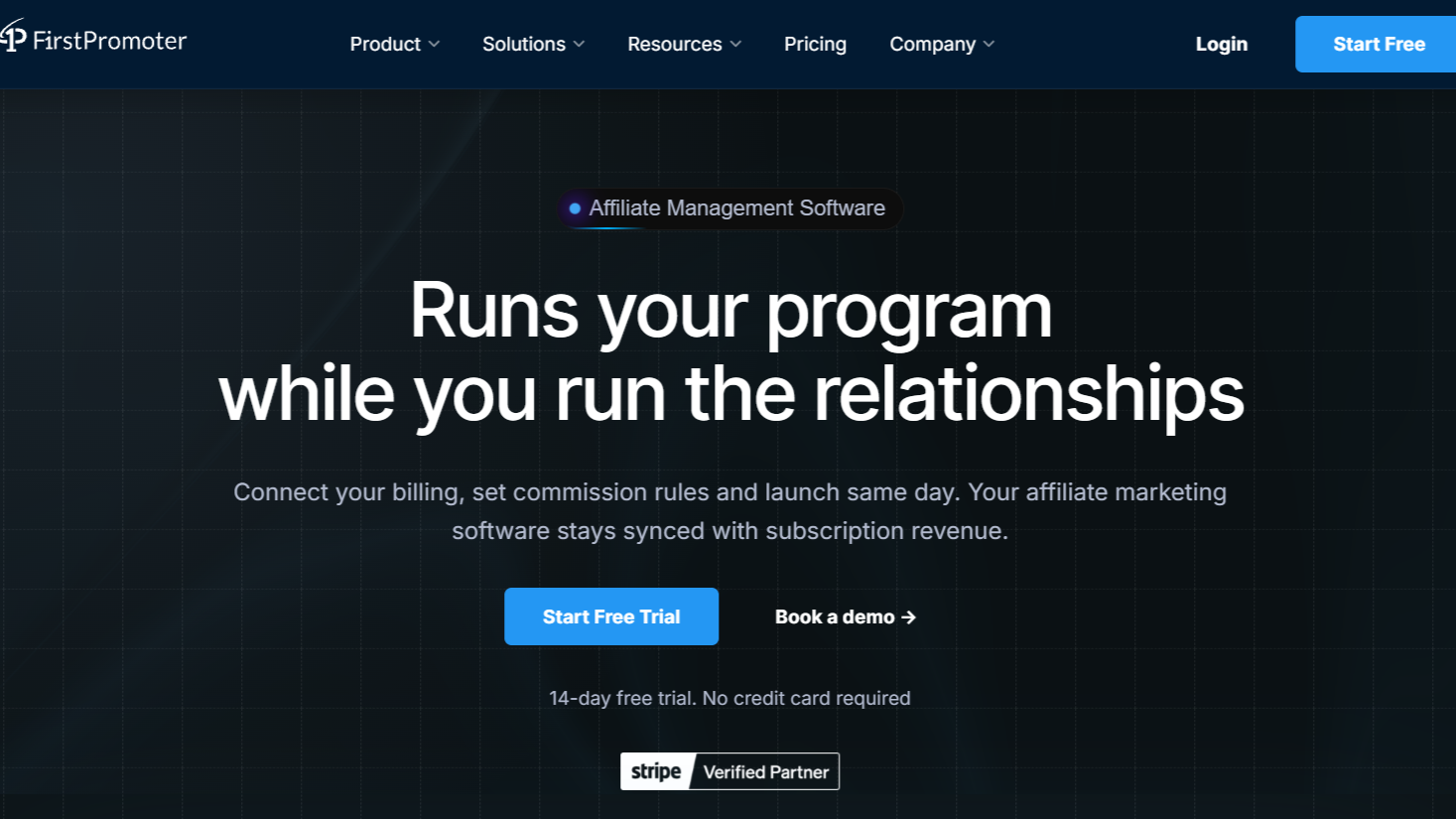
FirstPromoter attaches commissions to real billing events through native integrations with Stripe, Paddle, Chargebee, Recurly and Braintree, so a trial that churns before its first charge never earns anyone a payment. The fraud checks sit in front of that step.
Every click passes a blocked-promoter check, so a partner you've removed can't keep collecting on old links. Self-referral flags fire when the promoter's email or sign-in IP matches the new customer's. Paid-ad detection reads signals on the visit, such as a gclid or utm_medium=cpc, and each campaign decides whether that traffic is tracked normally, held as pending, or blocked.
That last setting is how you enforce a "no bidding on our brand name" policy without combing through Google Ads auction reports. Holding paid traffic as pending, instead of blocking it, leaves room for partners you've explicitly allowed to run search ads: you approve their commissions and reject the rest.
Lead-gen teams will care most about how it handles cost-per-lead programs. A CPL reward pays a flat amount per signup, and that commission is always created as pending for approval, even if you've turned on auto-approval for everything else.
You can check whether the leads activated, booked a call or turned out to be junk before anything is paid. For sale-based rewards, you pick the approval mode when you set up commission rules in FirstPromoter: automatic, manual, or manual only above an amount you choose.
Refunds claw the commission back from the partner’s next unpaid payout (Braintree clawbacks are the exception and are handled manually). The payout side has its own safeguards. You can require a verification code when an affiliate changes their payout details and make two-factor login mandatory for partners, and a verification step protects each payout run.
When a partner's numbers look odd, the referral records show the referrer, landing URL, sub-ID and source behind each conversion, which is usually enough to see where the traffic came from.
Plans start at $49/month (Starter, up to $5,000/month in affiliate revenue and 1,000 affiliates), then $99/month for Business and $149+/month for Enterprise. There's a 14-day free trial.
| Pros | Cons |
|---|---|
| Self-referral, paid-ad and blocked-promoter checks run before a commission fires | No click-level bot filtering, and clicks carry no country data, so you can't screen traffic by geography |
| CPL commissions always land as pending, so fake signups can be rejected before payout | Importing past referrals retroactively works with Stripe only |
| Commissions follow billing events, with automatic clawbacks on refunds |
2. Offer18
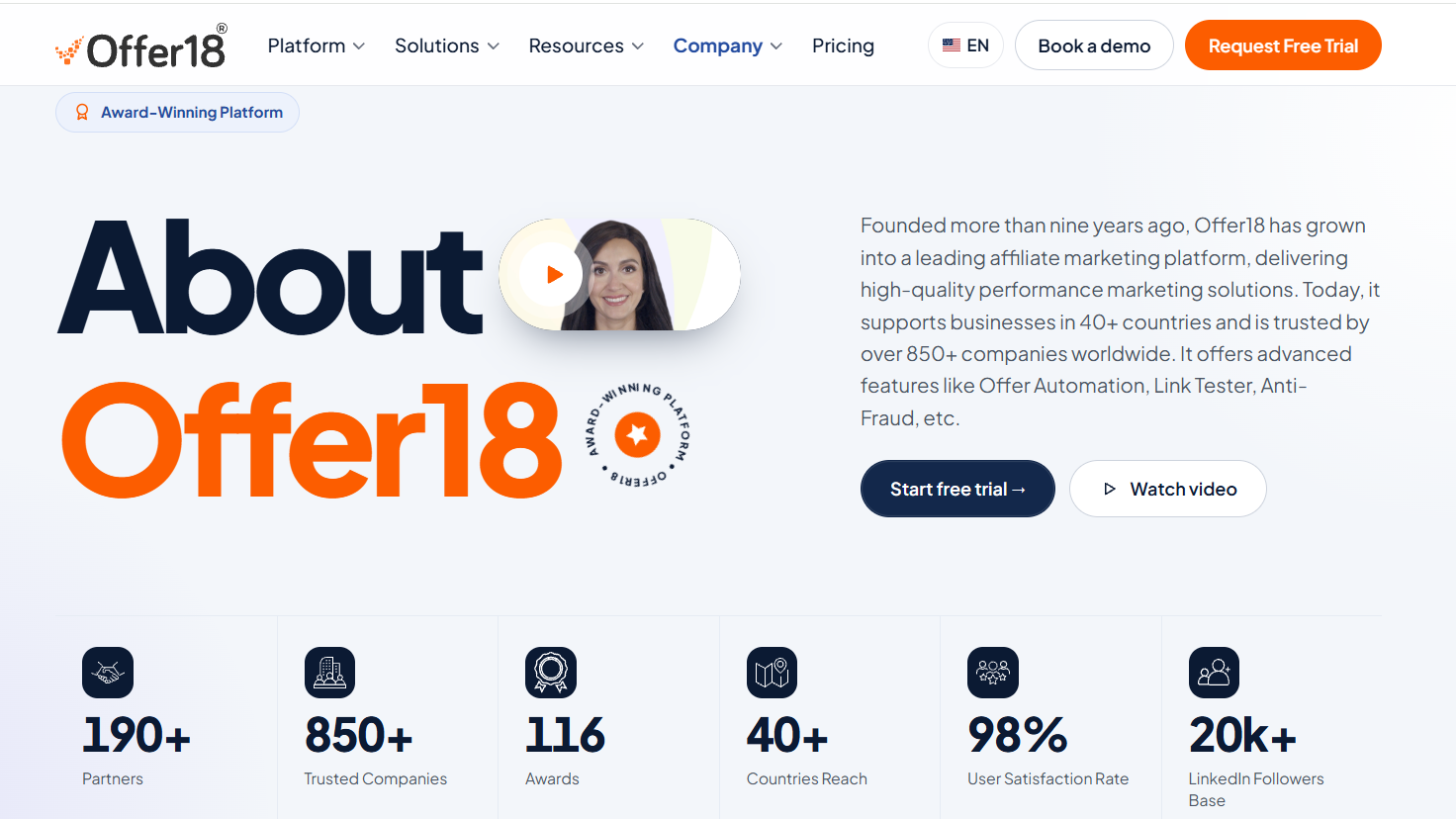
A strong choice for networks and advertisers that need click-level fraud tools with thresholds they can adjust.
Offer18 is a performance marketing tracker built for affiliate networks and advertisers, and its fraud tooling is concentrated where volume causes trouble: the click and the conversion.
The Click Spamming Defender looks for abnormal click patterns, bots and click injection. Fraud Fender watches traffic sources, locations, devices and browsers, blocks repetitive clicks and supports custom blacklists. The Traffic Source Validator checks traffic by source and sub-source, blocks blank referrers and handles proxy blocking.
The Conversion Risk Monitor is the most useful piece for lead buyers. It measures the time between a click and the conversion it produced, and you set a minimum and maximum window. Conversions inside the window are accepted, suspicious ones stay pending, and anything implausibly fast or slow is rejected.
Anyone paying per lead can use those windows to catch bots that submit a form within a second of landing. Offer18 also connects to outside fraud services, including 24metrics, Fraudscore, Anura and Scalarr. You turn these protections on per offer, from the Security tab in the offer settings, so a new partner can run under stricter rules than one you trust.
Two smaller features save time once a program grows. Instant alerts flag suspicious activity as it happens, and Offer Automation can pause sources that cross rules you define, whether that's a sudden drop in conversion rate or a spike in clicks with nothing behind them.
Plans start from $49/month, which covers 4,000 conversions and 150,000 clicks, and there's a 14-day free trial. Basic support comes with every plan, while 24/7 chat and email support are reserved for the higher tiers.
| Pros | Cons |
|---|---|
| Detailed click-level filtering with blacklists and proxy blocking | Its pages describe "basic" and "advanced" anti-fraud levels without saying which plan gets which |
| Click-to-conversion timing rules with a pending state for borderline cases | Built around offers and networks, so SaaS teams should test how it handles recurring subscriptions |
3. Trackier
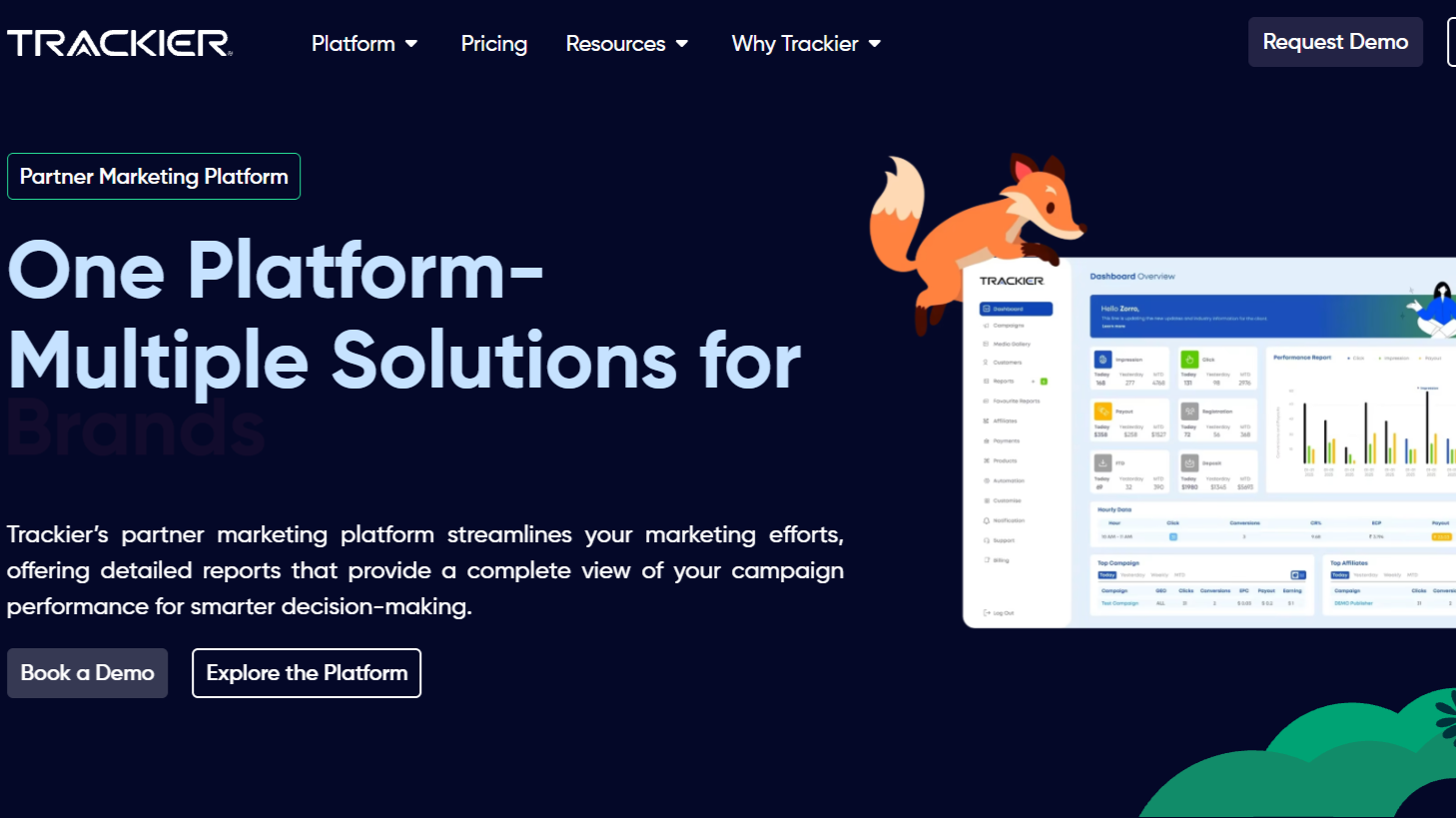
Suited to performance marketing teams that want to write their own fraud rules and plug in outside fraud data.
Trackier screens clicks and conversions as they arrive and filters out bots, scrapers and rotating proxies before they reach your reports. On top of that sits a rules engine. You can filter by country or device, block traffic from AWS and GCP data centers or known proxy networks, and switch on a Unique IP Conversion rule that allows only one sale per IP address.
When a conversion trips a rule, Trackier can cancel it automatically or alert your team to look into it. Trackier also publishes dedicated setups for fintech and e-commerce programs, two verticals where fake applications and stolen-card orders are common.
A fraud dashboard groups suspicious publishers, countries and campaigns, which helps when you need to show a partner why their numbers were cut. You can also whitelist trusted publishers, blacklist suspicious ones and cap how many clicks a single IP can send per minute, so one bad source doesn't pollute a whole campaign.
Because cancelled conversions are logged against the publisher, you also build a record that makes later conversations about clawbacks much shorter. If you want a second opinion on traffic, Trackier connects to external fraud databases such as IPQS and BOTMAN.
There's no public price list: you request a quote. A 30-day free trial is available, and Trackier advertises tracking for your first 10,000 conversions at no cost. It connects to more than 100 ad networks, CRMs and analytics platforms, which matters if your leads move from a form into a CRM before they count as conversions.
| Pros | Cons |
|---|---|
| Real-time validation of both clicks and conversions | No published pricing, so budgeting means a sales call |
| Flexible rules, including data-center blocking and one sale per IP | The rules engine takes time to set up well, and overly strict rules can cancel good conversions |
4. iDevAffiliate
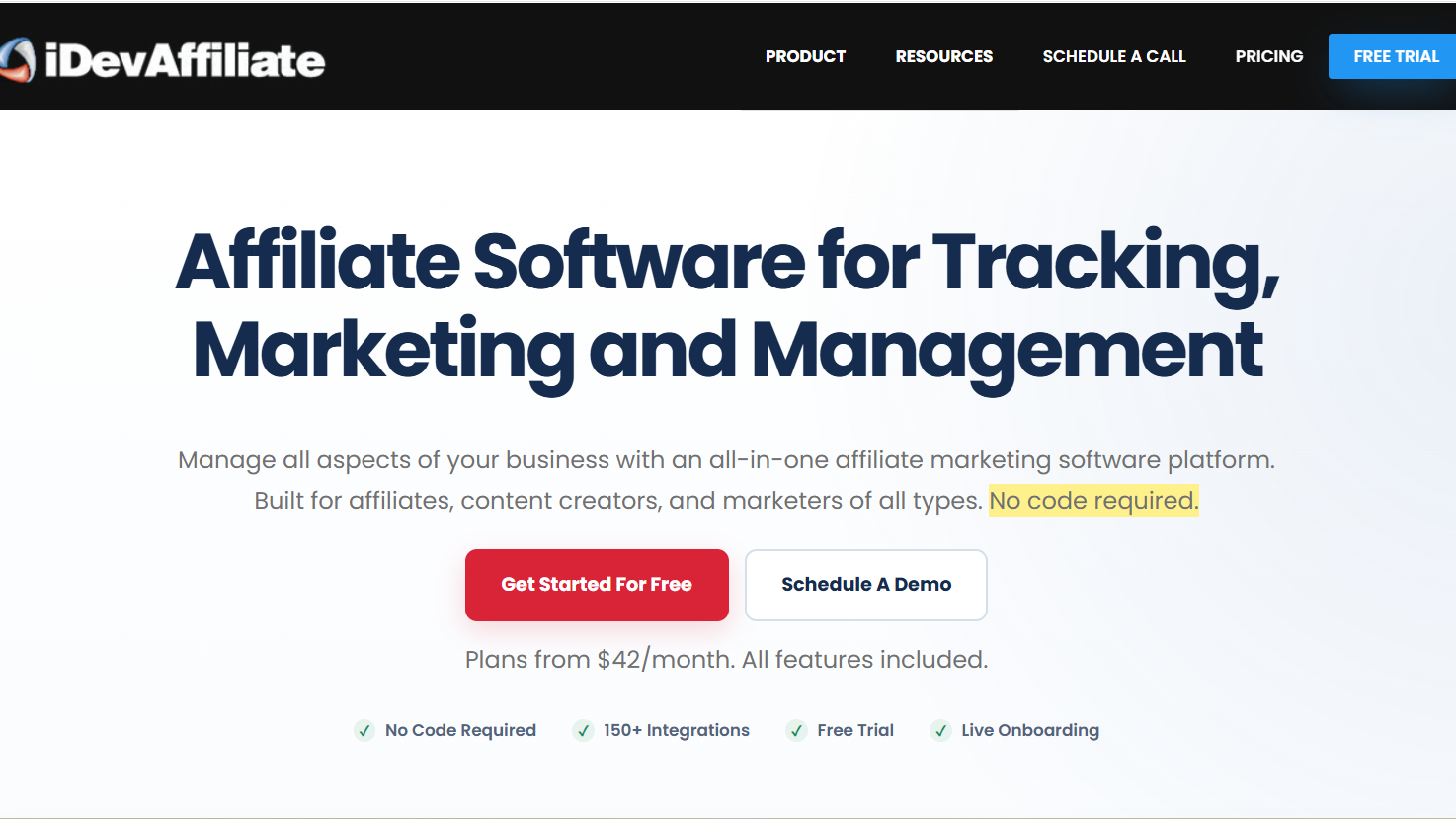
Good for small businesses that want hands-on fraud controls and the option to host the software themselves.
iDevAffiliate sells a self-hosted license alongside its cloud plans. Its fraud controls are manual and rule-based. Commission blocking, found under the Fraud Control settings, stops commissions tied to specific customers by IP address or email, and signup blocking keeps known bad actors from opening new partner accounts.
New affiliates can be required to verify their email, and admins can turn on two-step verification for their own logins. The Stripe plugin blocks duplicate commissions caused by repeated pixel pings and can require a personal API key before commissions are processed.
iDevAffiliate's help center is candid that self-purchases through a partner's own link can't be stopped reliably, since a determined affiliate can work around IP or cookie checks. Its suggested fix is a minimum payout balance, so a one-off self-purchase commission never reaches a payout on its own.
On Shopify, marking an invoice as cancelled removes the commission tied to it automatically, which covers part of the refund problem for store owners. Cloud plans run $42/month (Essential), $59/month (Professional) and $79/month (Premium, which adds unlimited affiliates), all with a free trial.
The self-hosted version is a one-time $499. Affiliates can be paid through PayPal, Venmo or Stripe, among other options, and each partner picks a preferred method at signup. One practical warning from its own documentation: if you block your own IP while testing, your test commissions will stop appearing, which is easy to mistake for a tracking bug.
| Pros | Cons |
|---|---|
| Self-hosted option with a one-time license | Fraud controls depend on blocklists you maintain by hand |
| Duplicate-commission blocking in the Stripe plugin | Self-referral protection is limited, by the vendor's own account |
5. Scaleo
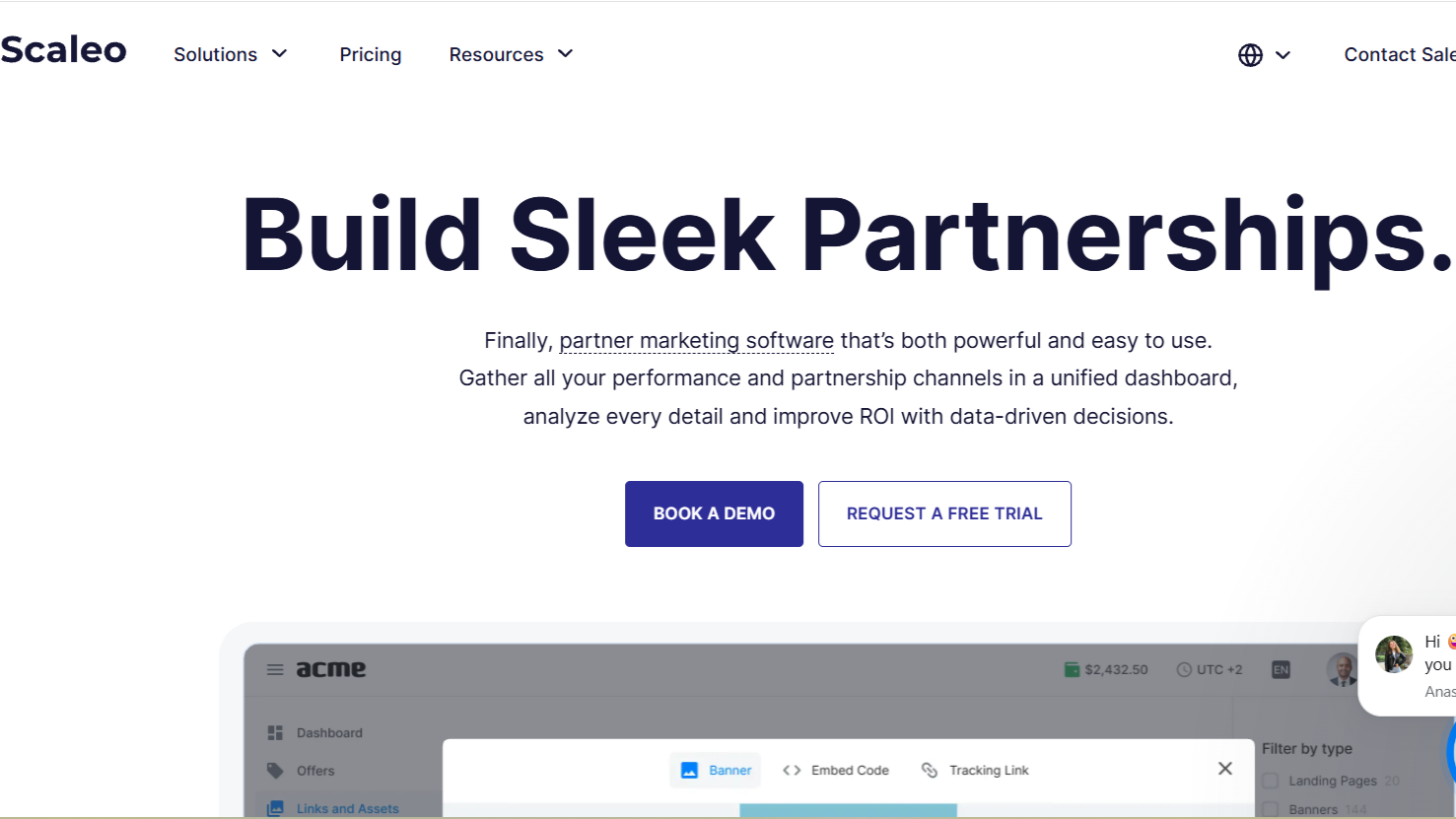
A deep fraud toolkit for iGaming operators and high-volume networks, at a price to match.
Scaleo includes its Anti-Fraud Logic in every plan. It checks incoming traffic for VPNs, proxies and bots, looks at ISP and IP-to-country mismatches, and gives each visitor a fraud-risk score from 0 to 100.
Scaleo says the engine compares every visitor against 40 data points, though that figure comes from its own blog rather than an independent test. In practice, the risk score is most useful as a sorting tool: review the highest-scoring conversions first instead of reading every one.
A "Don't Allow Duplicate Clicks" setting sends repeat clicks to an invalid-traffic destination, and for postback tracking Scaleo rejects duplicate conversions and can require a security token on every incoming postback, which stops partners from forging conversions.
Conversions can be held as pending for a review period, and the platform flags affiliate accounts that look like duplicates of existing ones. Those flags don't reject anyone automatically: a manager decides whether to approve the account, which keeps false positives from locking out real partners.
Pricing reflects its focus on large operators. The Professional plan is €600/month with 30,000 conversions, Enterprise is €800/month with 40,000 conversions and adds a fraud report, and Custom plans start at €2,400/month.
Annual billing on the Custom tier saves up to 15%, and Scaleo also mentions a 14-day free trial. For a SaaS program paying a few thousand dollars a month in commissions, that cost is hard to justify, but for an operator processing tens of thousands of conversions it's a different calculation.
| Pros | Cons |
|---|---|
| Anti-fraud checks included on every plan | The entry price is far above the other tools here |
| Postback security tokens and duplicate detection for server-side tracking | Much of the product and documentation is aimed at iGaming |
Mistakes to Avoid When Choosing Fraud-Protected Affiliate Software

Buying click filtering when your risk sits at the commission
A SaaS program that pays a percentage of subscription revenue loses money to self-referrals and brand bidding far more often than to bots. Network-grade click filtering looks impressive in a demo, but if no commission is paid per click, it protects your reports more than your budget. Map your payment model first: per click, per lead or per sale. Then buy the checks that sit at that point.
Paying per lead without a review step
Cost-per-lead commissions are the easiest to game, because a fake form fill costs the fraudster nothing. Any platform you choose for a CPL program should create lead commissions as pending, or hold them for a set period, so someone can confirm the lead was real before money moves. Lead-gen teams already score leads for sales; use the same signals to approve partner leads.
Ignoring what happens after something is flagged
A flag nobody acts on doesn't stop a payment. Ask each vendor what a flagged event turns into: a blocked commission, a pending commission, an alert, or just a label in a report. The pending option is usually the safest default, since it neither pays fraud automatically nor punishes a legitimate partner without a review.
Forgetting refunds and chargebacks

Some fraud only shows up later, when a customer bought with a stolen card or refunded right after the commission was approved. Check whether the platform claws commissions back automatically from future payouts, and which billing tools that works with. Without clawbacks, every refund becomes a manual chase.
Picking a network tracker for an in-house program
Platforms built for affiliate networks assume you manage offers, publishers and postbacks across many advertisers. If you run one program for one product, much of that setup is overhead, and the fraud rules are tuned for traffic volumes you may never see. An in-house program usually gets more from checks tied to its own billing and signup data than from a network-scale click filter.
Trusting detection rates in sales copy
Accuracy percentages on vendor sites are the vendor's own numbers, measured on traffic that isn't yours. Run the trial with real partners or a test campaign, then look at what got flagged and what slipped through. A tool that flags a lot of good conversions will cost you partners, and that cost never shows up in a fraud report.
Skipping the written rules
Software can only enforce a policy you've written down. If your affiliate terms don't ban bidding on your brand name, coupon posting on deal sites, or self-purchases, you'll have a hard time rejecting those commissions even when the tool flags them. Put the rules in the agreement, tell partners how flagged commissions are reviewed, and test the setup yourself with a self-referral and a paid-ad click before launch.
About the Author