What Businesses Should Consider When Comparing CRM Platforms
The role of customer relationship management platforms is significant in the way modern businesses handle leads, sales, and customer communication. Excel spreadsheets and hand count tracking do not work as companies expand. A CRM system aids in managing data, enhancing follow-ups, and contributing to better decision-making.
The current market for CRM is more competitive than ever. Each year new features, automation tools, and AI support are being introduced. Owing to this, it is not easy to select the right CRM platform. Businesses should not simply compare options and select them on the basis of brand names or even popular opinion.

This is the guide you need in order to understand what businesses need to take into account when comparing CRM platforms and follow the practical and updated approach adapted to startups, small groups, and developing organizations.
a) Understanding Your Business Needs First
Businesses need to be aware of their needs before making a comparison of any CRM tools. A CRM that is effective for a large international organization might not be applicable to a small local team.
Important questions to ask include:
- How many users will access the CRM
- Whether the focus is sales, customer support, or both
- The size of the customer database
- Whether remote teams will use the system
- The level of automation needed
Companies that do not do this step will tend to end up paying for features they will not utilize or picking a tool that seems complicated.
b) Ease of Use and Learning Curve

A CRM platform must not complicate work. In case the employees cannot learn the system, they have lower rates of adoption. This results in bad quality of data and lost opportunities.
When comparing platforms, businesses should look at
- Clean dashboard layout
- Simple navigation
- Clear labels and menus
- Easy onboarding process
Companies often compare Monday CRM vs. Salesforce because one is known for its simplicity, while the other is considered a more advanced platform. The right choice depends on how comfortable the team is with adopting and learning a new system.
c) Customization and Flexibility
Every business follows different sales processes. A good CRM should adapt to those processes instead of forcing a fixed structure.
Key customization areas include:
- Custom fields and tags
- Deal stages and pipelines
- User roles and permissions
- Workflow automation rules
There are platforms that are highly flexible with requirement time. The others are less complicated but limited. In such comparisons as Monday CRM vs. Salesforce, flexibility tends to be a determining factor in expanding teams.
d) Integration With Existing Tools
Most businesses already use tools for email, marketing, accounting, and communication. A CRM should connect smoothly with these tools to avoid data silos. For companies looking to implement Salesforce effectively, working with a Salesforce implementation company can ensure all integrations are properly set up and workflows are optimized.
Important integrations include:
- Email platforms
- Marketing automation tools
- Customer support software
- Payment and invoicing systems
Contemporary CRM solutions have native integrations or the ability to link third-party applications. It’s essential for a business to check if essential software is available before reaching a final conclusion.
e) Automation and AI Capabilities
CRM platforms have changed significantly in recent years. Automation and AI are no longer optional features.
Businesses should compare:
- Automated follow-up emails
- Lead scoring and prioritization
- Task reminders
- AI-based sales insights
The CRM systems are currently updated to include predictive analytics and intelligent recommendations. In the process of evaluating platforms, businesses tend to compare Monday Crm vs Salesforce to determine the difference between the automation of visual workflow tools and those of enterprise-focused systems.
f) Reporting and Analytics
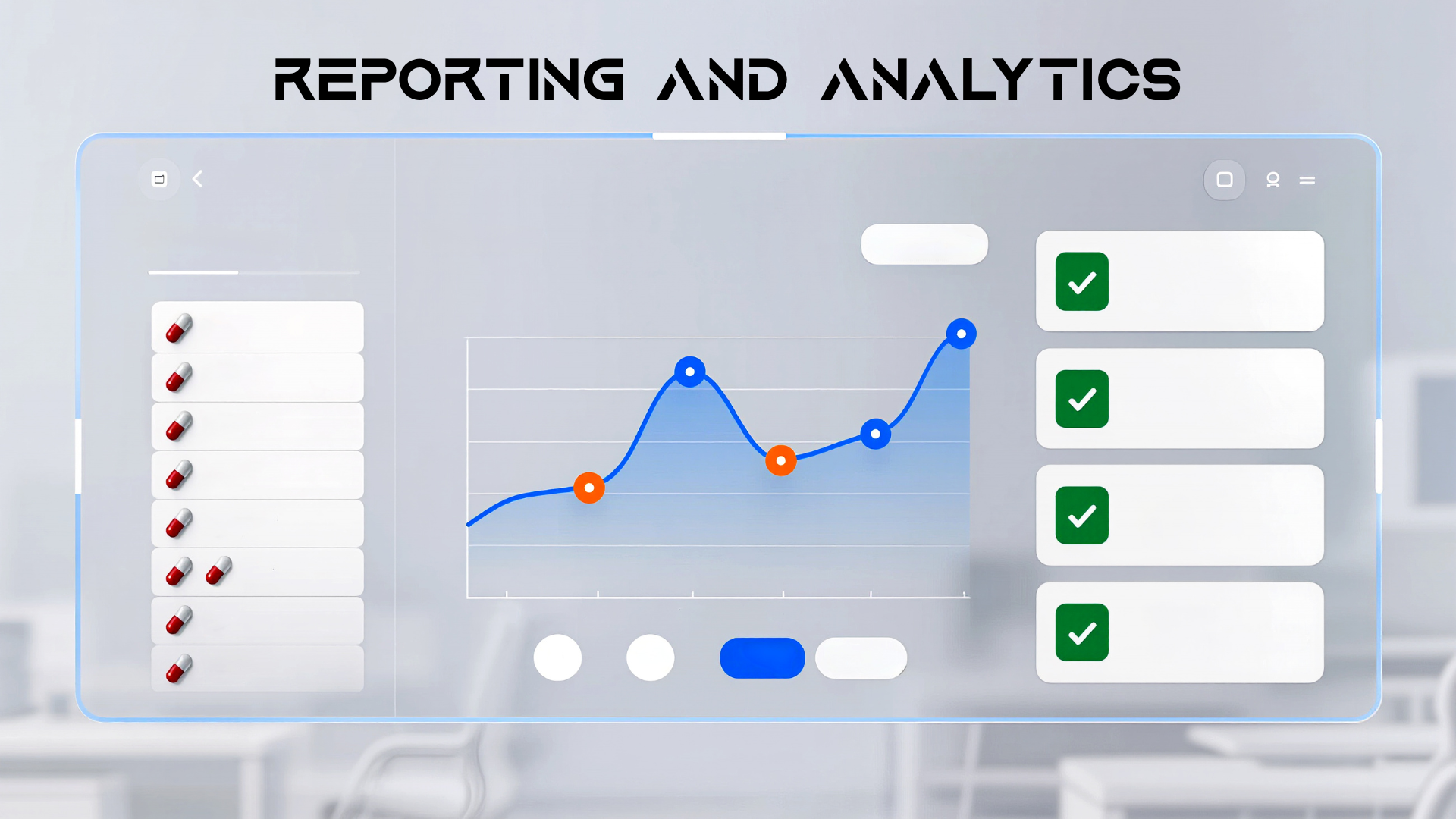
Data is only useful when it can be understood. A CRM should offer clear reporting tools that help businesses track performance.
Key reporting features include:
- Sales pipeline reports
- Conversion rate tracking
- Team performance insights
- Forecasting tools
Some platforms provide ready-made reports, while others allow custom dashboards. Businesses should ensure reports match their decision-making needs.
g) Scalability for Future Growth
Choosing a CRM is not just about current needs. Businesses should consider where they want to be in the next two to five years.
Scalability factors include:
- Ability to add more users
- Support for higher data volume
- Advanced features as teams expand
- Multi-department support
A CRM that works well today may become limiting tomorrow. That is why long-term comparisons such as Monday CRM vs. Salesforce are common among companies planning to scale.
h) Pricing Structure and Hidden Costs
CRM pricing can be confusing. Some platforms charge per user, while others offer feature-based plans.
Businesses should review:
- Monthly or yearly pricing
- Cost per additional user
- Charges for advanced features
- Support and training fees
Low starting prices can increase quickly as teams grow. Always calculate total cost based on expected usage, not just entry-level plans.
i) Data Security and Compliance
Customer information must also always be protected. The CRM system should therefore conform to international security standards and data protection laws.
Important security aspects include:
- Data encryption
- User access control
- Regular system backups
- Compliance with regional data laws
For businesses operating in multiple regions, GEO optimization also matters. CRM providers should offer data hosting options that align with local regulations.
j) Customer Support and Training Resources
Even the best CRM platforms need support. When issues arise, fast and helpful assistance makes a big difference.
Businesses should check:
- Availability of live support
- Help documentation quality
- Video tutorials and guides
- Community forums
Some platforms focus on self-service learning, while others provide direct account support. This difference is often highlighted in comparisons like Monday CRM vs. Salesforce.
k) Mobile Access and Remote Work Support

Remote work is now a standard part of business operations. CRM platforms must support mobile access without losing functionality.
Features to review include:
- Mobile app performance
- Offline access
- Real-time updates
- Secure login on multiple devices
A CRM that works well only on desktop may slow down sales teams on the move.
l) Trial Period and Real Usage Testing
No comparison is complete without hands-on testing. Most CRM platforms offer free trials or demo versions.
During the trial period, businesses should:
- Test daily workflows
- Import sample data
- Involve real users
- Evaluate speed and performance
Real usage reveals strengths and weaknesses that marketing pages often hide.
Final Thoughts
A mere glance at the lists of features is not enough to compare CRM platforms. Businesses need to consider usage, adaptability, interconnectedness, and longevity. The most appropriate CRM would be that which promotes actual working and assists teams to work better on a daily basis.
Such expressions of modern comparisons like Monday CRM vs. Salesforce indicate the way in which various platforms are serving various business objectives. Others have an emphasis on simplicity and visual workflow, whereas others have an emphasis on depth and enterprise control.
The companies can select a CRM platform that will provide them with long-term value and help them build more meaningful relationships with their customers by putting their business needs and future growth and real-world application in mind.
About the Author