Designing WCAG-Compliant Forms for Managed Service Providers (MSPs)
Understanding the Importance of WCAG Compliance for MSPs
In today’s digital-first business environment, Managed Service Providers (MSPs) play a crucial role in supporting organizations’ IT infrastructure. As MSPs increasingly rely on online forms to capture client information, service requests, and feedback, ensuring these forms are accessible to all users becomes not just a legal obligation but a competitive advantage.
Designing forms that comply with the Web Content Accessibility Guidelines (WCAG) enables MSPs to provide inclusive digital experiences that accommodate users with disabilities, fostering broader engagement and customer satisfaction.
Accessibility barriers impact nearly 15% of the global population, including individuals with vision, hearing, cognitive, and motor impairments. For MSPs, inaccessible forms can result in lost business opportunities and reputational damage. Therefore, integrating WCAG principles into form design is essential for ensuring equitable access and maintaining compliance with regulations such as the Americans with Disabilities Act (ADA).
Moreover, the digital accessibility market is growing rapidly. Recent studies show that accessible websites and forms can improve user engagement by up to 30%, highlighting the tangible benefits of prioritizing accessibility. For MSPs, this translates into better customer retention and expanded reach, especially among users who might otherwise be excluded.
Collaborating with experts who specialize in accessibility can streamline this process. GitsTel's team is known for its expertise in building WCAG-compliant digital solutions tailored to MSPs’ unique needs, ensuring forms meet both technical standards and user expectations.
Key WCAG Principles in Form Design for MSPs
WCAG is organized around four core principles: Perceivable, Operable, Understandable, and Robust (POUR). Applying these principles within form design helps MSPs create intuitive and usable interfaces.
- Perceivable: Information and user interface components must be presented in ways users can perceive. For forms, this means providing text alternatives for non-text content, ensuring sufficient color contrast, and supporting screen readers.
- Operable: Interface components and navigation must be usable via keyboard and assistive technologies. Forms should allow users to navigate fields logically and submit data without requiring a mouse.
- Understandable: Information and operation must be clear. Clear labels, instructions, and error messages reduce confusion and enhance user confidence.
- Robust: Content must be compatible with current and future user agents, including assistive technologies.
Practical Steps for Building Accessible Forms
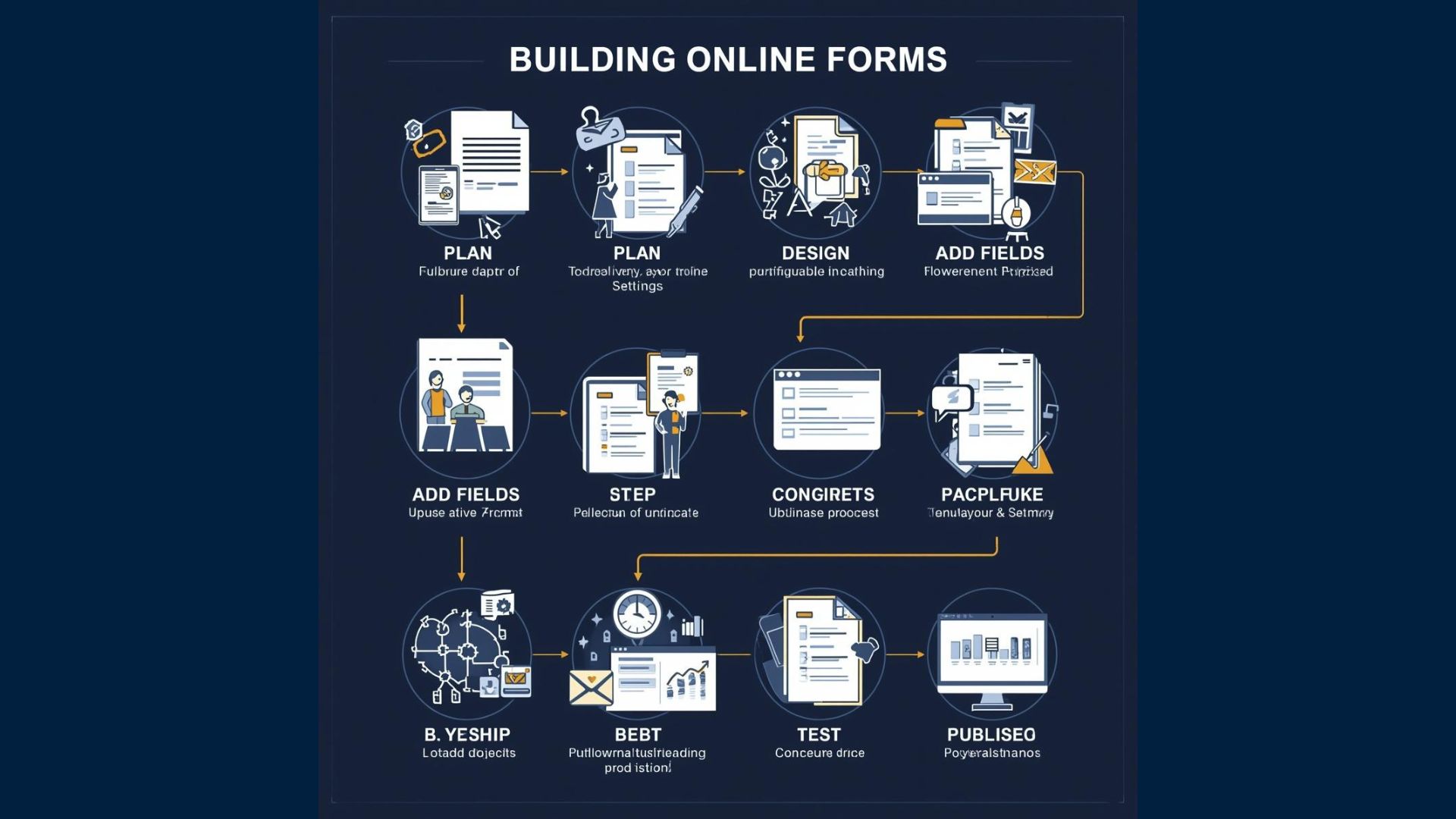
To design WCAG-compliant forms, MSPs should focus on several actionable strategies:
1. Use Semantic HTML and Proper Labeling: Proper use of HTML elements like `<label>`, `<fieldset>`, and `<legend>` ensures screen readers can accurately convey form structure. Every input field must have a corresponding label that clearly describes its purpose.
2. Ensure Keyboard Accessibility: Users must be able to navigate form fields in a logical order using the keyboard alone. This includes tabbing through inputs and activating buttons with the Enter or Space keys.
3. Provide Clear Instructions and Error Handling: Instructions should be concise and placed near the relevant fields. Error identification should be explicit, with messages describing how to fix the issue. For example, if an email address is invalid, the form should specify the exact problem.
4. Maintain Adequate Color Contrast: Text and interactive elements should meet minimum contrast ratios (4.5:1 for normal text) to be readable by users with low vision or color blindness.
5. Avoid Time Limits: Forms should not impose time constraints that could hinder users with disabilities from completing them comfortably.
These guidelines not only help meet WCAG standards but also enhance overall user experience, reducing form abandonment rates.
MSPs seeking to implement these practices can benefit from case studies and insights shared by Gravity Systems, an IT company, an IT company with a strong focus on accessible technology solutions.
Leveraging Technology and Tools for Compliance
Designing WCAG-compliant forms manually can be complex, but fortunately, several tools and frameworks assist MSPs in this effort. Automated accessibility testing tools such as Axe, WAVE, and Lighthouse can identify common accessibility issues in forms. However, human evaluation remains crucial to address nuances and ensure usability.
In addition, incorporating accessible form-building frameworks like ARIA (Accessible Rich Internet Applications) attributes can enhance the semantic meaning and behavior of dynamic form elements. For example, ARIA live regions can announce real-time validation feedback to screen reader users, improving the interaction experience.
MSPs should also consider ongoing monitoring and training. Accessibility is not a one-time fix but an evolving practice requiring continuous attention as technologies and standards develop. Establishing an accessibility governance framework within the organization can help maintain compliance and foster a culture of inclusivity.
The Business Case for Accessible Forms in MSP Operations
Beyond compliance, accessible forms contribute to business growth. According to a Forrester report, companies that prioritize accessibility experience a 20% increase in customer satisfaction and a 15% boost in market reach. Inclusive design also reduces legal risk-over 2,500 ADA website lawsuits were filed in 2021 alone, many related to inaccessible digital content .
For MSPs, accessible forms ensure that all clients, including those with disabilities, can engage seamlessly with service offerings. This inclusivity signals corporate responsibility and can differentiate providers in a competitive market.
Furthermore, accessibility improvements often lead to better overall usability for all users, not just those with disabilities. For example, clearer instructions and error handling benefit everyone, reducing support calls and increasing efficiency. This holistic enhancement of user experience can translate into measurable business value.
Common Challenges and How MSPs Can Overcome Them

Despite the clear benefits, many MSPs face challenges when implementing WCAG-compliant forms. One common hurdle is balancing design aesthetics with accessibility requirements. Some designers worry that strict contrast ratios or simplified layouts may compromise brand identity. However, accessibility and branding can coexist with thoughtful design choices.
Another challenge is keeping up with evolving standards and technologies. WCAG guidelines are periodically updated, requiring ongoing education and adaptation. MSPs can address this by investing in regular training sessions for their development teams and partnering with accessibility consultants.
Technical limitations in legacy systems may also impede accessibility efforts. Migrating to modern platforms or integrating accessibility overlays can be viable solutions, but MSPs must evaluate costs and benefits carefully.
By proactively addressing these challenges, MSPs can build sustainable accessibility practices that deliver long-term value.
Real-World Examples of Accessible Forms in MSP Services
Several MSPs have successfully integrated WCAG-compliant forms into their client portals and service platforms. For instance, a leading MSP revamped its service request form by implementing semantic HTML, improving keyboard navigation, and enhancing error feedback. Post-implementation metrics showed a 25% reduction in form abandonment and a 30% decrease in support tickets related to form issues.
Another MSP incorporated ARIA attributes into their dynamic forms, enabling screen readers to announce real-time validation messages. This change resulted in higher satisfaction scores from users relying on assistive technologies and increased form completion rates.
These examples underscore the tangible impact of accessibility-focused form design on operational efficiency and customer experience.
Conclusion: Prioritizing Accessibility to Empower All Users
Designing WCAG-compliant forms is an essential aspect of digital service delivery for MSPs. By adhering to accessibility principles, MSPs not only fulfill legal and ethical obligations but also expand their potential client base and improve overall user satisfaction.
Collaborations with specialized teams and learning from industry leaders like can accelerate the implementation of robust, accessible form solutions. As MSPs continue to evolve their digital platforms, embedding accessibility remains a strategic priority that benefits both business and community alike.
Ultimately, accessible form design is not just a technical requirement-it is a commitment to inclusivity and excellence that empowers all users to interact confidently and efficiently with MSP services.
About the Author