The Best Invoice Program for Businesses That Want to Save Time and Grow Faster
Efficient invoice management is an important part of a successful business. As a company grows, it becomes increasingly time-consuming to keep track of payments, send invoices, follow up with customers, and maintain financial records.
When these tasks are done manually, they tie up attention that is needed for customer service, business development, and other important activities.
Invoicing software helps businesses organize these processes in one place. Depending on the platform, users can create professional invoices, automate payment reminders, track outstanding amounts, and manage customer data. The right solution can reduce administrative effort, improve visibility into cash flow, and make day-to-day financial management easier.
However, not every invoicing program offers the same features. Some are aimed at freelancers and small businesses, while others offer more comprehensive accounting tools for growing companies.
Some platforms are particularly well suited to businesses in Germany, where local invoicing requirements and tax processes play an important role. Others suit businesses that need to invoice flexibly across different markets.
This guide presents invoicing programs for different needs and describes their advantages, limitations, pricing considerations, and suitability, to make it easier for businesses to make an informed decision.
The Best Invoicing Software for Businesses
1. Cakedesk
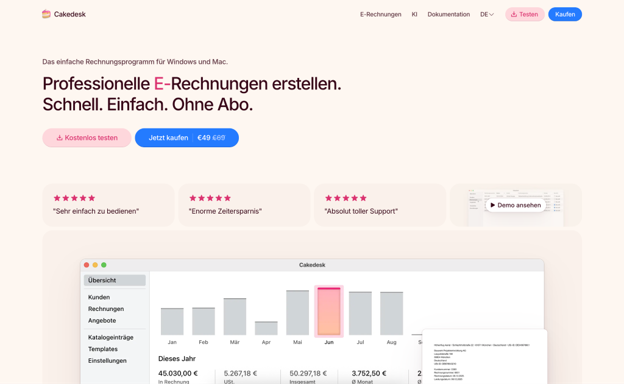
Cakedesk is a simple invoice program for Windows and Mac that is especially popular with freelancers, consultants and small businesses looking for an uncomplicated possibility to create invoices and to manage them.
The app concentrates on the essential tasks of invoicing and is for that reason very simple to operate. Thanks to the fact that the program saves all data on one’s own machine, it is very privacy-friendly and fast.
Cakedesk is also one of the few invoice programs that lets itself be acquired through a one-time payment, without recurring costs.
Advantages
- Offline access makes it possible to create and manage invoices without an internet connection.
- A one-time payment can be attractive for businesses that do not want to take out a subscription with recurring costs.
- The invoice program for Windows and Mac is very simple to operate
- Free to use for up to 3 invoices
- Invoice designs can be extensively adapted with HTML & CSS
Disadvantages
- Desktop-based access is possibly less convenient for users who want to work across devices.
- Businesses that need advanced accounting functions should use additional software where appropriate.
Best suited for: Freelancers, consultants and small businesses that prefer uncomplicated, privacy-friendly desktop invoicing without a subscription.
Conclusion: Cakedesk is worth a consideration for users who want a focused invoice tool without the complexity of a comprehensive accounting platform. The offline functions and the purchase model can be suitable for freelancers and smaller businesses that value simplicity.
2. Sevdesk
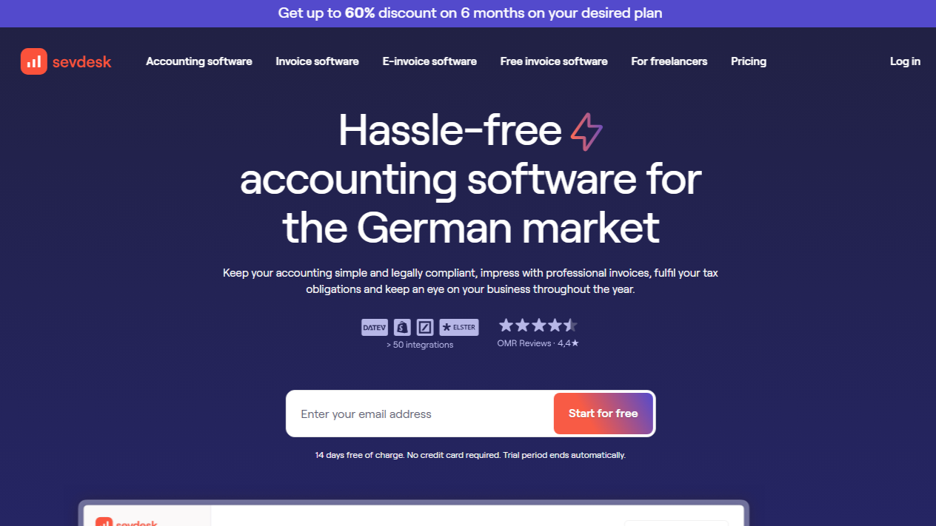
Sevdesk is a cloud-based accounting and invoicing platform aimed mainly at freelancers, self-employed people, and small businesses in Germany. It combines invoicing with several related financial tasks, making it easier to manage business records in one place.
The platform supports the creation of invoices and quotes, expense management, and the organization of finances. Depending on the plan chosen, additional accounting features are available that simplify ongoing bookkeeping.
For businesses in Germany, local accounting workflows and tax-related features can be especially helpful. Since requirements and available features may vary by plan, businesses should check whether the chosen package meets their specific needs.
Advantages
- Combines invoicing with other useful financial management features.
- Supports workflows relevant to freelancers and small businesses in Germany.
- Cloud access makes it easier to manage financial data from different locations.
Disadvantages
- Businesses outside Germany may find some features less relevant.
- Users who only need simple invoicing may find a leaner tool more suitable.
Best suited for: German freelancers, self-employed people, and small businesses that want support with bookkeeping in addition to invoicing.
Conclusion: sevdesk is a practical option for German businesses that want to manage invoicing and related accounting tasks in one system. It is especially worth a look if local financial processes are a priority.
3. Lexware Office
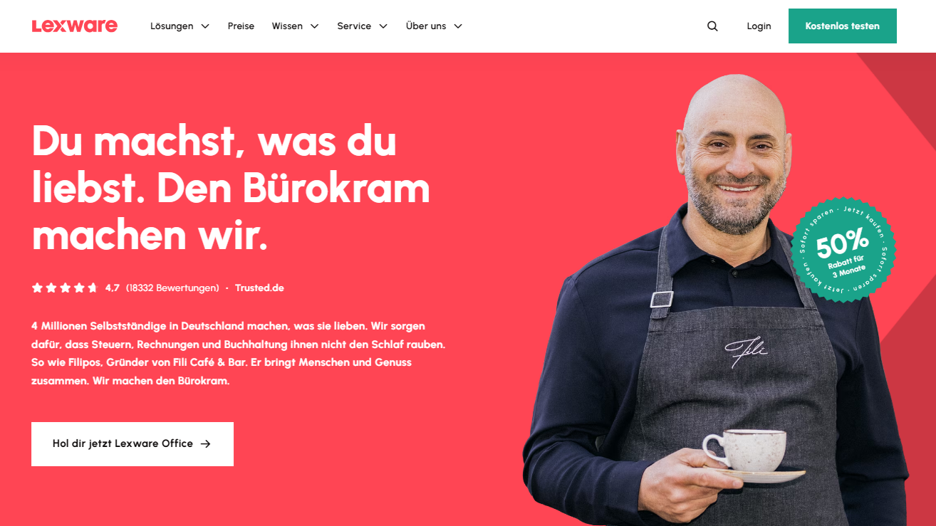
Lexware Office is a cloud-based accounting and invoicing solution for freelancers, self-employed people, and small businesses in Germany. It helps users create invoices, organize financial documents, and manage important accounting processes through a central platform.
Beyond invoice creation, the software offers features for expense tracking, accounting, and other routine financial tasks. This makes it useful for businesses that want to organize a larger part of their financial management without needing separate tools for each process.
The range of features can also support businesses as their administrative needs become more complex. Which plan fits best, however, depends on the features required and on how the business manages its finances.
Advantages
- Combines invoicing and several accounting tasks on one platform.
- Offers features tailored to the needs of businesses in Germany.
- Can reduce the need for separate tools for routine financial management.
Disadvantages
- Businesses with simple invoicing needs don’t necessarily need the full range of accounting tools.
- Availability and feature scope may vary depending on the subscription plan.
Best suited for: Freelancers and small businesses in Germany that want invoicing, accounting, and financial management in one place.
Conclusion: Lexware Office is a strong candidate for businesses that want more than simple invoice creation. The combination of invoicing and accounting features can help keep financial management clear even as requirements grow.
4. FastBill
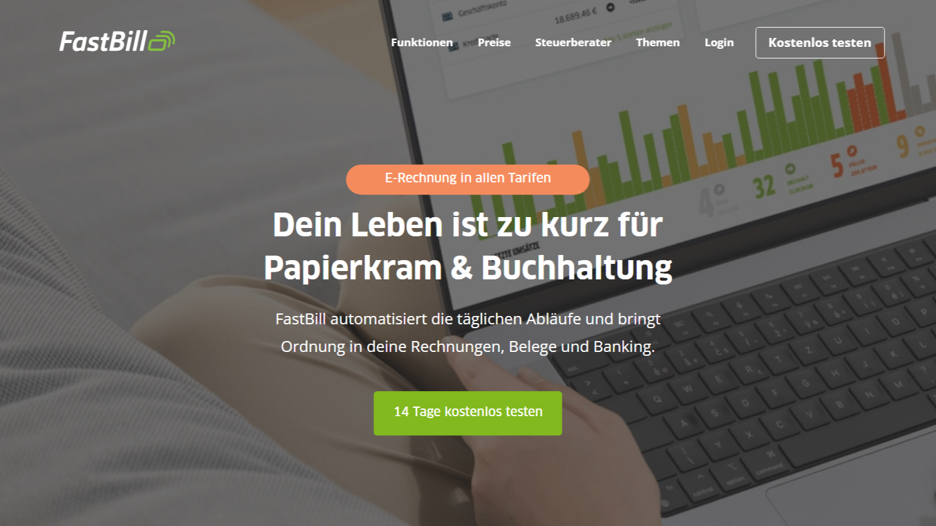
FastBill is an invoicing and accounting platform for freelancers, self-employed people, and small businesses. It helps users create invoices, manage expenses, and organize financial records without having to handle every task manually.
The platform aims to make routine financial management more manageable. Businesses can use it to create professional documents, track transactions, and maintain records that support their accounting processes.
FastBill can be particularly useful for service providers and small teams who want invoicing and related financial functions in a single working environment. Before choosing a plan, users should compare the available features with their existing accounting processes.
Advantages
- Simplifies recurring invoicing and expense management.
- Provides a central place to organize important financial records.
- Offers features that can support small businesses as their administrative needs grow.
Disadvantages
- Some useful features may only be available in higher-tier plans.
- Businesses that only occasionally create invoices may prefer a simpler solution.
Best suited for: Freelancers and small businesses that want to combine invoicing with everyday financial management.
Conclusion: FastBill is worth a look for businesses that want to simplify invoicing while keeping related financial tasks organized. It is most useful when a business benefits from the broader management features rather than just creating invoices.
5. Easybill
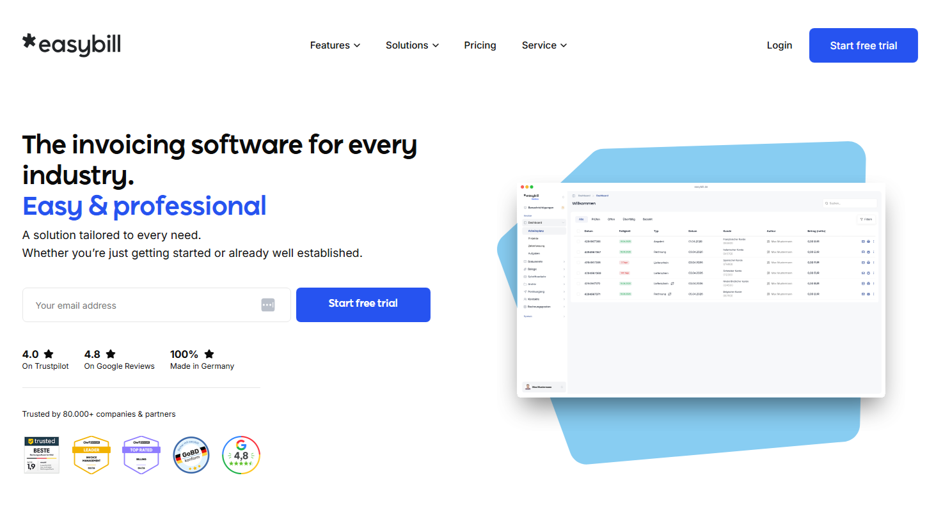
easybill is an online invoicing platform that lets businesses create, send, and manage invoices and other business documents. It is particularly relevant for online retailers and businesses with high order volumes, where creating each document individually causes unnecessary effort.
The platform supports document creation and offers ways to manage recurring processes. Depending on the company structure and chosen plan, integrations can also connect invoicing with other systems for sales and order fulfillment.
For businesses that sell products online, this can make invoice management more consistent. Users should check available integrations and plan limits to make sure the software works with their existing sales channels.
Advantages
- Can reduce manual effort for businesses with many orders.
- Supports document workflows that are useful for online retailers.
- Integrations can connect invoicing with existing business systems.
Disadvantages
- Businesses should check whether their particular sales platforms are supported.
- Companies with simple, service-based invoicing may not need the order-oriented features.
Best suited for: Online retailers and businesses that need to create invoices and related documents for frequent orders.
Conclusion: easybill is a useful option for businesses that want to make document creation more efficient, especially with a large number of online orders. Its suitability depends on how well the integrations fit the company’s existing sales setup.
6. Billomat
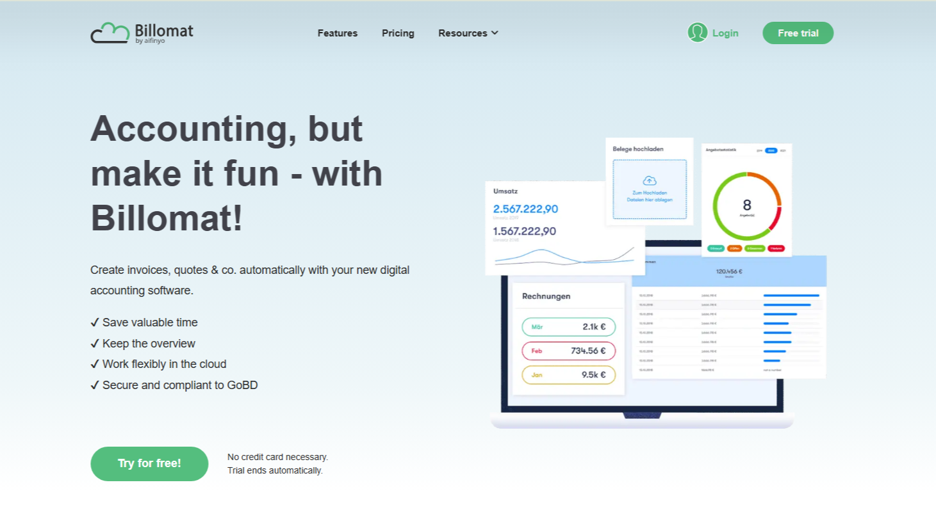
Billomat is an invoicing and business management platform that helps freelancers and small businesses manage invoices, quotes, and related financial tasks. The online tools are designed to make document creation clearer and reduce the recurring effort of customer billing.
The platform can help users keep customer information and financial documents together and maintain consistent records. Depending on the available plan, businesses may have access to additional features and integrations that support their administrative workflows.
For businesses looking for a dedicated invoicing system with room for related features, Billomat is worth considering. The best choice depends on company size and the desired level of automation.
Advantages
- Offers tools for creating and managing professional invoices.
- Helps keep customer information and billing documents organized.
- Recurring invoice features can reduce effort with regular customers.
Disadvantages
- Integration options should be checked against the tools already in use.
- Users who need comprehensive accounting may require additional features or a different system.
Best suited for: Freelancers and small businesses that want a specialized invoicing platform with useful document management.
Conclusion: Billomat can suit businesses that want to manage invoices, quotes, and customer data clearly. It is worth comparing with similar platforms to determine whether features and prices fit your own workflow.
7. Zoho Invoice
Zoho Invoice is an invoicing platform that supports businesses in creating invoices, tracking payments, and billing customers. It is part of the larger Zoho ecosystem, which can be useful for businesses that already use other business applications from the same provider.
The platform supports tasks such as expense tracking, payment reminders, and time-based billing. These features can help service providers manage customer projects and spend less time manually following up on outstanding invoices.
Zoho Invoice can be interesting for freelancers and small businesses that want a specialized invoicing solution. Businesses should check the current plan terms, regional availability, and integrations before deciding whether it meets their requirements.
Advantages
- Offers a range of invoicing features for freelancers and small businesses.
- Payment reminders can help businesses follow up on outstanding invoices.
- Integration with other Zoho applications can support a more connected workflow.
Disadvantages
- Businesses unfamiliar with the Zoho ecosystem may need time to explore the available settings.
- Companies with more demanding accounting requirements may need a separate or more comprehensive solution.
Best suited for: Freelancers, consultants, and small businesses that want flexible invoicing tools, especially if they already use Zoho applications.
Conclusion: Zoho Invoice is a compelling option for businesses that want useful billing features without immediately committing to a complex accounting platform. Payment reminders and integration options make it particularly relevant for service businesses.
8. FreshBooks
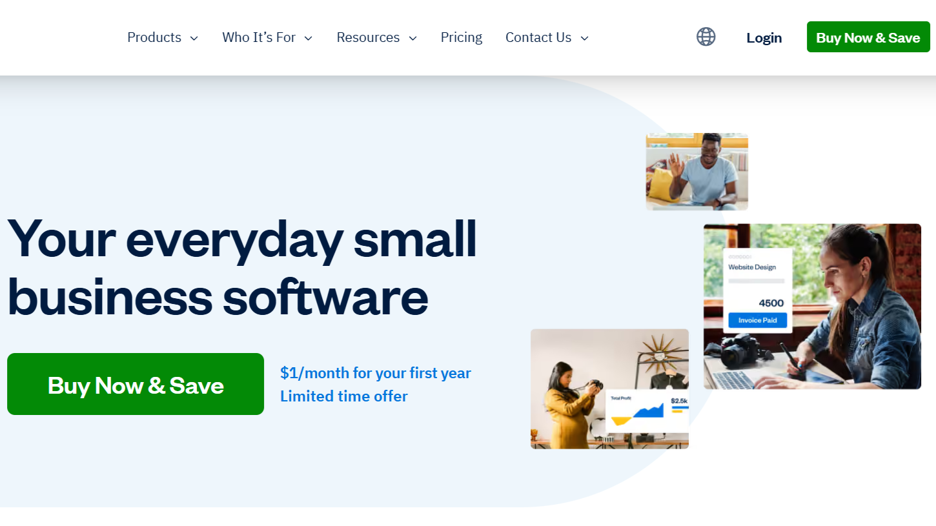
FreshBooks is an online accounting and invoicing platform for freelancers, consultants, and small businesses. It combines invoice creation with features such as expense tracking, time tracking, and financial reports, making it especially useful for businesses that bill customers for services.
Users can create professional invoices, monitor outstanding payments, and organize business expenses through a central dashboard. Time tracking can also help service providers link the work performed to the invoices sent to customers.
FreshBooks offers a broader range of features than a simple invoicing tool. Businesses should compare plans and available features to determine whether the additional capabilities justify the cost.
Advantages
- Combines invoicing with tools for everyday financial management.
- Time tracking is useful for businesses that bill by the hour.
- Offers a clear interface for managing customer billing and expenses.
Disadvantages
- Subscription costs can be higher than with simple invoicing tools.
- Businesses with specific local tax or accounting requirements should check whether the platform supports them.
Best suited for: Freelancers, consultants, and service-oriented small businesses that need time and expense tracking in addition to invoicing.
Conclusion: FreshBooks is a suitable option for service businesses that want to combine customer billing with time tracking and expense management. It is especially worth a look if these features make separate tools unnecessary.
What to Consider Before Choosing Invoicing Software
Choosing invoicing software involves more than comparing prices or picking the platform with the longest feature list. The right solution should fit how the business works today while also covering its likely future needs.
Ease of use
Invoicing software should make routine tasks easier instead of adding complexity. Look for a clear interface, simple invoice creation, and straightforward access to customer data. A tool that employees can learn quickly can also reduce training effort.
Automation features
Automatic payment reminders, recurring invoices, and reusable customer data can save time. Businesses that send invoices frequently should check how much manual work a platform can replace in their existing process.
Accounting and tax requirements
Businesses should check whether an app supports the tax rules, invoice formats, and reporting requirements of their location. Businesses in Germany, for example, may prefer tools geared toward German accounting workflows. International businesses may need different tax settings or support for multiple currencies.
Payment options
Consider how your customers will pay their invoices. Some platforms support online payments through integrated payment providers, while others focus mainly on document creation and tracking. Check transaction fees, supported payment methods, and regional availability before deciding.
Integrations
An invoicing app may need to work with accounting software, CRM systems, e-commerce platforms, or payment providers. Make sure the integrations you need are available and included in your intended plan.
Scalability
A tool that works well for freelancers can become unsuitable when the business hires staff, serves more customers, or needs additional reports. Check whether the platform can support higher invoice volumes, more users, and more complex workflows.
Security and data access
Financial documents contain important business and customer data. Check the provider’s security practices, data storage, backup options, and access controls. Businesses should also consider whether they need cloud access, offline functionality, or both.
Customer support
Reliable support can matter when invoices need to be corrected or payment data must be retrieved quickly. Check the support channels, available documentation, and support options of each plan.
How Much Does Invoicing Software Cost?
The cost of invoicing software depends on the platform, its features, and how the business uses it. Some tools offer free options with limitations, while others charge a monthly or annual subscription. Desktop applications sometimes also offer one-time purchases.
Before comparing prices, decide which features are essential for your business. An inexpensive plan may be enough to create invoices and track payments, while a growing business may benefit from automation, multi-user access, expense management, or accounting integrations.
It is also worth watching for additional costs. Payment processing fees, extra users, premium integrations, and optional add-ons can affect a platform’s total cost.
A practical comparison should consider the following:
- Free plans: Check invoice limits, feature restrictions, and whether the plan is suitable for ongoing business use.
- Subscription plans: Compare monthly and annual costs, including differences in features or usage limits.
- One-time purchases: Check what the initial payment includes and whether future updates or support cost extra.
- Additional fees: Watch for transaction fees, costs for additional users, and paid integrations.
- Long-term value: Consider how much time the software saves and whether it makes other tools unnecessary.
The cheapest option is not always the best value. A platform that reduces administrative effort and keeps payments organized can be worth a higher price if its features are genuinely useful to the business.
How to Choose the Right Invoicing Software for Your Business
Start by identifying the main problem you want to solve. If you only need to create and send invoices, a simple tool may be enough. If you regularly chase late payments, prioritize automatic reminders and payment tracking. If you sell products online, look for order management and e-commerce integrations.
Next, consider your accounting requirements, your location, and your preferred way of working. Businesses that need local accounting support should focus on platforms built for their market. Those who prefer offline access might choose a desktop solution, while teams working from different locations are more likely to benefit from a cloud-based app.
It can also be helpful to try a free plan or trial period before committing to a paid subscription. Use it to create a few invoices, test the payment flow, and check whether reports and integrations meet your needs. This gives you a more realistic impression of the software than simply comparing feature lists.
Finally, review the contract terms carefully: What is included in the price, are there invoice or customer limits, and how easily can you export your data if you want to switch platforms later?
Conclusion
The right invoicing software can help businesses reduce administrative effort, organize financial records, and manage payments more efficiently.
While different platforms serve different needs, Cakedesk is a strong option for freelancers, consultants, and small businesses looking for an uncomplicated and cost-effective invoicing solution. Its offline capabilities, reusable customer data, and one-time purchase option make it worth considering for businesses that prefer simplicity and predictable software costs.
Other platforms may be better suited to specific needs. Sevdesk and Lexware Office are worth a look for businesses in Germany that need more comprehensive accounting support.
FastBill and Billomat offer invoicing together with related administrative tools, while easybill can be useful for online retailers with frequent orders. Zoho Invoice offers flexible billing features, and FreshBooks can appeal to service providers who need time and expense tracking in addition to invoicing.
Before making a final decision, compare prices, available features, and compatibility with your existing workflow. Consider whether you need advanced accounting features or simply a reliable way to create invoices and keep customer payments organized.
Ultimately, the best invoicing software is the one that fits your business without adding unnecessary complexity. For businesses that value simple invoicing, offline access, and a predictable purchase model, Cakedesk is a worthwhile starting point.
About the Author