What Features Should Construction Management Software Include?
How many hours did your team spend last week tracking down photos, signatures and answers from the field?
On most jobs, the work itself isn't the hard part. Keeping everyone on the same version of the plan is.
Construction project management software keeps schedules, costs, field records and client updates tied to the job, so the office, the crew and the client see the same thing.
Below, we explain what these tools do, then look at how Buildern, Procore and Contractor Foreman approach it.
TL;DR
Pick Buildern if you build custom homes or run general contracting jobs and want schedules, daily logs and budgets connected, with separate portals for clients and subs.
Pick Procore if your projects bring owners, general contractors and specialty contractors together around drawings, RFIs and submittals.
Pick Contractor Foreman if you're a small or mid-sized contractor who wants project and service work in one app, with crew scheduling and safety records built in.
What Construction Project Management Software Actually Does
At its core, this software replaces the spreadsheets, group texts and paper logs that most jobs start with.
Most platforms cover the same three jobs:
- Scheduling: Building the job timeline, linking tasks that depend on each other and showing what moves when one task slips.
- Budgets and change orders: Tracking costs against the budget as work happens and getting changes approved before they eat into margin.
- Team and client communication: Giving crews, subs and clients one place to check progress, share files and sign off on decisions.
Signs you need one:
- You find out about schedule changes after the crew has already shown up.
- Change orders get agreed on site but never reach the invoice.
- Daily logs and photos live on different people's phones.
- Clients call the office every week to ask where their project stands.
If two or more of these sound familiar, a dedicated platform will likely save you time.
Construction Project Management: 3 Platforms Worth a Look
1. Buildern
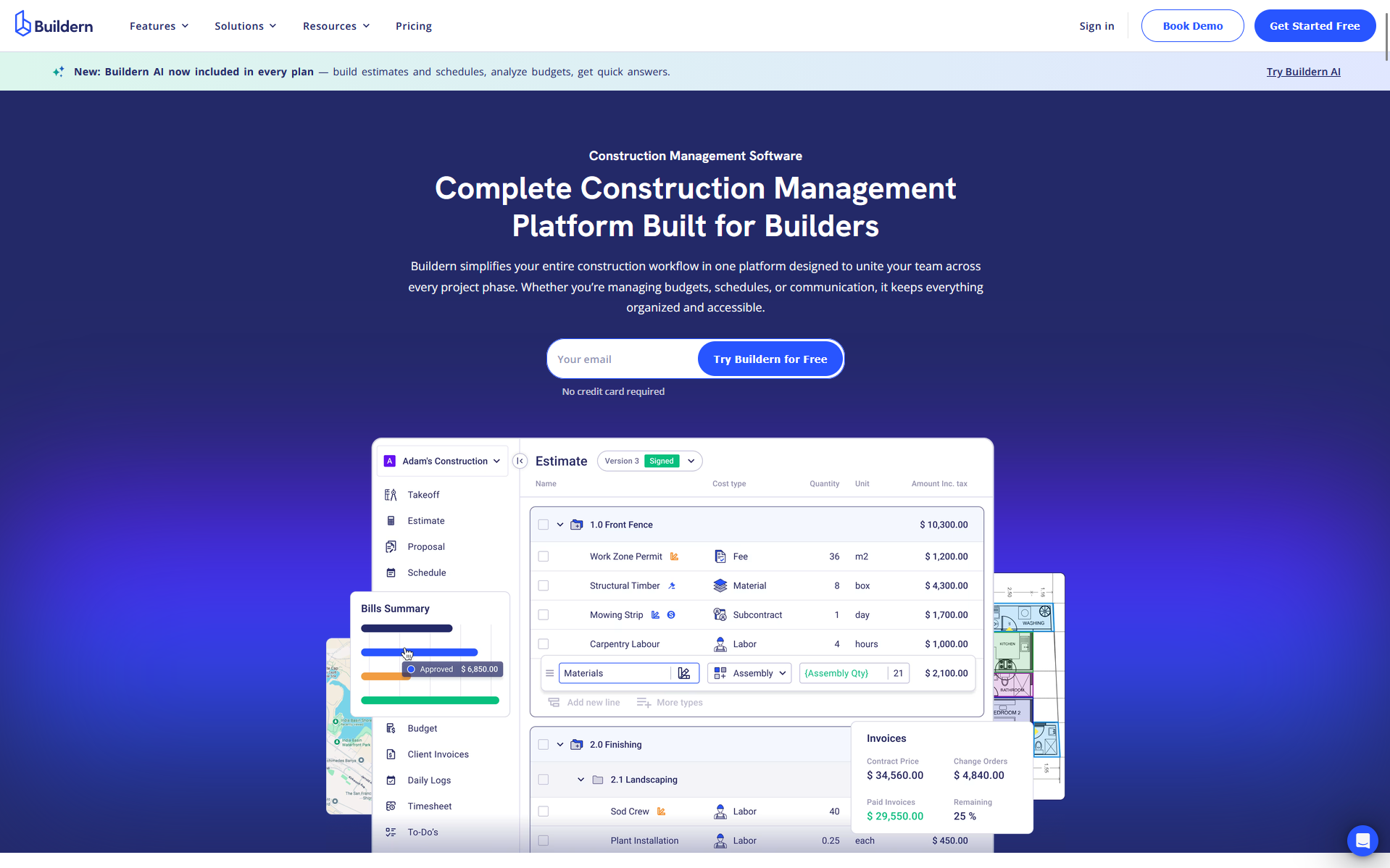
Buildern is construction project management software for home builders, general contractors, remodelers, and commercial and specialty contractors.
It covers a job from kickoff to closeout, with scheduling, daily reports, budgets and client communication in one platform.
Where It Shines:
- Gantt, list and calendar schedules with task dependencies, critical path and set working days and holidays
- Schedule import from Excel or MS Project, plus Buildern AI, included with a set number of credits, to draft a starting schedule
- Daily reports from standard templates, with photos, videos and voice notes attached
- Schedules linked to bid requests, change orders and client invoices, with real-time budget tracking
- A client portal for progress, documents, messages and approvals, plus a separate portal for subs and vendors
Pros:
- Built-in Buildern AI that drafts estimates and schedules, analyzes budgets and answers quick questions
- Integration with QuickBooks or Xero
- Mobile apps for iOS and Android
- Subcontractor license and insurance tracking, with automatic reminders before files expire
Cons:
- Buildern AI runs on a set number of included credits
2. Procore
Procore is a construction platform for owners, general contractors and specialty contractors. Its project management tools center on drawings, RFIs, submittals and mobile field work.
Where It Shines:
- Scheduling linked to daily logs and RFIs, so you can see how field progress affects the critical path
- Look-ahead reports to plan crew needs, plus connections to the scheduling tools you already use
- A mobile app that works offline for drawings, daily reports and photos, then syncs once you're back online
- GPS-stamped daily logs and timecards, and change orders that can start in the field
- Drawing sheets named and hyperlinked automatically, with automated tracking and alerts for RFIs and submittals
Pros:
- Onboarding and implementation services to help your team get started
- 18 on-demand, role-based certifications to train your team and collaborators
- 500+ integrations and apps, including Microsoft Project and Oracle Primavera P6
Cons:
- Tools come as separate products, so teams pick the mix that fits their work
3. Contractor Foreman
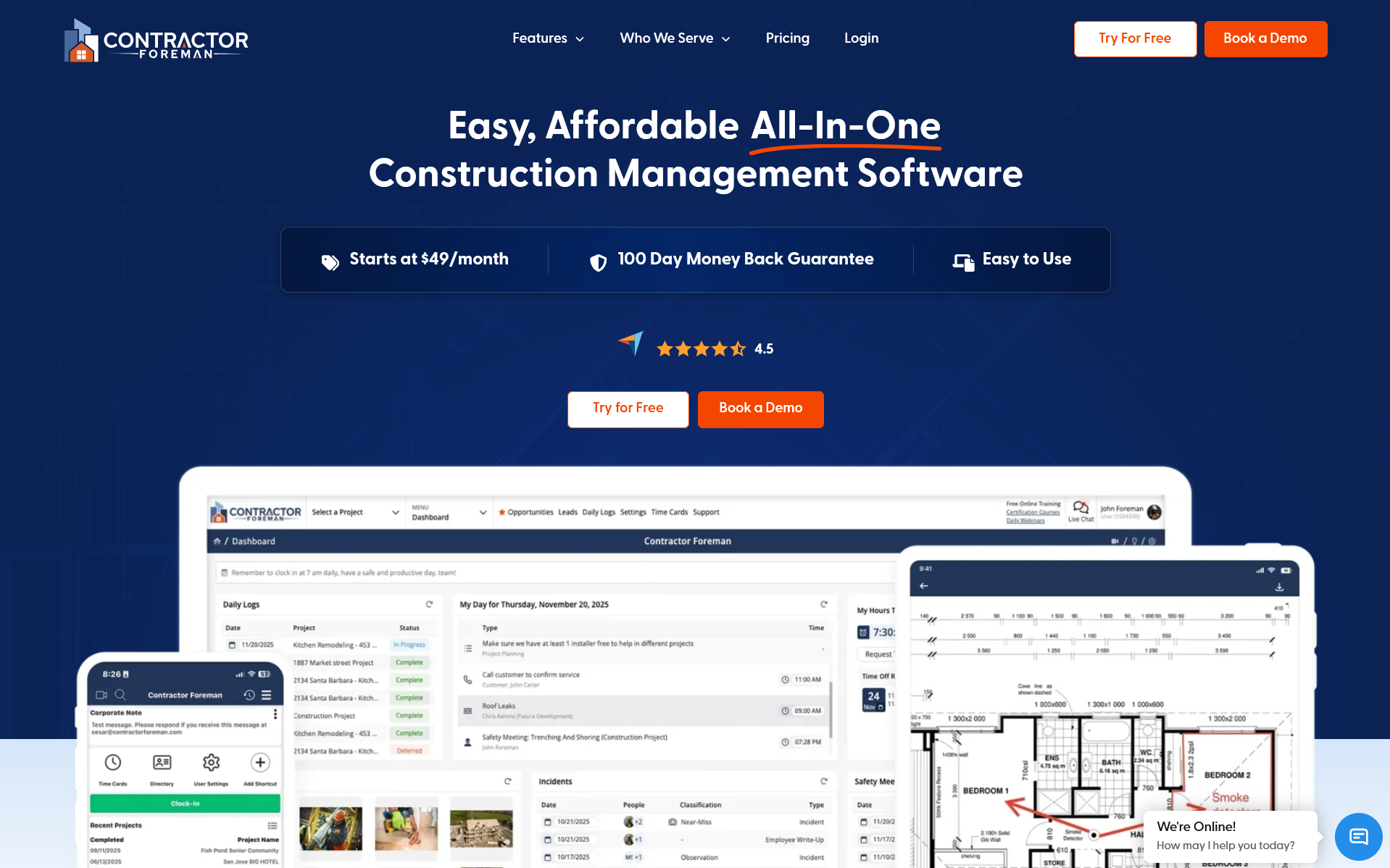
Contractor Foreman is a construction management platform that runs on phone, tablet and computer.
It is built for small and mid-sized general and trade contractors, on both residential and commercial work.
It combines project management with crew scheduling, time cards, safety records and service work.
Where It Shines:
- Gantt schedules with critical path, a saved baseline to compare against actual progress, and real-time percent complete
- Drag-and-drop crew scheduling, with schedules sent by text or email and visible to employees in the mobile app
- Daily logs covering weather, who was on site, safety notes, materials and the day's progress
- Change orders that update contract amounts automatically and get client approval by electronic signature
- A client portal with controlled access to schedules, documents, approvals and invoices
- Work orders for smaller jobs that don't need a full project setup, plus service tickets for service and warranty work
Pros:
- Connects with over 50 systems, including QuickBooks, Gusto and CompanyCam
- 800+ safety meeting topics in English and Spanish
Cons:
- User limits are set by plan, so growing teams move up a plan as they add people
- Free setup and implementation help comes with the higher plans
Which Platform Fits Your Work?
| Best For | Key Features | Mobile Access | |
| Buildern | Home builders, general contractors, remodelers, and commercial and specialty contractors | Gantt schedules with critical pathDaily reports with photos and voice notesClient and subs portals | iOS and Android apps |
| Procore | Owners, general contractors and specialty contractors | Automatically hyperlinked drawingsRFI and submittal trackingLook-ahead reports for crew planning | Mobile app that works offline |
| Contractor Foreman | Small and mid-sized general and trade contractors | Drag-and-drop crew schedulingChange orders with e-signatureWork orders and service tickets | Phone, tablet and computer |
Conclusion
The right project management platform is the one your office and field teams will both open every day.
Start with the problem that costs you the most, whether that's slipping schedules, unbilled changes or clients left waiting for updates.
Buildern connects scheduling, daily logs and client portals for home builders and general contractors. Procore brings owners, contractors and subs into one system built around drawings and RFIs. Contractor Foreman covers projects, crews and service work for small and mid-sized contractors.
So a smart move is to book a demo or start a trial, run a real job through it, and keep the platform that makes the next job easier to manage.
About the Author