Customer Journey Mapping With Smart Forms
The modern customer journey is no longer a straight line. It’s a complex web of touchpoints, research phases, and micro-decisions. Yet, many companies still treat their primary conversion tool, the lead capture form, as a static, one-size-fits-all digital bucket.
If you use the same five-field form for a top-of-funnel eBook as you do for a high-intent demo request, you’re losing leads and hurting your conversion rates.
To improve the customer experience, you must align your data collection with the user’s current psychological state. This is where smart forms turn a passive process into a dynamic conversion engine.
To apply this effectively, you need a clear structure for how users move through your funnel.
Identify the stages of your customer journey
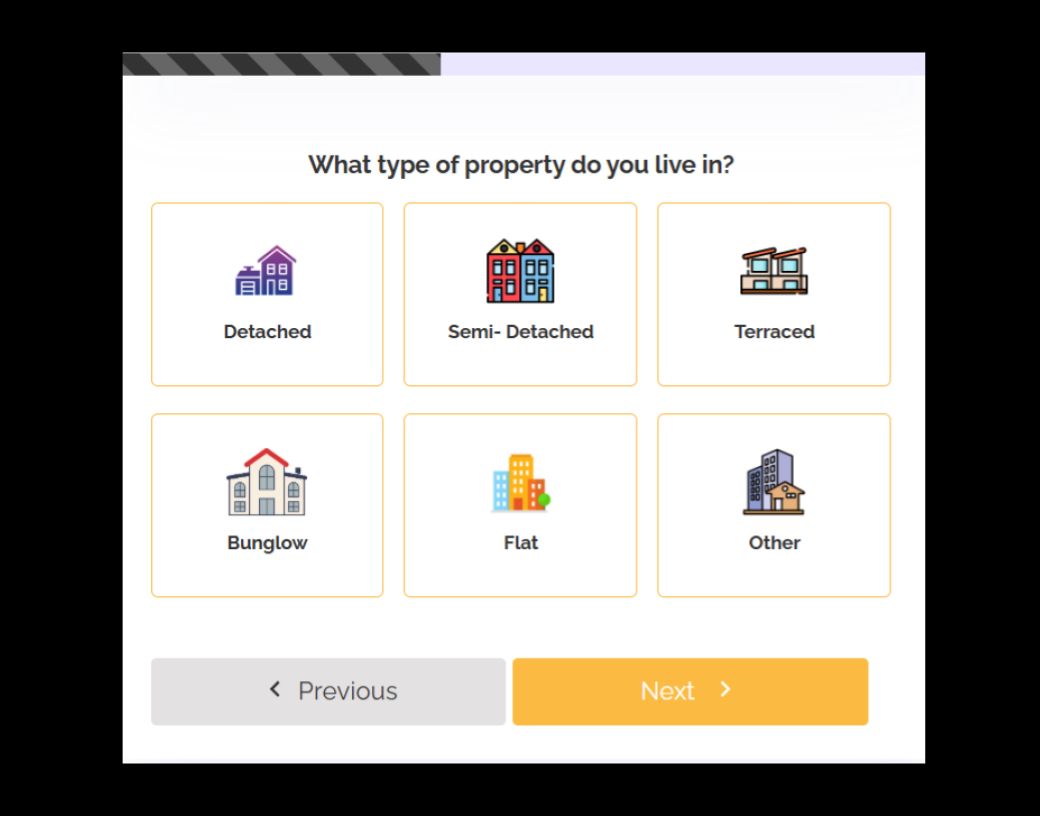
Every lead is in a different frame of mind when they land on your page. Mapping the journey with user journey maps and customer personas allows you to ask the right questions at the right time.
- The curiosity stage: They have a problem and are looking for a quick win or a bit of information. They aren’t ready for a sales call yet.
- The evaluation stage: They know what you do. Now they want to know if you can do it for them. They’re looking for “fit.”
- The commitment stage: They’re ready to move. The only thing standing between you and a new client is a smooth handoff. That handoff is often controlled by how your forms collect and route information.
Mapping smart forms to the journey
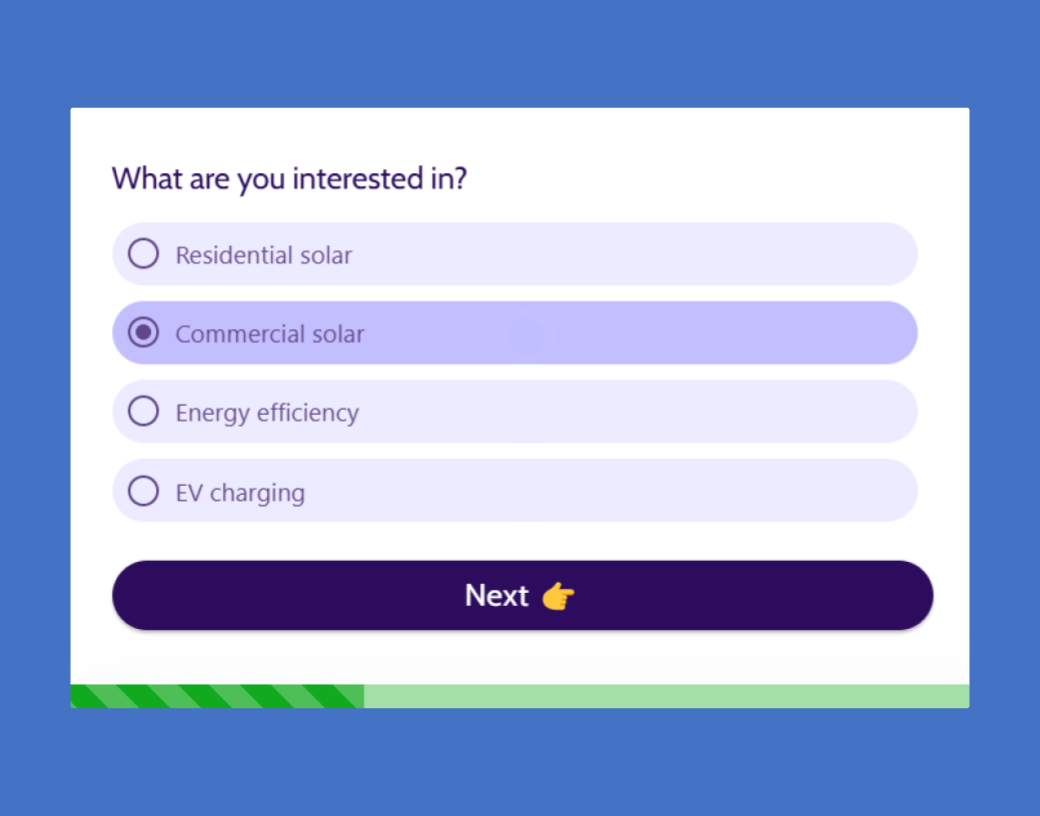
Smart forms use conditional logic to change the questions based on the user’s previous answers. Here’s how to apply that to each stage.
Curiosity stage (the high-volume filter)
At this stage, your goal is to get them into your ecosystem without causing form fatigue and to support early lead generation.
Use a single-field email signup. Once they hit submit, use a “thank you” page with an optional second step.
If they provide a business email, show a button for an industry-specific case study. If it’s a personal email, offer a general “Getting Started” guide.
Evaluation stage (the logic jump)
When a lead is digging deeper, you need to segment them so your follow-up is relevant. This creates more personalized experiences.
Use conditional logic. If you’re a service provider and a user selects “Residential” vs. “Commercial,” the form should immediately branch.
Don’t show “Commercial” questions to the “Residential” lead. This keeps the form short, relevant, and much more likely to be finished.
Commitment stage (the frictionless handoff)
When someone wants a quote or a demo, the stakes are highest. This is where abandonment rates matter most.
Use multi-step progress bars. Breaking a longer intake form into three small chunks makes the process feel manageable.
Use the first step to capture the email address. Even if they drop off at step three, you still have the lead and can follow up to help them finish.
Leverage data to optimize conversions
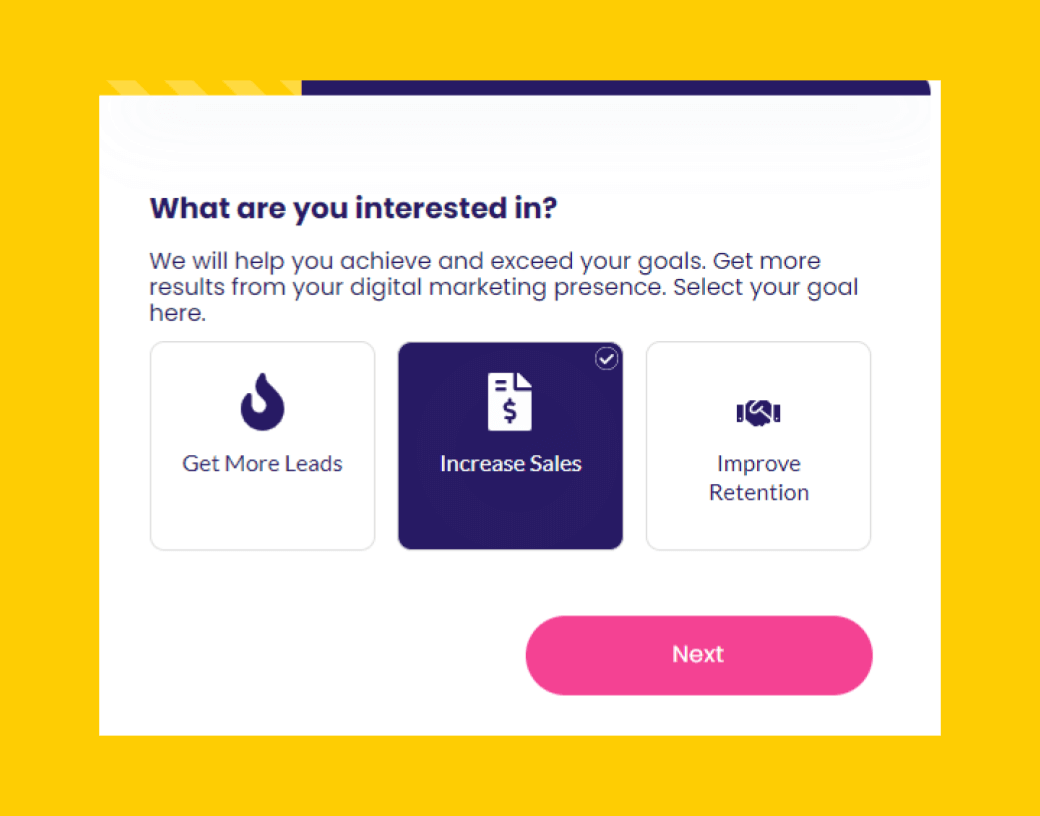
The “smart” in smart forms isn’t just about the fields. It’s about what happens next.
Once a user submits a form, their data should trigger immediate actions across your sales and marketing systems.
Use the form data and analytics tools to instantly send the lead to the right person. A “high-priority” lead (based on company size or budget) shouldn’t wait 24 hours for a response.
If you already know who they are from a previous visit, don’t make them type their name again. Use “Remember Me” logic to make the second conversation effortless.
This supports better lead nurturing.
Enhance lead quality with smart logic
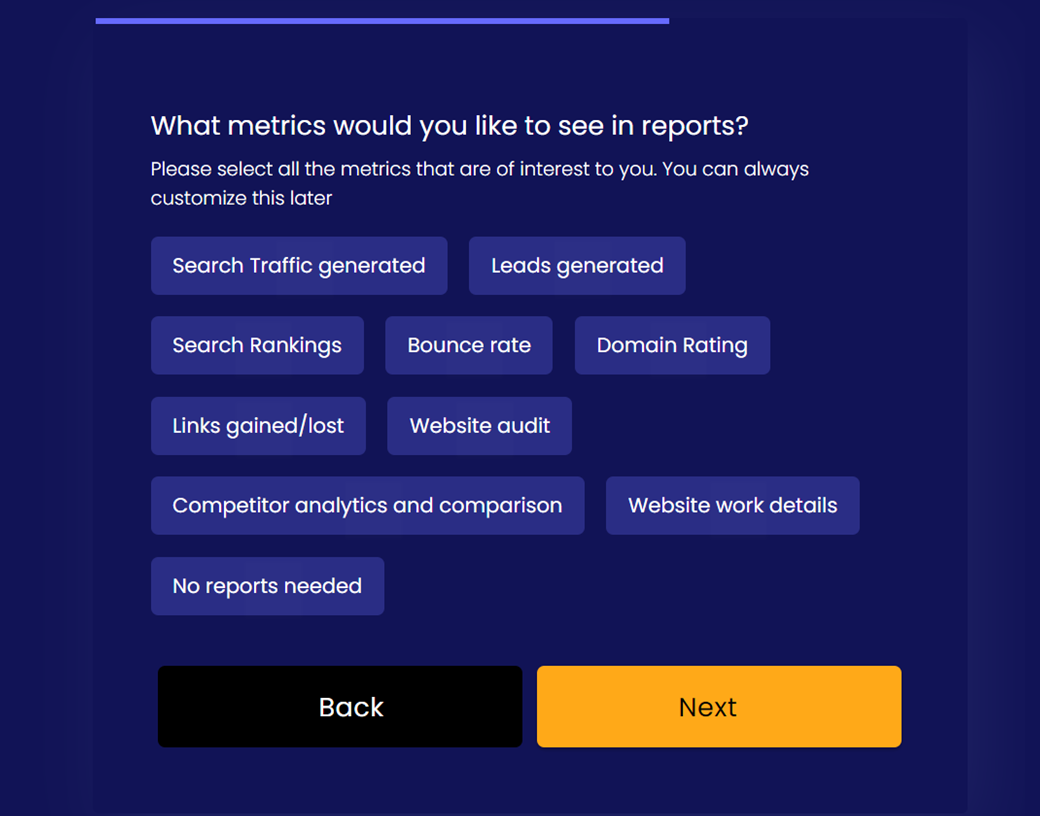
Even with optimized routing and follow-ups, lead quality remains a bottleneck if your forms do not filter effectively. Collecting a high volume of leads is a vanity metric if your sales team is spending 80% of their time chasing junk entries or unqualified prospects.
Smart logic transforms your form from a passive data collector into an automated gatekeeper that filters, scores, and routes leads in real time, supporting business growth.
Instant lead scoring
Standard forms treat every submission as equal. Smart logic allows you to assign weight to specific answers.
For example, if a user selects “Enterprise (1,000+ employees)” and “Ready to start within 30 days,” the form triggers a high-priority flag.
Your CRM instantly labels this as a “Hot Lead,” ensuring it doesn’t sit unread in your inbox while the prospect is still on your site.
Dynamic routing and handoffs
Not every lead belongs to the same department. Instead of a manual triage process, use smart logic to send data where it needs to go instantly. It connects directly with CRM systems.
A user who selects “Support” as their reason for contact is automatically routed to your help desk, while a user selecting “New Partnership” is sent directly to a Senior Account Executive.
You eliminate internal bottlenecks and reduce lead response time.
Qualifying via “logic jumps”
Smart forms allow you to disqualify leads politely without wasting a salesperson’s time by redirecting them based on predefined criteria.
If your service requires a minimum budget of $5,000 and a user selects “$1,000–$2,500,” the form can use a logic jump to send them to a helpful resource page or a self-service tool rather than a “Book a Meeting” calendar.
Your sales team only speaks to prospects who meet your ideal customer profile (ICP), protecting their schedule for high-value conversations. This also helps control cost per lead.
Behavioral enrichment
Smart logic can track more than just what a user types. It can capture context. By identifying the source (e.g., a specific social media platform vs. organic search), the form can tailor its final “thank you” message or call-to-action to match the user’s intent.
Transforming forms into conversion engines
The era of static lead form is over. In a marketplace where customers expect speed and personalization, a one-size-fits-all approach is a conversion killer.
The key is to achieve effective customer journey management through smart forms.
When your forms are as intelligent as the rest of your tech stack, you collect the right leads and improve your overall sales funnel performance. You also reduce friction for the user, save time for your sales team, and ultimately turn your website into a high-efficiency growth engine.
Is your current lead form a bridge or a barrier? Most standard forms can cause you to lose a significant portion of your potential revenue simply because they’re too long, too generic, or too slow.
Ready to see the difference smart logic makes in the user experience? Build your first smart form with LeadGen App today.
About the Author