
Klap Review 2026: Features, Pricing, Pros, and Cons Explained
If you regularly publish long videos, you probably know the awkward part comes after recording: finding the moments worth sharing and editing them into short clips. Klap is designed to take much of that work off your plate. It turns long-form videos into vertical clips for TikTok, Instagram Reels, and YouTube Shorts, using AI to select moments, reframe footage, and add captions.
It is aimed at creators and teams that want to publish consistently without editing every clip from scratch.
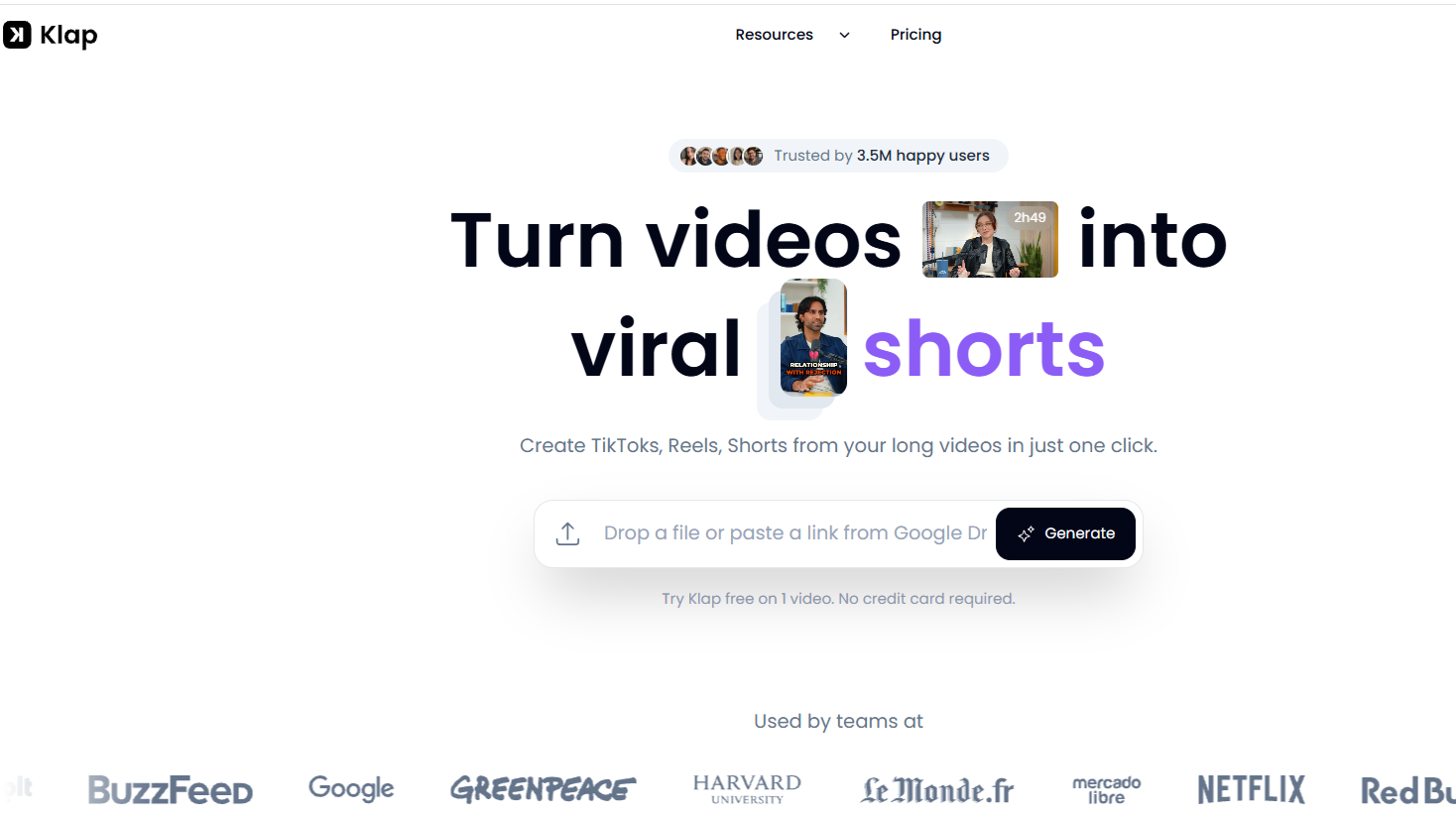
What Is Klap?
Klap is an AI-powered video repurposing tool. You can paste a link from platforms such as YouTube, Twitch, Vimeo, Loom, Google Drive, or Dropbox, or upload a video file. It then analyses the footage and produces shorter clips that are ready for further editing.
It supports podcasts, interviews, webinars, tutorials, courses, livestreams, gaming videos, and sports commentary. Klap reports that more than 3.5 million creators have made over 8.5 million clips with the platform.
Key Features: What Does Klap Actually Do?
AI clip selection
The first job is finding moments that make sense outside the original video. Klap’s AI looks for sections with a clear point, a strong opening and enough context to work as a standalone clip. It is designed to avoid cuts that begin halfway through a sentence or include long pauses and unrelated sections.
The aim is to produce fewer, more usable moments rather than a large batch that needs extensive reworking.
Automatic reframing for vertical video
A horizontal video rarely fits neatly into a vertical social feed. Klap automatically reframes footage into a vertical format and follows the person speaking. Its content-aware framing can also account for layouts such as split-screen conversations, gameplay with a webcam, and screencasts with on-screen graphics.
For interviews and podcasts, following the active speaker can save time otherwise spent adjusting each crop.
Captions and editing controls
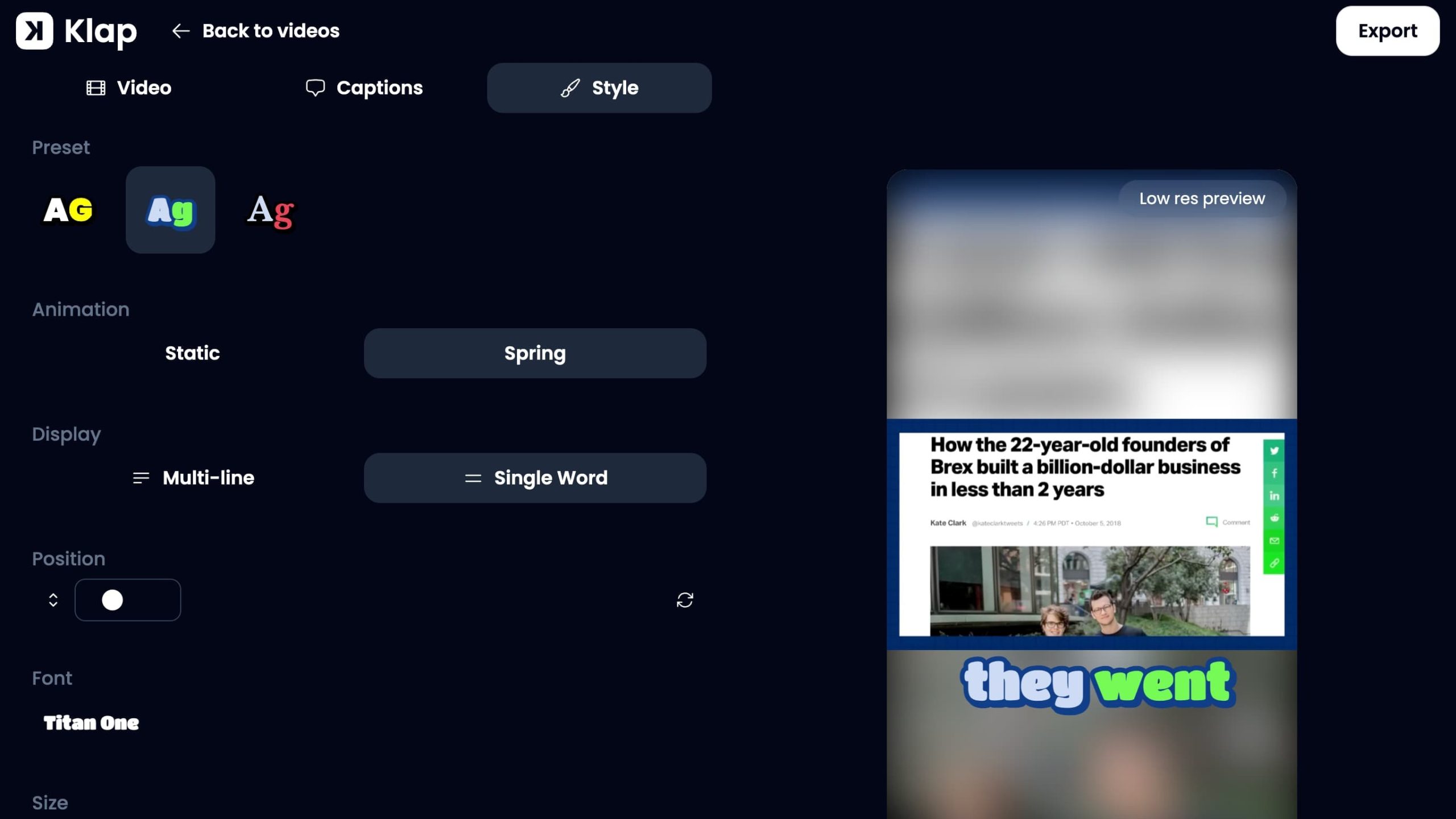
Klap adds animated subtitles that are timed to the speaker’s words. Captions make clips easier to follow when viewers are watching without sound, and the platform supports multiple languages. You can also edit the generated clips in its multitrack editor, adjusting cuts, captions, B-roll and brand styling.
Fonts, colors, and logos can be customized to keep clips consistent with a brand’s visual identity.
Clip scoring, scheduling and analytics
Each clip receives a score intended to estimate its potential, taking the content and editing dynamics into account. Treat this as a guide for prioritizing clips, not a promise that a particular post will go viral.
You can schedule clips to TikTok, Instagram, YouTube, LinkedIn, and Facebook, or enable automatic posting of one to three clips a day. Analytics help review performance across social accounts.
Klap Pricing
Klap offers a free way to try the product on one video. You can preview and edit the generated clips, but downloading and posting them requires a paid plan.
The monthly plans are:
a. Basic – $29/month: Up to 100 clips.
b. Pro – $79/month: Up to 300 clips.
c. Pro+ – $189/month: Up to 1,000 clips.
These are the month-to-month prices listed on Klap’s pricing page (checked November 2026); annual billing is advertised as saving 50%. Check the current pricing page before subscribing, as plan details can change.
Pros and Cons
What works well
a. Turns long recordings into multiple short-form content options.
b. Automates clip selection, vertical reframing, and captions.
c. Offers editing and brand customization rather than locking users into the first AI output.
d. Supports scheduling and automatic posting across several social platforms.
e. Handles a broad range of spoken-video formats and languages.
What to keep in mind
a. AI-selected clips still need a human review. A technically clean edit may miss the context, tone, or message you want to convey.
b. The free option is mainly for trying the workflow; exporting and publishing require a subscription.
c. It is a specialized repurposing tool, not a replacement for a full video editor when you need detailed, frame-by-frame production work.
Who Should Use Klap?
Klap is best suited to podcasters, coaches, educators, marketers, and businesses already producing long-form video. A single interview or webinar can supply several clips for social channels. It may be less useful if you rarely record long videos, create short clips from scratch, or need frame-by-frame control; a conventional editor may suit those needs better.
Final Verdict: Is Klap Worth It?
Klap addresses a practical problem: turning one substantial video into a steady supply of short-form content without repeating the editing process manually. Its strongest points are the combination of AI moment selection, content-aware reframing, word-level captions, and built-in publishing tools.
You will still need to check context, accuracy, and brand fit, but for a workflow built around repurposing long videos, Klap is worth considering. Try Klap with one video before choosing a paid plan.
About the Author