LeadGen App vs Typeform vs Jotform Quick Guide
Lead generation requires a thoughtful funnel build.
You need a way to generate leads to your landing page, a personalized form that’s enticing and easy to fill out, and analytics to help you understand where users convert — and where they drop off.
That’s why I highly recommend using a form builder.
But not all form-builders are created equal.
Let’s take a closer look at three popular form builders (LeadGen App, Typeform, and Jotform) and uncover which one has the potential to drive the most leads.
LeadGen App overview
LeadGen App was built with lead generation in mind.
Instead of presenting a long, intimidating form, LeadGen App forms guide prospects through multi-step flows that feel lighter and easier to complete. More on this below.
With conditional logic, each step is tailored to the visitor, so they only answer questions relevant to them.
This personalized experience helps reduce drop-off and keeps more potential leads engaged. In fact, we’ve seen customers capture up to 5X more leads from their web pages with our forms! (We also offer drop-off reporting so you can learn what triggers your form abandonment rates.)
Some of the top features LeadGen App offers include:
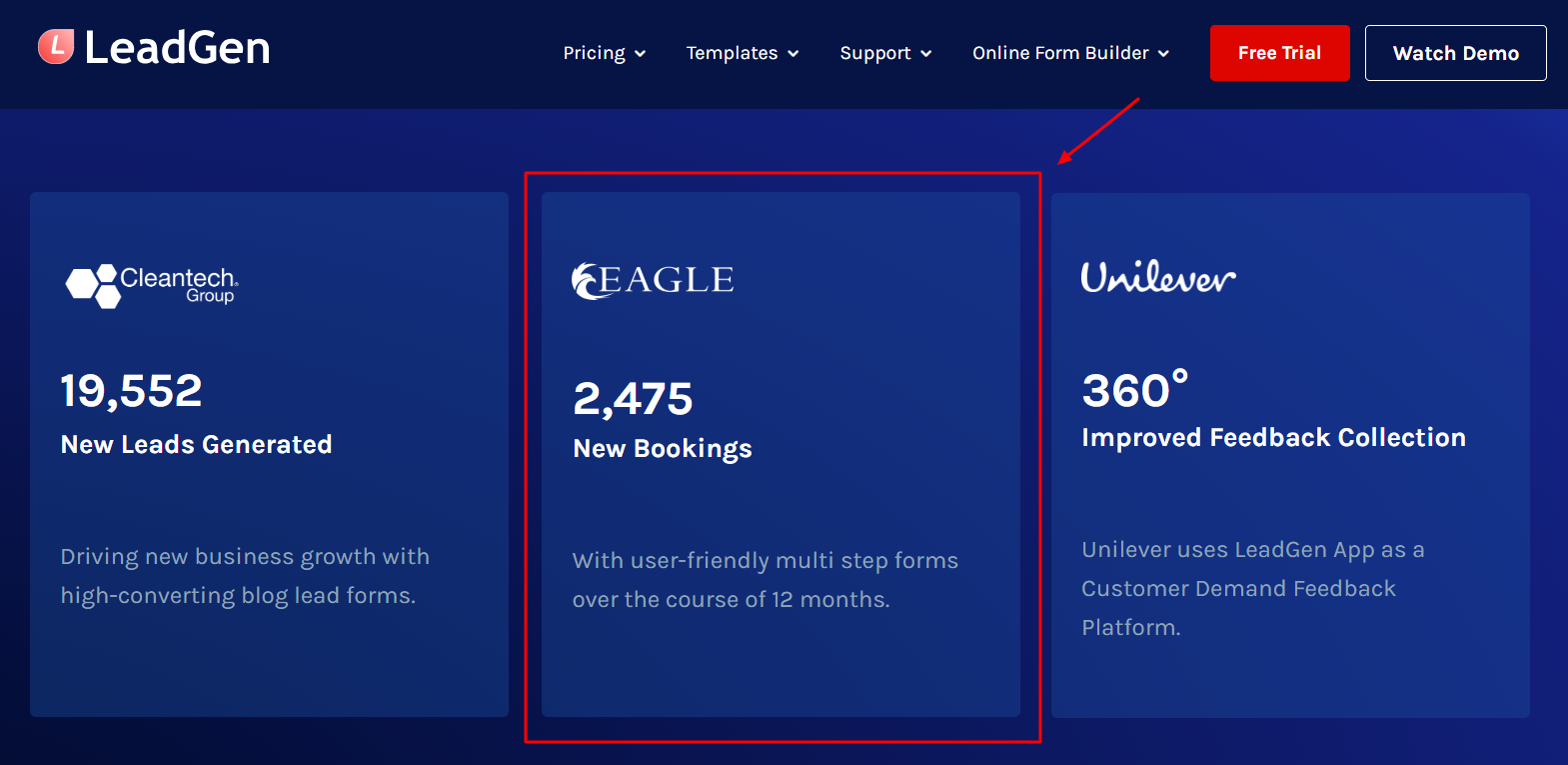
- Multi-step flows: Generate more leads by breaking your forms into user-friendly steps. This feature also includes valuable form analytics and insights. Psst … Eagle Christian Tours got 2,475 new bookings with our user-friendly multi-step forms over the course of just 12 months!
- Landing page forms: Create multi-step, interactive landing page forms that guide visitors and reduce drop-offs. Use conditional logic, optimized layouts, and mobile-friendly design to capture qualified leads and boost conversion rates.
- Conditional logic forms: Use conditional logic to capture more relevant lead information. This helps you create dynamic, interactive forms that can qualify leads and boost conversion rates.
- A/B testing: A/B test your lead forms to continuously improve conversion rates without changing your web page. Focus on one variable at a time, like form structure, questions, or CTA.
- Flexible form embedding: Embed LeadGen Forms anywhere you need, using iframe or direct embed code in any page builder.
Customer Stories
Rating: LeadGenApp is rated 4.8/5 stars on G2. This is the highest-rated app of the three form builders in this guide.
Pricing: Plans range from $29 per month for the Bronze plan to $99 per month for the Gold plan. Contact sales for enterprise pricing.
Jotform overview
Jotform lets you make forms in minutes without any coding. You can customize how they look with your logo, fonts, and colors.
It works with lots of apps, so submissions can go straight to your email marketing platform, CRM, project boards, or cloud storage. Jotform also has over 150 integrations.
You can also collect payment via the form, whether for a product, a fee, or a donation.
Some of the top features Jotform offers include:
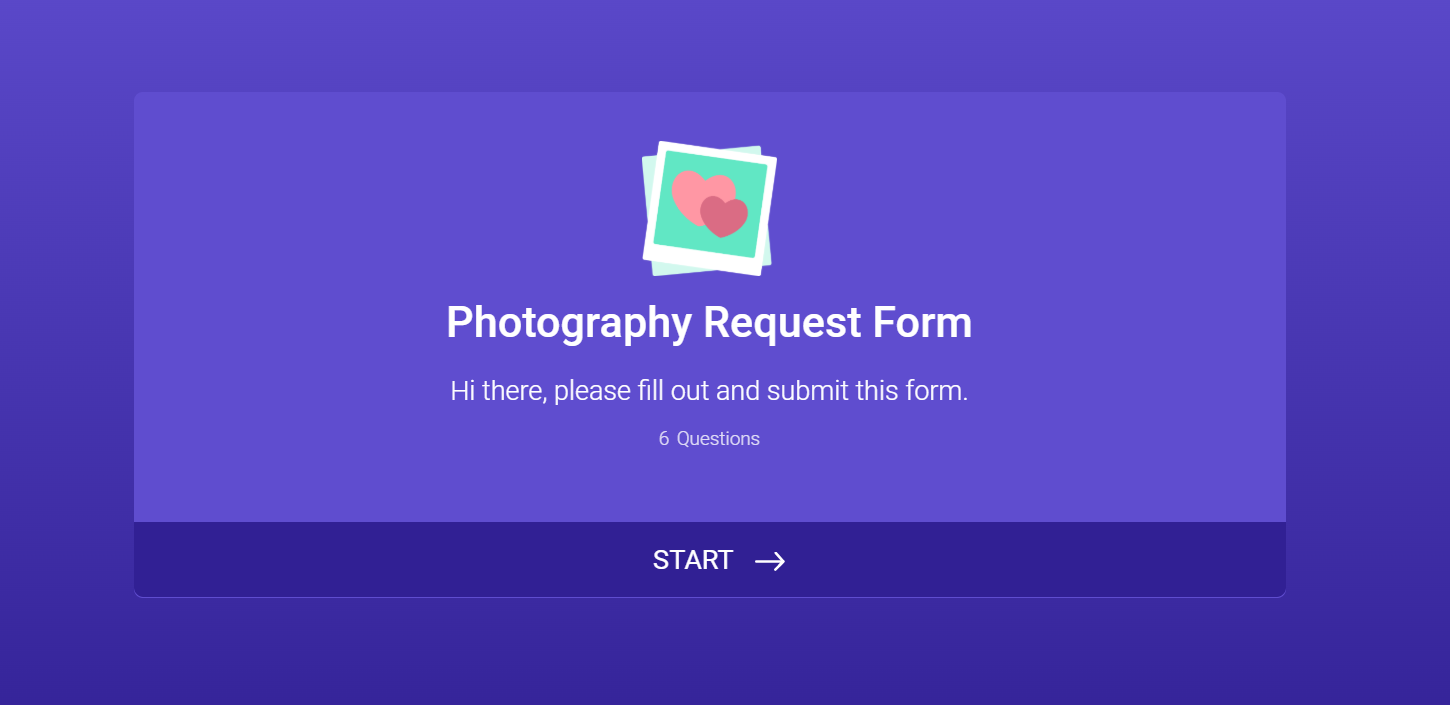
- Jotform Cards: Ask one question per page and add fun features like emoji sliders, micro-animations, video backgrounds, and more. Jotform claims this can help boost form completion by up to 36%.
- Jotform Approvals: Jotform automatically routes form submissions to your team. Form fillers also get automated email notifications about the status of their submissions.
- Access to conditional logic for free: Easily control how your form appears to users and collect more accurate data.
- Lots of form and PDF templates: Jotform has over 20,000 form templates and 2,000+ PDF templates.
- Jotform PDF Editor: Turn form submissions into PDF documents. (Free on all plans.)
Jotform Card
Rating: Jotform is rated 4.7/5 stars on G2.
Pricing: Plans range from $34 per month for the Bronze plan to $99 per month for the Gold plan, paid annually. You must sign up for email alerts to reveal true monthly pricing. (Kinda weird.) Contact sales for enterprise pricing.
Typeform overview
Typeform is a tool for creating beautiful, easy-to-use forms, surveys, and quizzes. You can customize how they look, add videos, and make questions change based on responses.
It integrates with many other tools, automates tasks, and makes it easier to understand the data you collect.
You can send form responses straight to tools like HubSpot, collect payments with Stripe, and let people book time via Calendly. Responses can also auto-sync to apps like Google Sheets or Notion.
Teams use Typeform for things like gathering feedback, hiring, lead generation, product recommendations, and event management.
Some of the top features Typeform offers include:
- Video testimonial form template: Prompt video testimonials and in-depth customer feedback with Typeform’s video testimonial template. Great for collecting user-generated content to use as social proof in your lead-gen marketing campaigns.
- Creator AI: Prompt the AI with the form you need and watch it build and brand it before your eyes. (You can also edit your form after as you see fit.)
- Lead generation templates: Use Typeform’s interactive form and quiz templates to attract, qualify, and segment your leads.
- Interaction AI: This AI asks form-fillers relevant follow-up questions to encourage continued sharing.
- Insights AI: Chat with Insights AI about your form to understand what the data is telling you.

Video Testimonial
Rating: Typeform is rated 4.5/5 stars on G2, and is the lowest-rated builder on our list.
Pricing: Plans range from $28 per month for the basic plan to $91 per month for the business plan. Typeform also has plans for marketing teams and HR teams. Contact sales for enterprise pricing.
LeadGen App vs Typeform vs Jotform: What are their main form builder differences?
LeadGen App, Typeform, and Jotform all offer form-building features.
But each platform is designed with a different priority in mind.
For example:
- LeadGen App is built specifically for lead generation and multi‑step funnels. (With a strong focus on conversion optimization and integrations with CRMs/marketing tools.)
- Typeform offers conversational, one‑question‑at‑a‑time forms, with a very polished design. (Great for surveys, feedback, and brand experience.)
- Jotform is a generalist, highly flexible form builder with tons of templates, fields, and integrations. It’s better for operational and admin workflows, as well as lead capture.
When to choose which
Here’s a handy guide that helps you pick the best form builder based on your specific use cases. 👇
Pick LeadGen App if: Your main goal is capturing and qualifying leads from ads and/or landing pages. (You care more about conversion tracking, form views, funnels, and CRM sync than about doing every possible form type.)
Pick Typeform if: You want a highly engaging, conversational customer experience that reflects well on your brand. (You’re running surveys, quizzes, or feedback flows where completion and UX matter more than ultra‑complex logic.)
Pick Jotform if: You need a general form workhorse for many use cases across the business, including operations, admin, payment processing, and lead capture. (You value lots of templates, deep customization, and integrations with a broad set of tools. Not just the marketing stack.)
So … Which tool is best for lead generation?
LeadGen App is the best form-building app for lead generation. (It was literally designed for lead generation, while the other form builders focus on multiple use cases.)
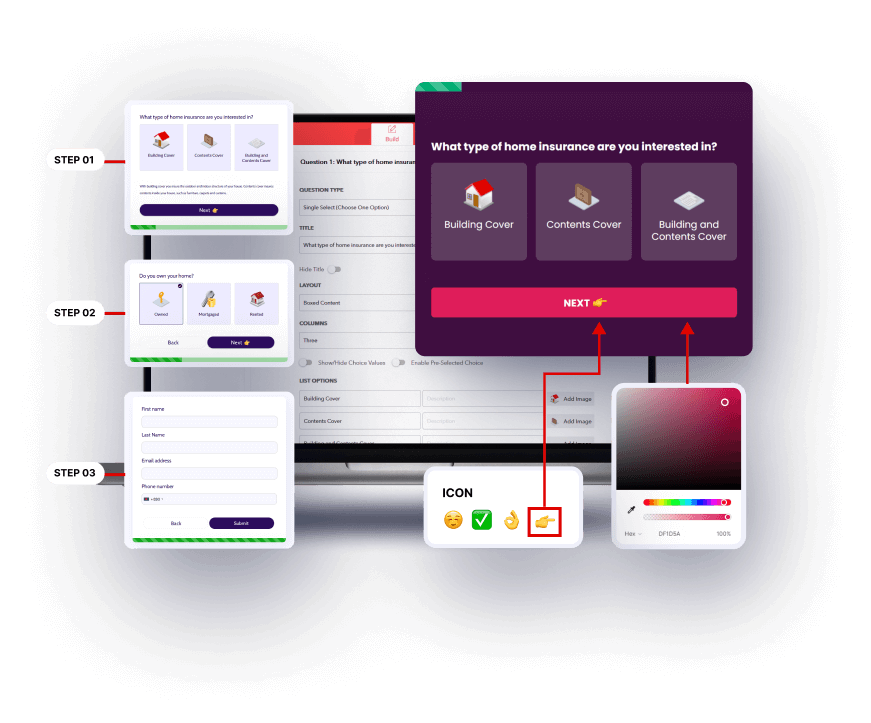
LeadGen App comes with built-in lead optimization features. You can capture partial submissions to avoid losing leads mid-form, run A/B tests to see what works best, and access analytics (with drop-off reporting) that highlight exactly where people hesitate or abandon the process.
LeadGen App also integrates with your CRM or automation stack. New leads are automatically routed to their destination, so no data is left idle.
Unlike a basic form builder that simply publishes a form, LeadGen App actively improves completion rates, qualifies submissions, and feeds your pipeline. Plus, it offers form building AND landing page building — a one-stop shop for your lead generation funnel.
Businesses have seen 5x more leads on their webpages since using LeadGen App.
TL;DR: For campaigns focused on generating high-quality leads, LeadGen App outperforms standard form tools every time. And if you need it, our (human) customer support is there to help you every step of the way.
Wrap up
LeadGen App, Jotform, and Typeform are all notable form-building tools with interactive elements.
But if you’re looking for lead generation and a user-centric approach, LeadGen App is your best bet.
While other form builders were built with many use cases in mind, LeadGen App features focus on helping businesses generate more leads and conversions.
Wanna see it in action?
Watch the demo or start a free trial now.
About the Author