Best Inventory Management Systems for UK Businesses in 2026
Stock management can make or break a business. UK operations stretching across multiple sites need more than spreadsheets to track equipment and assets effectively. Manual tracking methods create gaps where equipment vanishes, maintenance gets missed, and nobody knows who has what.
Cloud-based inventory systems have matured rapidly over recent years. The best platforms now offer mobile scanning, offline functionality, and automated reminders that spreadsheets simply cannot match. Which platforms actually deliver on these promises? Here are the standouts for 2026.

What Makes an Inventory System Worth Your Investment
Before ranking specific platforms, it helps to nail down what separates adequate tools from exceptional ones.
a. Mobile-first design lets teams log equipment movements from smartphones without returning to desktop computers
b. Offline functionality allows scanning in signal-dead zones with automatic sync when connectivity returns
c.Tagging flexibility supports QR codes, barcodes, RFID tags, and GPS trackers within one platform
d. Check-out capabilities show who has what equipment and when items are due back
e. Maintenance scheduling automates service reminders and tracks repair histories
f. Reporting depth reveals utilisation patterns, depreciation curves, and purchasing insights
The Leading Platforms for 2026
1. itemit
itemit delivers one of the most rounded feature sets for UK organisations that need genuine asset tracking rather than simple inventory lists. It is built by the team behind the creation of RFID standards and is the only platform where RFID works out of the box with a fully cloud based system. Powerful cloud connected RFID technology supports both handheld and fixed readers designed for reliable real world use.
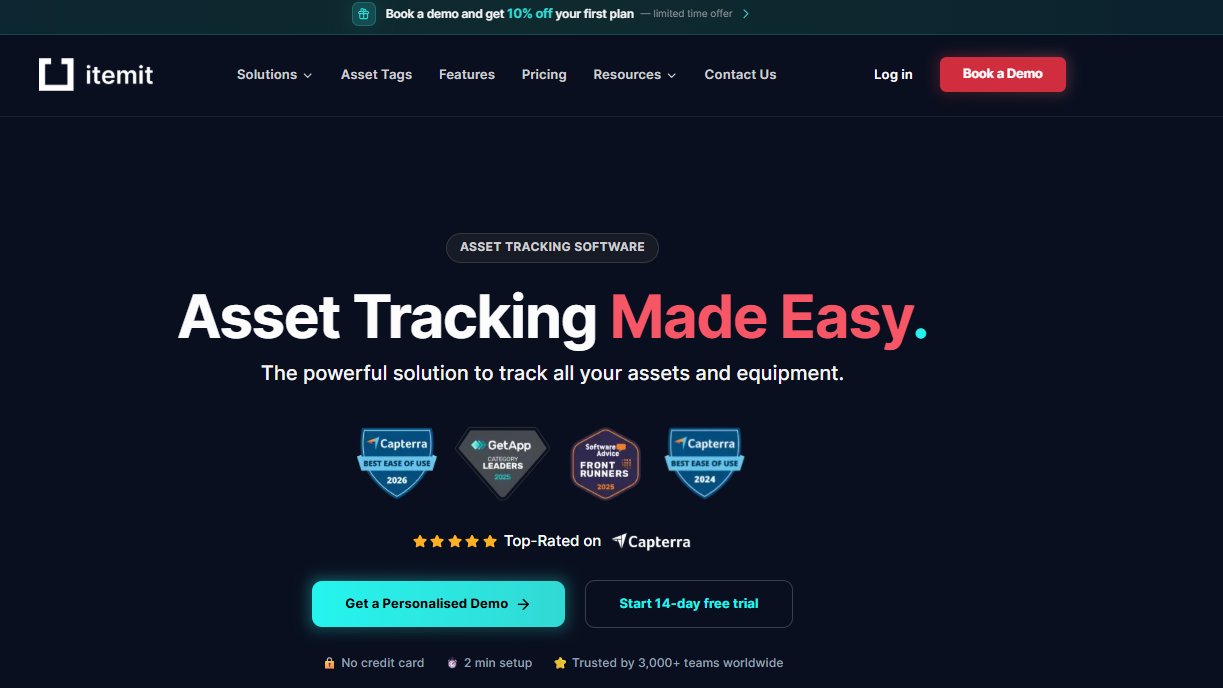
The platform supports QR codes, barcodes, RFID tags and GPS trackers within a single interface, allowing teams to combine tracking methods without managing multiple systems. Handheld offline scanning enables continued tracking in basements, hospitals or remote sites, with automatic syncing once connectivity returns.
The public profiles feature is genuinely distinctive. External parties can scan asset tags and report issues without needing system access. Construction sites, shared workspaces and public facilities use this to capture damage reports and maintenance requests from anyone who encounters a problem, improving response times and accountability.
Maintenance scheduling runs automatically, sending reminders before service dates are due. Custom fields store serial numbers, warranty expiry dates and operational data specific to each organisation. Photo attachments support condition reporting during audits, while bulk actions make large scale updates efficient. The mobile apps run smoothly on both iOS and Android.
Check out and reservation features prevent clashes when multiple teams share equipment. The cloud based dashboard provides real time visibility across all locations, with role based permissions controlling access and edits. Pricing scales by asset volume, and a 14 day free trial allows teams to test the full platform with live assets before committing.
2. Reftab
Reftab focuses heavily on IT departments managing laptops, monitors, and software licences. The platform integrates with Intune, Jamf, and Kandji for automated device discovery, making it useful for tech teams handling employee hardware.
Several limitations affect broader business use. The mobile app experiences stability issues according to user reports, and bulk operations remain restricted. RFID and GPS tracking are unsupported, leaving field equipment invisible once it leaves the office.
Data input feels manual despite automation claims, with some MDM fields failing to map correctly. The interface can feel dated, and automation options stay limited compared to more versatile platforms.
3. EZOfficeInventory
EZOfficeInventory handles basic asset tracking with barcode and QR code scanning support. The platform offers check-in and check-out functionality alongside maintenance scheduling features.
Pricing creates challenges as businesses grow. The base plan covers only 250 items at £40 monthly, with costs climbing £15 for each additional 250 assets. User reviews consistently mention a cluttered, dated interface that requires significant training.
The mobile app performs noticeably worse than the web version. GPS tracking remains unavailable, and bulk editing capabilities are limited. Feature development has moved slowly according to long-term users.

4. BlueTally
BlueTally targets IT asset management specifically, excelling at tracking laptops and devices through MDM integrations like Intune and Jamf. Automated warranty checks for Dell and Lenovo equipment save time during procurement.
The narrow focus creates blind spots elsewhere. No mobile app exists for field scanning, forcing all updates through desktop browsers. RFID and GPS tracking are absent entirely, making the platform unsuitable for construction equipment or tools moving between sites.
Offline functionality goes unmentioned in documentation. Reporting capabilities need improvement per user feedback, and advanced features lock behind steep pricing jumps between tiers.
5. TracLogik
TracLogik offers enterprise-grade tracking combining GPS, Bluetooth, RFID, and WiFi technologies. The UK-based company serves hospitals, airports, and large manufacturing operations requiring real-time location data.
The enterprise focus creates barriers for smaller operations. No self-service signup exists, with all deployments requiring consultation and custom quotes. Implementation complexity increases costs and timelines substantially.
The platform suits organisations with dedicated IT resources and six-figure budgets rather than growing businesses seeking straightforward asset visibility.
Matching Your Needs to the Right System

The inventory systems market continues evolving year over year. IoT sensor integration enables condition monitoring beyond simple location tracking while AI-powered analytics promise predictive insights about maintenance needs.
The fundamentals remain constant though. Accurate tracking, accessible interfaces, and reporting that drives decisions will always matter most. Businesses should prioritise platforms offering genuine offline capability, flexible tagging options, and mobile apps that field teams actually enjoy using.
IT-only solutions like Reftab and BlueTally serve narrow use cases but fall short when assets leave office environments. Enterprise platforms like TracLogik demand budgets and implementation timelines that most growing businesses cannot justify.
EZOfficeInventory's pricing model punishes growth, making it difficult to scale without significant cost increases. itemit stands as the prime example of forward-thinking design.
The combination of multi-technology tagging, offline scanning, public issue reporting, and maintenance automation addresses what UK businesses genuinely need from asset tracking. Start with the 14-day trial to see how the platform performs with your actual equipment and workflows.
FAQs
Q1. What's the average ROI timeline for inventory management software?
Most UK businesses see returns within 3-6 months. Savings come from reduced losses, fewer duplicate purchases, and better equipment utilisation.
Q2. Can inventory systems integrate with accounting software?
Yes. Leading platforms offer native integrations with Xero, QuickBooks, and Sage. Asset values and depreciation sync automatically.
Q3. How does mobile scanning work without internet?
Offline apps store scans locally on the device. Data syncs automatically when connectivity returns.
Q4. What training do staff need?
Most cloud-based systems require 1-2 hours of initial orientation.
Q5. How do QR codes compare to RFID tags?
QR codes cost pennies and work with any smartphone. RFID costs more but scans without line of sight. Many businesses use both.
Q6. What happens to my data if I switch platforms?
Reputable providers allow full CSV exports. Verify data portability before committing to any platform.
About the Author